简介
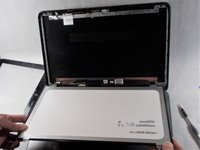
This guide will show how to replace a broken LCD screen on a HP 15-ay078nr. This may need to be done if the screen is broken in any way. This could include the screen being black while the device has power, visible cracks, or the screen may light up but shows unusual pixels, splotches, or lines.
A possible cause is a loose LCD cable which does not require an entire screen replacement. See if your device issues align with that cause here. If an LCD cable is not to blame, symptoms warranting a screen replacement are here. In this case, you will unplug the LCD cable from the old screen and plug in the LCD cable to the replacement screen, and follow the steps in reverse order to reassemble.
你所需要的
-
-
-
Open the lid of the laptop.
-
Feel the top of the laptop screen to find a ridge separating the front and back of the screen bezel.
-
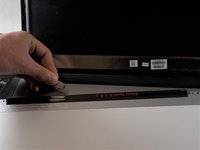
Using an opening pick tool, gently pry the front screen bezel apart from the rear to release the internal plastic retention clips.
 询问修复机器人
-
-
-


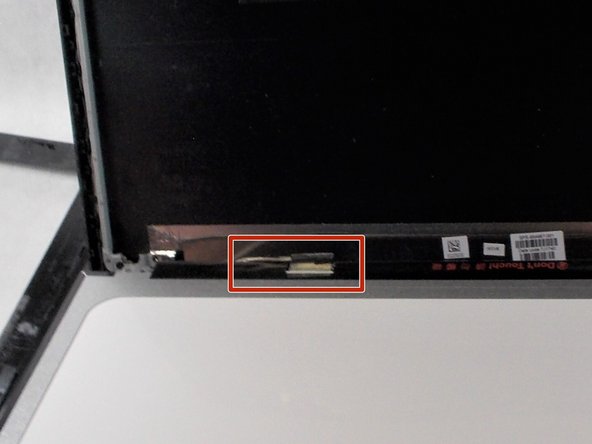
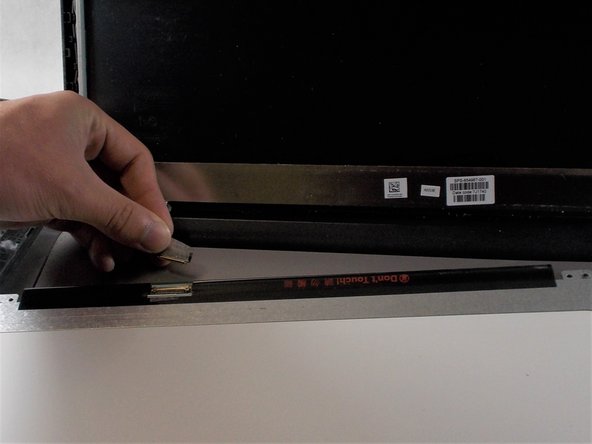
Power on your device to see the new screen. If the backlight is flickering, the LCD cable may have not been pushed in completely. Ensure it is fully connected.

团队

UMass Dartmouth, Team 3-1, Sinclaire Fall 2021 UMass Dartmouth, Team 3-1, Sinclaire Fall 2021 的会员
UMASSD-SINCLAIRE-F21S3G1
3 名成员
创作了61篇指南
