跳转到主内容
加入维修社区 - 创建账户

Garmin Nuvi 42LM Screen Replacement

你所需要的

    1. Garmin Nuvi 42LM Screen Replacement, Back Cover: 步骤 1 中的图像 1,3 Garmin Nuvi 42LM Screen Replacement, Back Cover: 步骤 1 中的图像 2,3 Garmin Nuvi 42LM Screen Replacement, Back Cover: 步骤 1 中的图像 3,3
      • Remove the four screws on the back of the GPS using the T5 Torx screwdriver.

      询问修复机器人

      添加评论

    2. Garmin Nuvi 42LM Screen Replacement: 步骤 2 中的图像 1,3 Garmin Nuvi 42LM Screen Replacement: 步骤 2 中的图像 2,3 Garmin Nuvi 42LM Screen Replacement: 步骤 2 中的图像 3,3
      • Pry the GPS open using a plastic opening tool.

      • When prying open the device, use caution to avoid damaging the motherboard.

      询问修复机器人

      添加评论

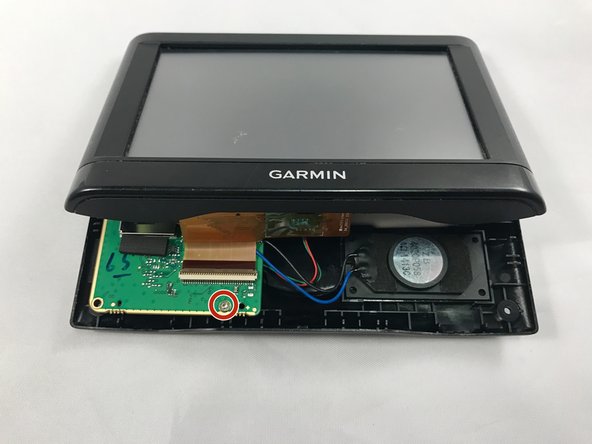
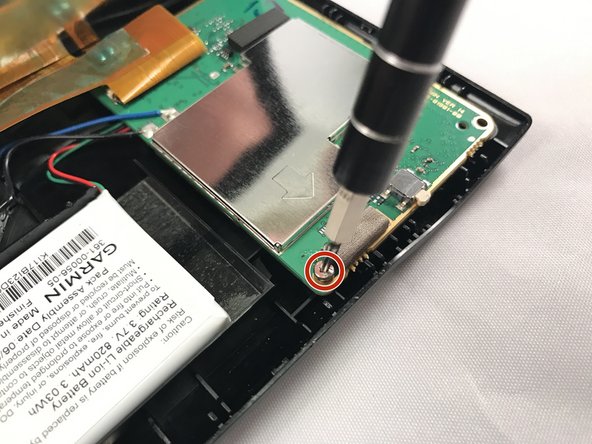
    1. Garmin Nuvi 42LM Screen Replacement, Motherboard: 步骤 3 中的图像 1,3 Garmin Nuvi 42LM Screen Replacement, Motherboard: 步骤 3 中的图像 2,3 Garmin Nuvi 42LM Screen Replacement, Motherboard: 步骤 3 中的图像 3,3
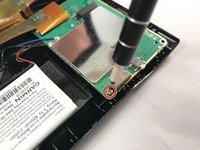
      • Using the T5 Torx screwdriver, remove the two screws located on the motherboard.

      • There are two screws - one in the back and one in the front.

      询问修复机器人

      添加评论

    2. Garmin Nuvi 42LM Screen Replacement: 步骤 4 中的图像 1,1
      • Move the motherboard from from its designated location on the GPS.

      • Do not pull on red, green, and black cables when repositioning the motherboard.

      询问修复机器人

      添加评论

    3. Garmin Nuvi 42LM Screen Replacement: 步骤 5 中的图像 1,2 Garmin Nuvi 42LM Screen Replacement: 步骤 5 中的图像 2,2
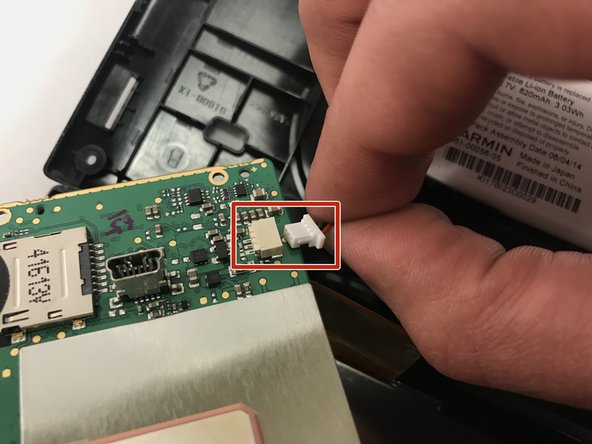
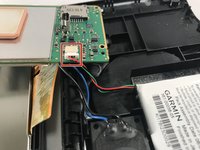
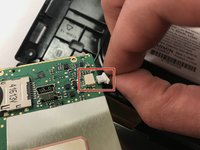
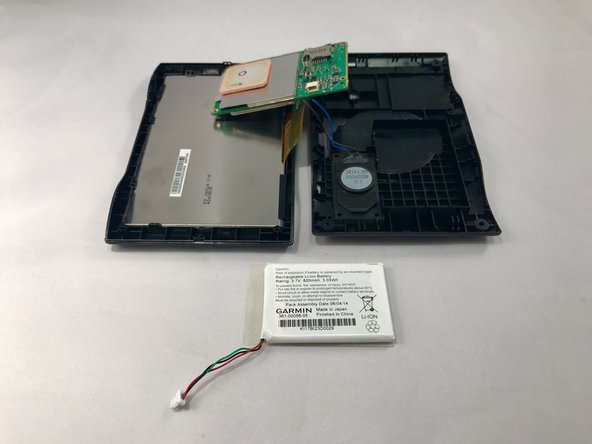
      • Gently unplug the red, green, and black bundled cable to remove the battery.

      询问修复机器人

      添加评论

    4. Garmin Nuvi 42LM Screen Replacement: 步骤 6 中的图像 1,2 Garmin Nuvi 42LM Screen Replacement: 步骤 6 中的图像 2,2
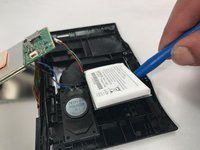
      • Use blue plastic opening tool to carefully pry the battery from the GPS.

      • You might need to use additional force when prying because there is adhesive glue on the back of the battery.

      询问修复机器人

      添加评论

    5. Garmin Nuvi 42LM Screen Replacement: 步骤 7 中的图像 1,1
      • Using a soldering iron, desolder the black and blue wires connected to the motherboard.

      • Once the black and blue wires are desoldered, llift the motherboard out and away from the device.

      • Check out this awesome guide on how to solder and desolder connections.

      询问修复机器人

      添加评论

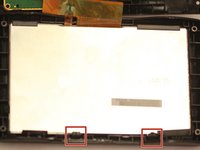
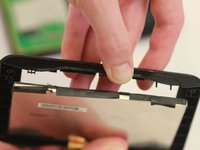
    1. Garmin Nuvi 42LM Screen Replacement, Screen: 步骤 8 中的图像 1,2 Garmin Nuvi 42LM Screen Replacement, Screen: 步骤 8 中的图像 2,2
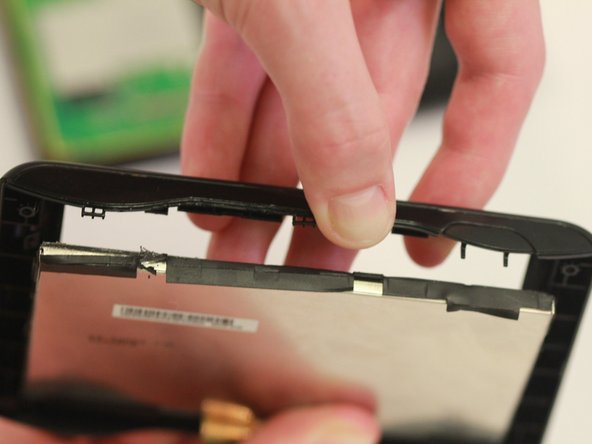
      • Push out the screen by pulling back the black clips.

      • The screen is attached to the motherboard and needs to be replaced with it.

      询问修复机器人

      添加评论

结论

To reassemble your device, follow these instructions in reverse order.

取消:我没有完成这个指南。

2等其他人完成本指南。

1指南评论

Where do I purchase the screen for the Nuvi 42LM?

DR ROGER BROWNE - 回复 分享

添加评论

浏览统计数据:

过去 24 小时: 1

过去 7 天: 4

过去 30 天: 24

总计 726