跳转到主内容
加入维修社区 - 创建账户

Epson Powerlite 410W Lens Replacement

你所需要的

  1. Epson Powerlite 410W Lens Replacement, Top Cover: 步骤 1 中的图像 1,1
    • Press the power button located on top of the projector.

    • Remember to let the projector cool off completely after turning off the power before beginning the repair.

  2. Epson Powerlite 410W Lens Replacement: 步骤 2 中的图像 1,1
    • Remove eight screws from the bottom of the device using a Phillips #00 screwdriver.

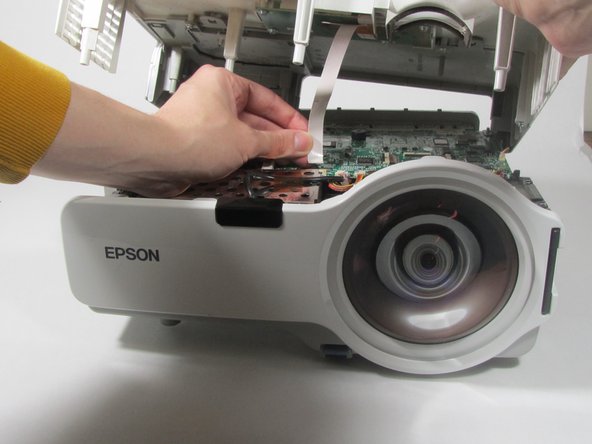
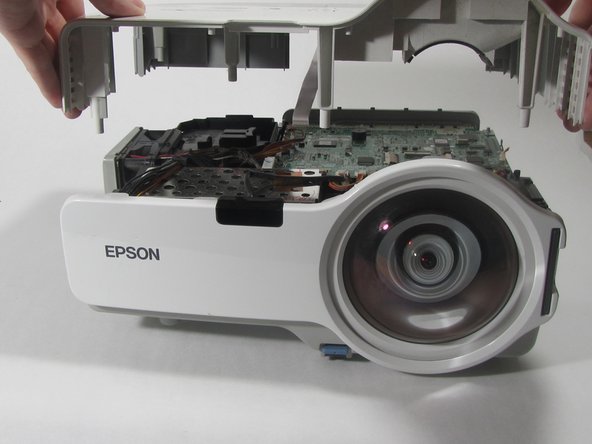
  3. Epson Powerlite 410W Lens Replacement: 步骤 3 中的图像 1,3 Epson Powerlite 410W Lens Replacement: 步骤 3 中的图像 2,3 Epson Powerlite 410W Lens Replacement: 步骤 3 中的图像 3,3
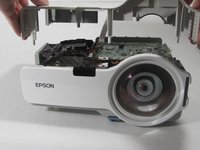
    • Turn the projector so the power button is on top.

    • Gently pull up the cover until it pops off.

    • Do not pull too far; a ribbon cable still connects the top cover to the motherboard.

    • Disconnect the ribbon cable that attaches the cover to the motherboard.

    • Remove the cover and place to the side.

  4. Epson Powerlite 410W Lens Replacement, Motherboard: 步骤 4 中的图像 1,2 Epson Powerlite 410W Lens Replacement, Motherboard: 步骤 4 中的图像 2,2
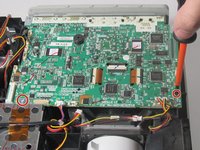
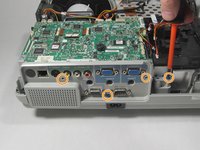
    • Remove the two screws holding down the motherboard using a Phillips #00 screwdriver.

    • Remove the four screws holding down the I/O board using a Phillips #00 screwdriver.

  5. Epson Powerlite 410W Lens Replacement: 步骤 5 中的图像 1,1
    • Remove the seven cables that are running to the motherboard by pulling them out of their sockets.

  6. Epson Powerlite 410W Lens Replacement: 步骤 6 中的图像 1,3 Epson Powerlite 410W Lens Replacement: 步骤 6 中的图像 2,3 Epson Powerlite 410W Lens Replacement: 步骤 6 中的图像 3,3
    在这个步骤中使用的工具:
    Tweezers
    $4.99
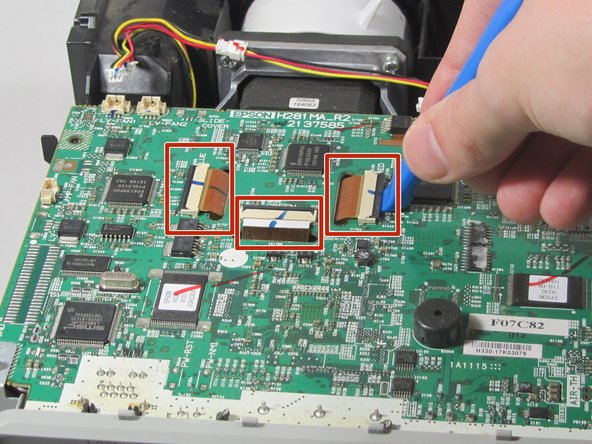
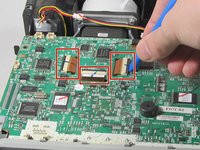
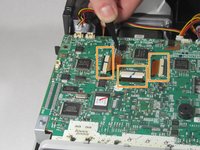
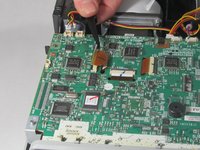
    • Using a plastic opening tool, gently pry up the black tabs holding in the ribbon cables on the motherboard.

    • Using tweezers, gently pull the ribbon cables out of the sockets.

  7. Epson Powerlite 410W Lens Replacement: 步骤 7 中的图像 1,1
    • Gently pull the motherboard up and tilt it back, revealing the last cable attached to the motherboard. Disconnect this cable.

    • Remove the motherboard from the projector.

  8. Epson Powerlite 410W Lens Replacement, Lens: 步骤 8 中的图像 1,2 Epson Powerlite 410W Lens Replacement, Lens: 步骤 8 中的图像 2,2
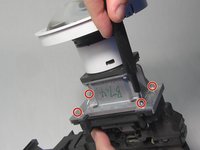
    • Remove four 2.5 mm silver hex screws from the silver bracket.

    • Depending on your screwdriver size, a flexible bit extension may be required.

  9. Epson Powerlite 410W Lens Replacement: 步骤 9 中的图像 1,2 Epson Powerlite 410W Lens Replacement: 步骤 9 中的图像 2,2
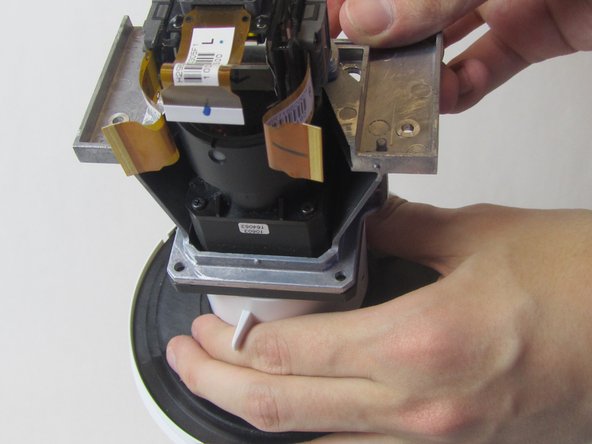
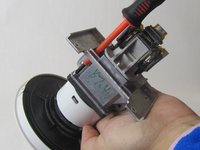
    • Remove the four silver screws from the base of the lens.

  10. Epson Powerlite 410W Lens Replacement: 步骤 10 中的图像 1,2 Epson Powerlite 410W Lens Replacement: 步骤 10 中的图像 2,2
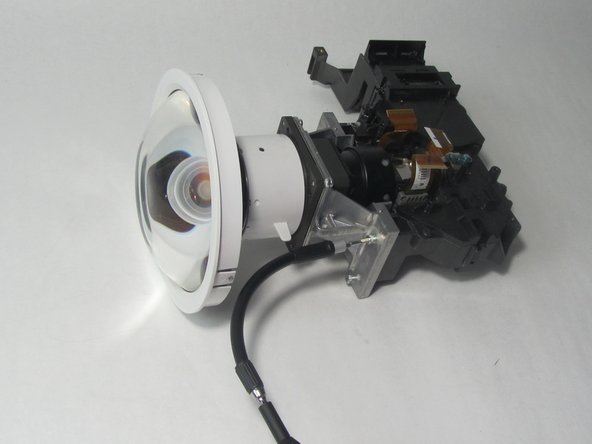
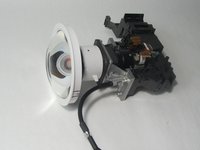
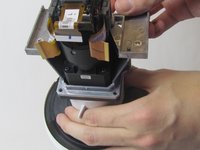
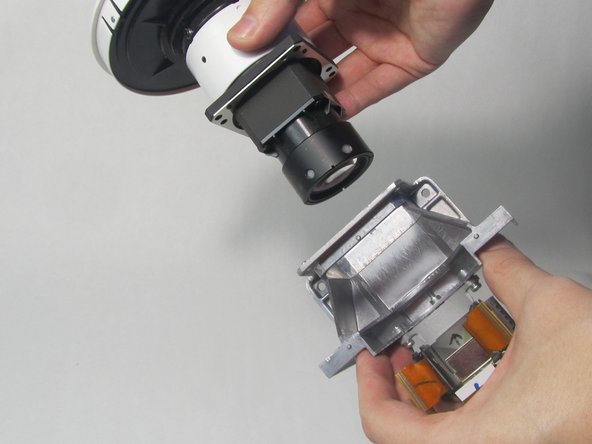
    • Pull the lens assembly out from the silver bracket.

结论

To reassemble your device, follow these instructions in reverse order.

0指南评论

添加评论

浏览统计数据:

过去 24 小时: 0

过去 7 天: 2

过去 30 天: 14

总计 355