跳转到主内容
加入维修社区 - 创建账户
Battery Disconnection

仅作为前提条件
本指南仅提供前提条件!本指南是另一个程序的一部分,不能单独使用。

你所需要的

  1. Battery Disconnection, Heat the rear glass: 步骤 1 中的图像 1,1
    • Prepare an iOpener and apply it to the rear glass for at least two minutes to loosen the adhesive underneath.

    • A hair dryer, heat gun, or hot plate may also be used, but be careful not to overheat the phone—the display and internal battery are both susceptible to heat damage.

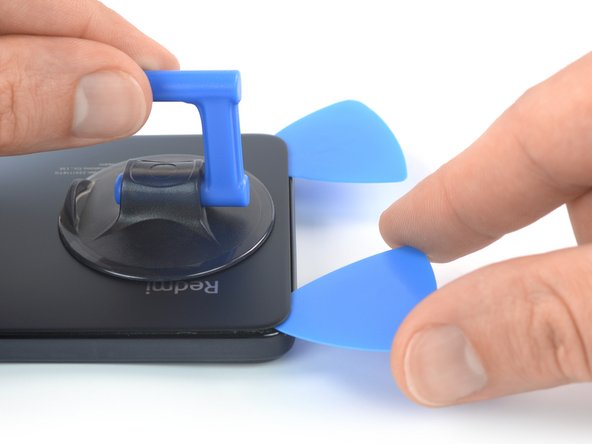
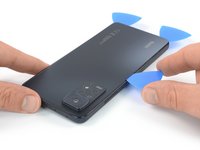
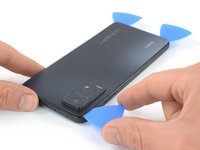
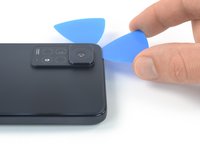
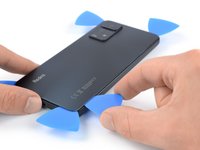
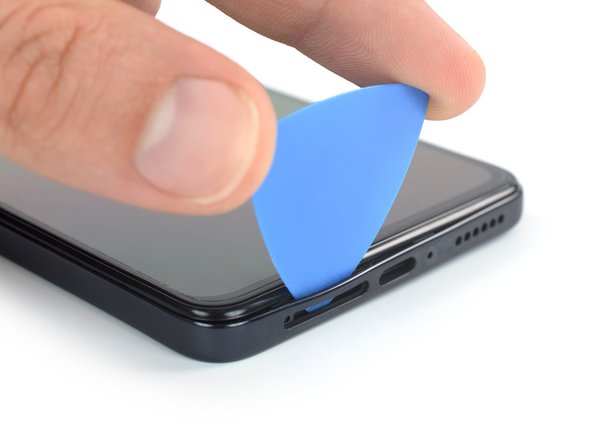
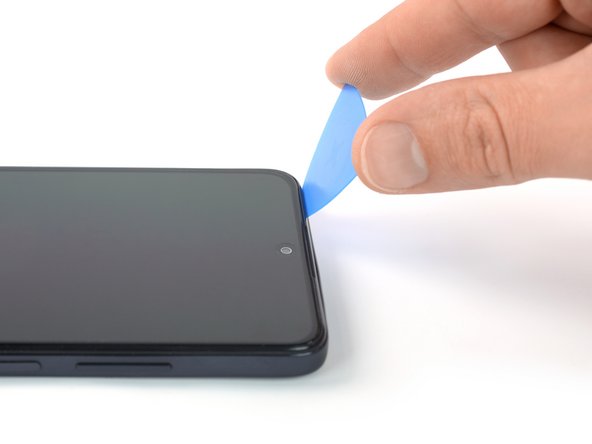
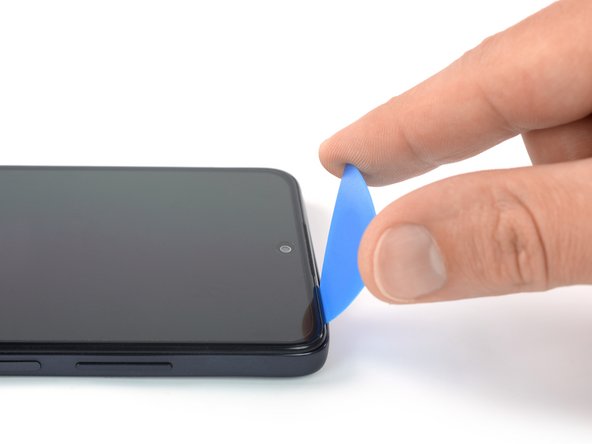
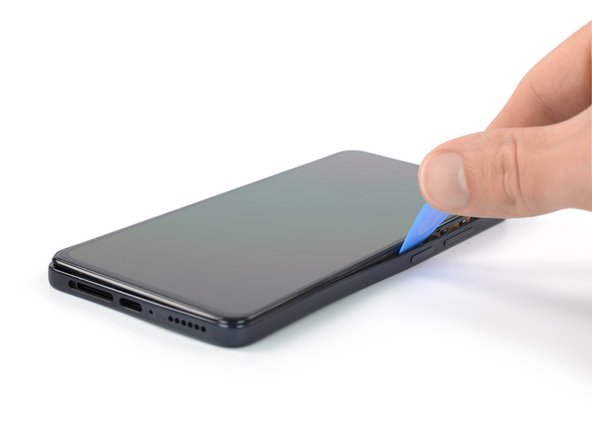
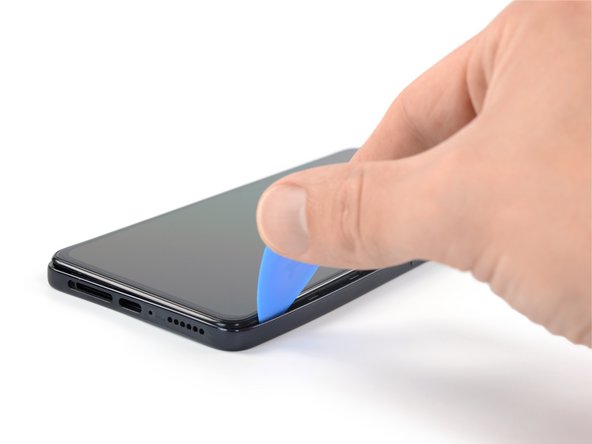
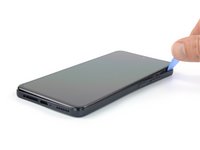
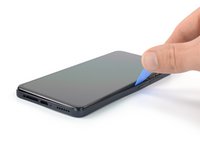
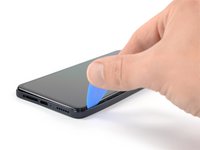
  2. Battery Disconnection, Insert an opening pick: 步骤 2 中的图像 1,3 Battery Disconnection, Insert an opening pick: 步骤 2 中的图像 2,3 Battery Disconnection, Insert an opening pick: 步骤 2 中的图像 3,3
    • Secure a suction handle to the bottom edge of the rear glass, as close to the edge as possible.

    • If the rear glass is cracked, the suction handle may not stick. Try lifting it with strong tape, or superglue the suction handle in place and allow it to cure so you can proceed.

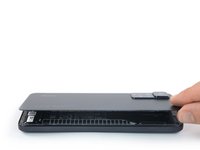
    • Lift the rear glass with the suction handle to create a small gap between the back cover and the frame.

    • If you're having trouble creating a gap, apply more heat to further soften the adhesive. Follow the iOpener instructions to avoid overheating.

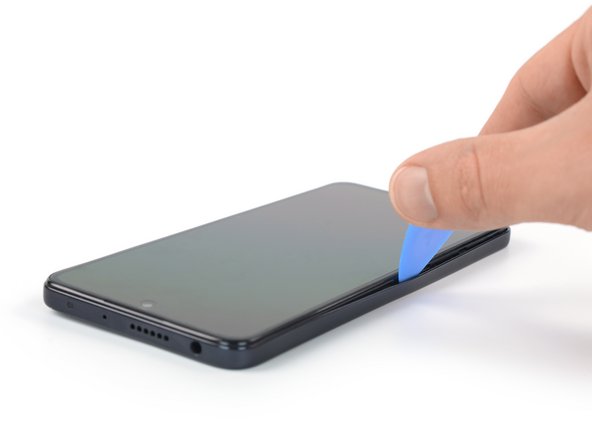
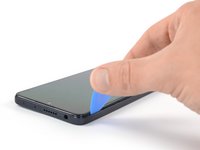
    • Insert an opening pick into the gap you created.

    • Slide the opening pick to the bottom right corner to slice the adhesive.

    • Leave the opening pick in place to prevent the adhesive from resealing.

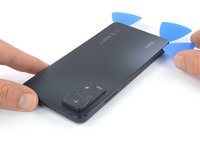
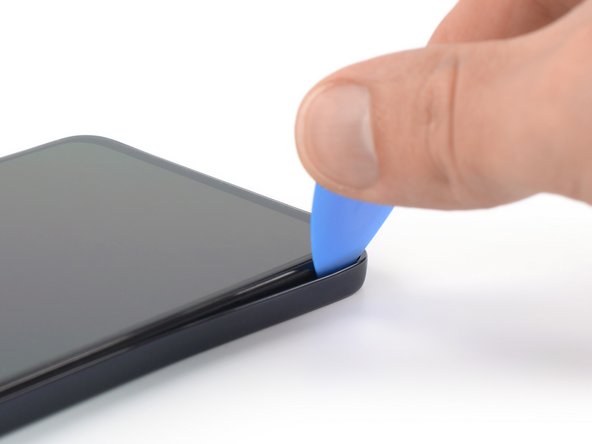
  3. Battery Disconnection, Slice the bottom edge adhesive: 步骤 3 中的图像 1,2 Battery Disconnection, Slice the bottom edge adhesive: 步骤 3 中的图像 2,2
    • Insert a second opening pick at the bottom edge of your phone.

    • Slide the opening pick to the bottom left corner to slice the adhesive.

    • Leave the opening picks in place to prevent the adhesive from resealing.

  4. Battery Disconnection, Slice the left edge adhesive: 步骤 4 中的图像 1,3 Battery Disconnection, Slice the left edge adhesive: 步骤 4 中的图像 2,3 Battery Disconnection, Slice the left edge adhesive: 步骤 4 中的图像 3,3
    • If the adhesive becomes hard to cut, it has most likely cooled down. Use your iOpener for one to two minutes to reheat it.

    • Insert a third opening pick at the bottom left corner of your phone.

    • Slide the opening pick along the left edge of your phone to slice the adhesive.

    • Leave the opening pick in the top left corner to prevent the adhesive from resealing.

  5. Battery Disconnection: 步骤 5 中的图像 1,2 Battery Disconnection: 步骤 5 中的图像 2,2
    • Insert a fourth opening pick underneath the top left corner of your phone.

    • Slide the opening pick along the top edge to slice the adhesive.

    • Leave the opening pick in the top right corner to prevent the adhesive from resealing.

  6. Battery Disconnection: 步骤 6 中的图像 1,2 Battery Disconnection: 步骤 6 中的图像 2,2
    • Insert a fifth opening pick underneath the top right corner.

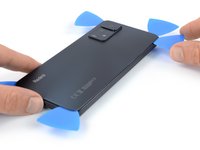
    • Slide the opening pick along the right edge of the rear glass to slice the remaining adhesive.

    • At this point, the rear glass should be separated from the frame. If there's still resistance around the edges of the glass, use an opening pick to separate any remaining adhesive.

  7. Battery Disconnection, Remove the rear glass: 步骤 7 中的图像 1,2 Battery Disconnection, Remove the rear glass: 步骤 7 中的图像 2,2
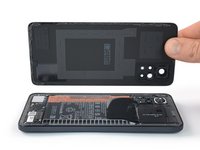
    • Remove the rear glass.

    • Apply new adhesive where necessary after cleaning the relevant areas with isopropyl alcohol (>90%).

    • Secure the new back cover with pre-cut adhesive or double-sided adhesive tape. After installing the back cover, apply strong, steady pressure to your phone for several minutes to help the adhesive form a good bond—a stack of heavy books works well.

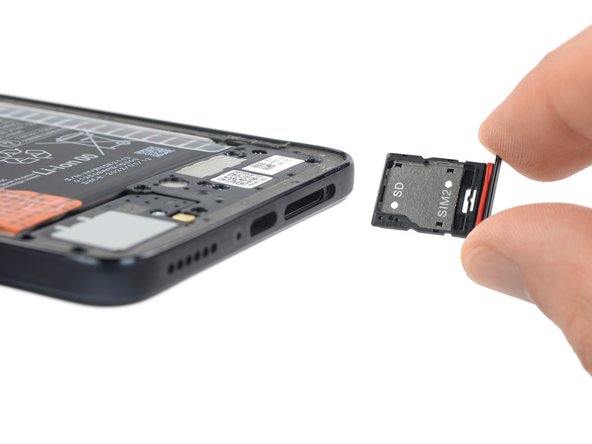
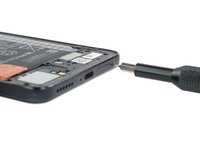
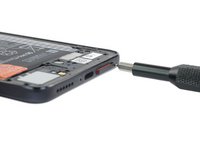
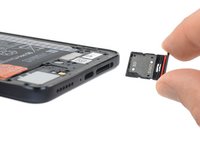
  8. Battery Disconnection, Eject the SIM card tray: 步骤 8 中的图像 1,3 Battery Disconnection, Eject the SIM card tray: 步骤 8 中的图像 2,3 Battery Disconnection, Eject the SIM card tray: 步骤 8 中的图像 3,3
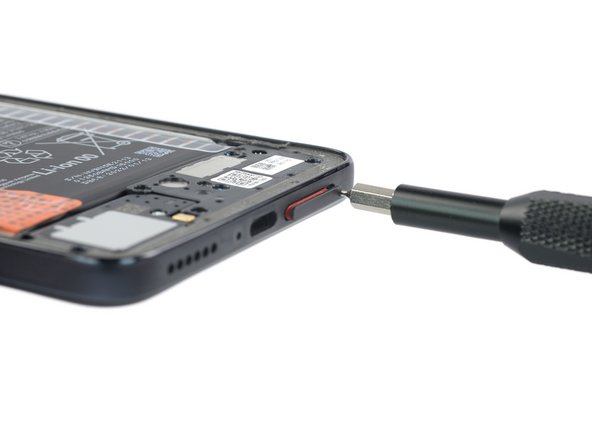
    • Insert a SIM card eject tool, a SIM eject bit, or a straightened paper clip into the hole on the SIM tray located at the bottom edge of the phone.

    • Press directly into the hole to eject the SIM card tray.

    • Remove the SIM card tray.

    • If you accidentally inserted the SIM eject tool into a microphone hole, don't worry! You most likely didn't damage the microphone.

  9. Battery Disconnection, Unfasten the midframe screws: 步骤 9 中的图像 1,2 Battery Disconnection, Unfasten the midframe screws: 步骤 9 中的图像 2,2
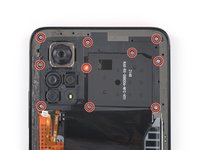
    • Use a Phillips screwdriver to remove the seventeen 3.6 mm-long screws securing the midframe.

  10. Battery Disconnection, Insert an opening pick: 步骤 10 中的图像 1,2 Battery Disconnection, Insert an opening pick: 步骤 10 中的图像 2,2
    • The midframe of the Xiaomi Redmi Note 11 Pro is held in place by plastic clips.

    • Insert an opening pick between the midframe and front panel assembly on the bottom left edge of the phone where the SIM tray slot is located.

  11. Battery Disconnection, Release the plastic clips: 步骤 11 中的图像 1,2 Battery Disconnection, Release the plastic clips: 步骤 11 中的图像 2,2
    • The plastic clips of the midframe are sitting in place tightly. Releasing them might require some force.

    • Slide the opening pick around the bottom left corner of the phone to release the plastic clips.

  12. Battery Disconnection: 步骤 12 中的图像 1,3 Battery Disconnection: 步骤 12 中的图像 2,3 Battery Disconnection: 步骤 12 中的图像 3,3
    • Slide the opening pick along the left edge of the phone to release the plastic clips.

  13. Battery Disconnection: 步骤 13 中的图像 1,3 Battery Disconnection: 步骤 13 中的图像 2,3 Battery Disconnection: 步骤 13 中的图像 3,3
    • Slide the opening pick around the top left corner and along the top edge of the phone to release the plastic clips.

  14. Battery Disconnection: 步骤 14 中的图像 1,3 Battery Disconnection: 步骤 14 中的图像 2,3 Battery Disconnection: 步骤 14 中的图像 3,3
    • Slide the opening pick around the top right corner and along the right edge of the phone to release the remaining plastic clips.

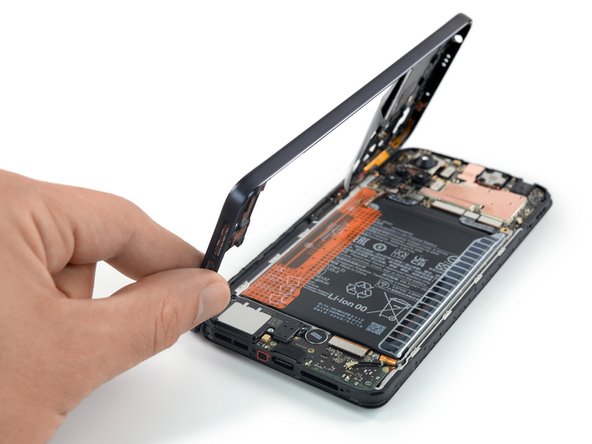
    • Do not try to remove the midframe all the way yet. The midframe cable is still connected to the motherboard.

  15. Battery Disconnection, Free the midframe cable connector: 步骤 15 中的图像 1,3 Battery Disconnection, Free the midframe cable connector: 步骤 15 中的图像 2,3 Battery Disconnection, Free the midframe cable connector: 步骤 15 中的图像 3,3
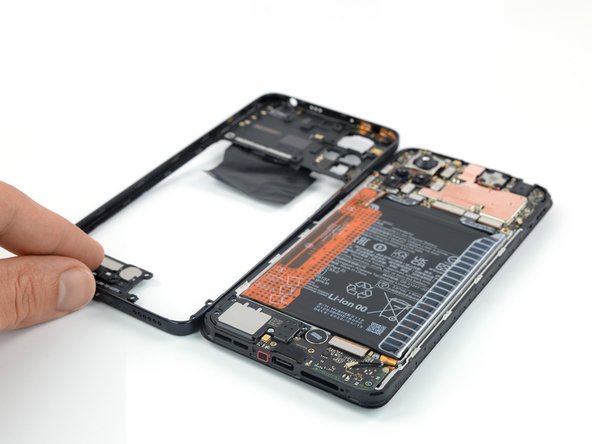
    • Carefully swing open the midframe to the left like you would open the front cover of a book to get free access to its cable connector.

    • Place the midframe next to the left edge of the front panel assembly.

  16. Battery Disconnection, Disconnect the midframe cable: 步骤 16 中的图像 1,2 Battery Disconnection, Disconnect the midframe cable: 步骤 16 中的图像 2,2
    • Use a spudger to disconnect the midframe cable by prying the connector straight up from its socket.

  17. Battery Disconnection, Remove the midframe: 步骤 17 中的图像 1,1
    • Remove the midframe.

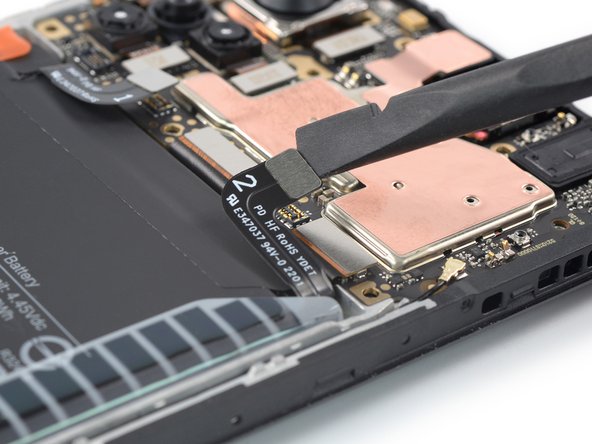
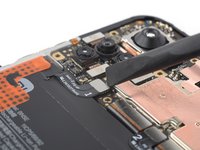
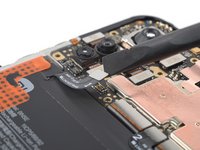
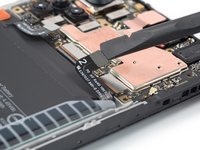
  18. Battery Disconnection, Disconnect the battery cables: 步骤 18 中的图像 1,3 Battery Disconnection, Disconnect the battery cables: 步骤 18 中的图像 2,3 Battery Disconnection, Disconnect the battery cables: 步骤 18 中的图像 3,3
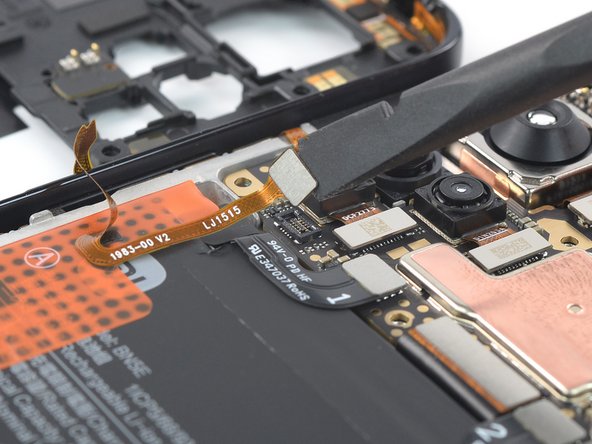
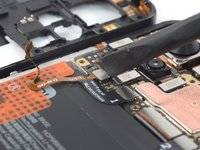
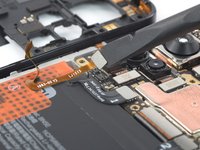
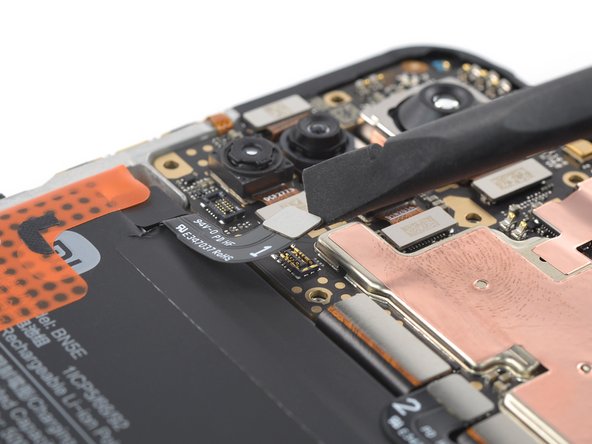
    • Use a spudger to disconnect the left and right battery cable by prying the connectors straight up from their socket.

结论

To reassemble your device, follow these instructions in reverse order.

Dominik Schnabelrauch

于11/23/16注册

248,777 声望

创作了682篇指南

团队

iFixit iFixit 的会员

Staff

123 名成员

创作了23,888篇指南

0指南评论

添加评论

浏览统计数据:

过去 24 小时: 0

过去 7 天: 7

过去 30 天: 10

总计 59