简介
If you want to replace the buttons on the Anker Soundcore Life Q20 headphones, follow this guide to remove and replace them. The buttons sit within the base of the headphones and allow you to control the volume, power, and noise cancellation. They are located on both sides of the headphones.
The buttons are crucial to the use of the headphones and allow you to control the many functions available. They may need to be replaced if they are not working properly or are broken.
你所需要的
-
-
-
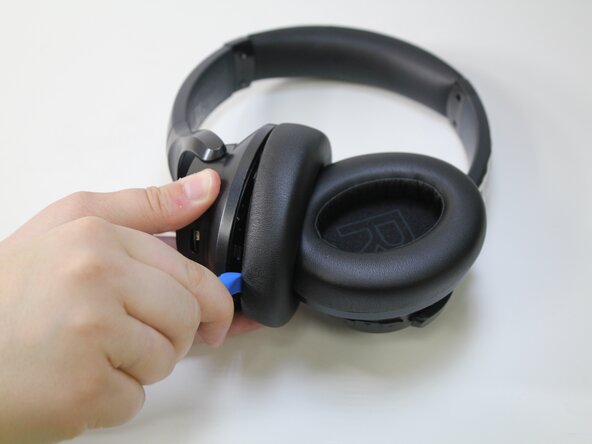
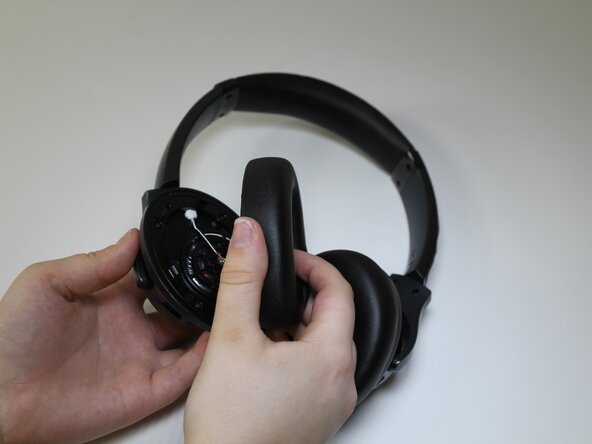
Choose the desired ear cushion to replace.
-
Orient the headphones so that the side of the ear cushion is accessible.
 询问修复机器人
-
-
-
-
-
-
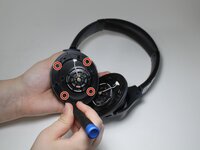
Use a Phillips #00 screwdriver to remove the four 10 mm screws from the cover.
-
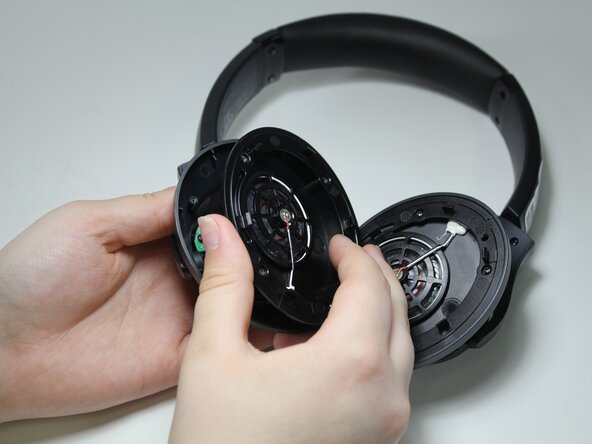
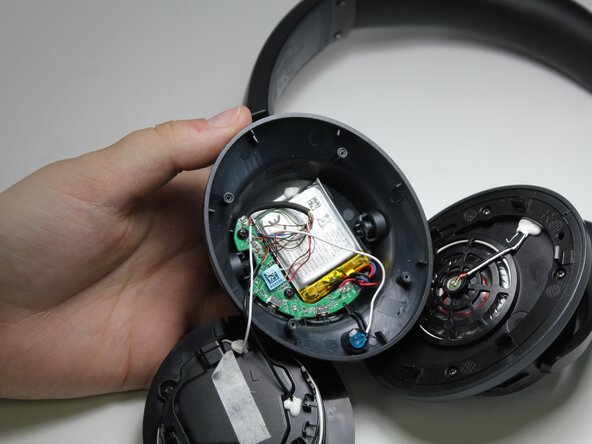
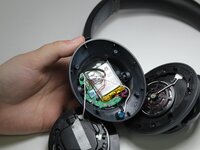
Remove the cover to expose the battery.
-
-
-
-
-
Using the Phillips #00 screwdriver, remove the two 7 mm screws from the green board.
-
-







To reassemble your device, follow these instructions in reverse order.
另外一个人完成了本指南。

团队

Carson-Newman University, Team 1-2, Sobiech Spring 2025 Carson-Newman University, Team 1-2, Sobiech Spring 2025 的会员
CNU-SOBIECH-S25S1G2
3 名成员
创作了22篇指南
