跳转到主内容

Amazon Echo Look Wi-Fi Module Replacement

你所需要的

  1. Amazon Echo Look Wi-Fi Module Replacement, Front Panel: 步骤 1 中的图像 1,1
    • Ensure the device is completely powered off and disconnected from any power source by removing the charger adapter point from the back of the device.

  2. Amazon Echo Look Wi-Fi Module Replacement: 步骤 2 中的图像 1,3 Amazon Echo Look Wi-Fi Module Replacement: 步骤 2 中的图像 2,3 Amazon Echo Look Wi-Fi Module Replacement: 步骤 2 中的图像 3,3
    • If the device stand is attached, remove it by twisting the device's base toward yourself until detached.

  3. Amazon Echo Look Wi-Fi Module Replacement: 步骤 3 中的图像 1,1
    • Heat the front panel with an iOpener.

    • It may help to secure the iOpener to the device.

    • Heat the device for 5-10 minutes to loosen the glue.

    • CAUTION: The iOpener and the device may be hot.

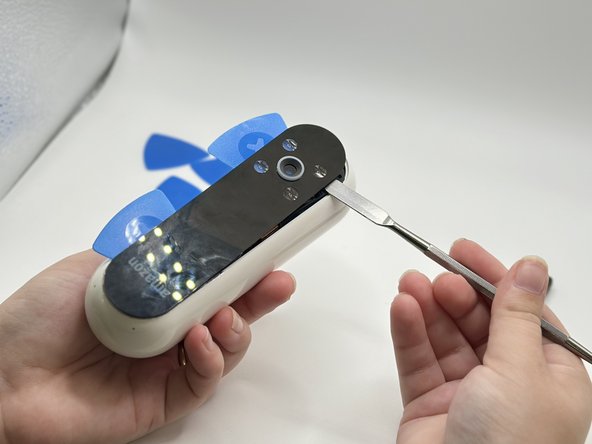
  4. Amazon Echo Look Wi-Fi Module Replacement: 步骤 4 中的图像 1,3 Amazon Echo Look Wi-Fi Module Replacement: 步骤 4 中的图像 2,3 Amazon Echo Look Wi-Fi Module Replacement: 步骤 4 中的图像 3,3
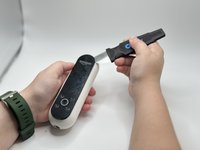
    • Lever the Jimmy between the screen and the device until an opening is formed.

    • Insert opening picks to hold the opening as needed.

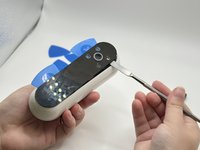
    • Use a spudger to circle the border of the front panel and disconnect any lingering glue.

    • Step 3 may need to be repeated as Step 4 is time-sensitive.

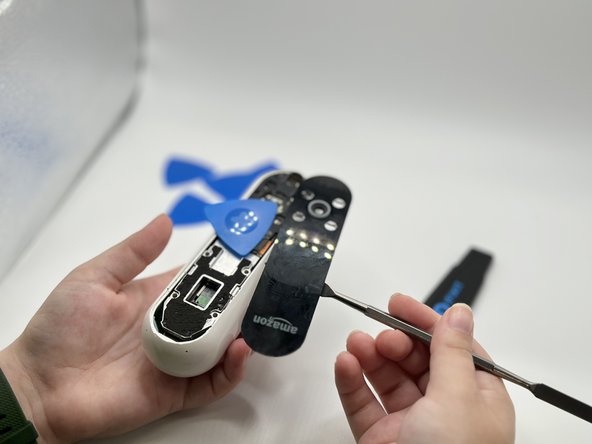
  5. Amazon Echo Look Wi-Fi Module Replacement: 步骤 5 中的图像 1,2 Amazon Echo Look Wi-Fi Module Replacement: 步骤 5 中的图像 2,2
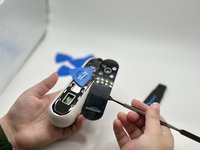
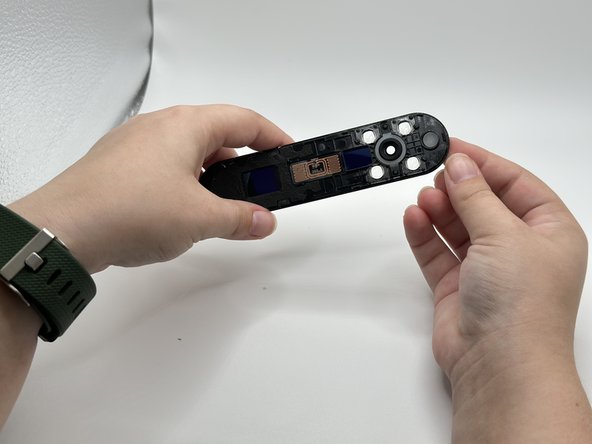
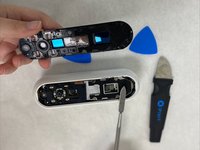
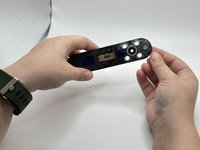
    • Remove the front panel by levering the spudger at the top of the device.

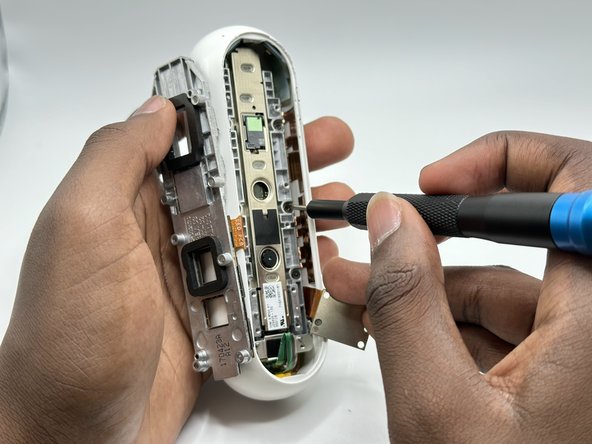
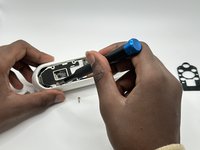
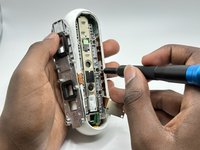
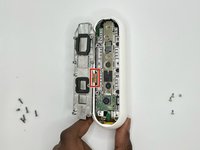
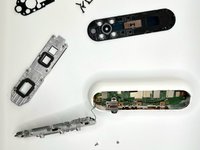
  6. Amazon Echo Look Wi-Fi Module Replacement, Midframe: 步骤 6 中的图像 1,2 Amazon Echo Look Wi-Fi Module Replacement, Midframe: 步骤 6 中的图像 2,2
    • Remove the screws from the midframe with a Torx T5 screwdriver.

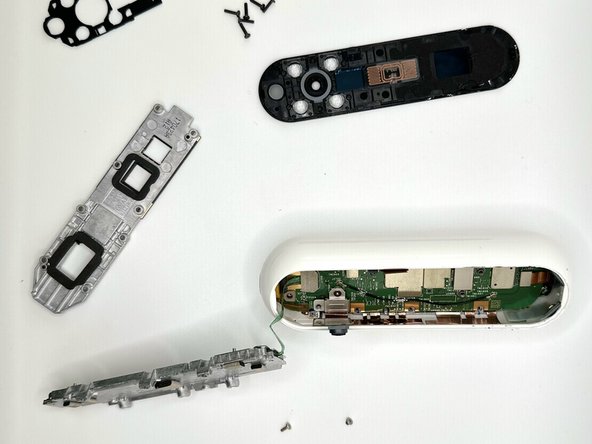
    • Lift up the midframe

    • Remove the eight screws attached to the gray metal piece using a Torx T5 screwdriver.

  7. Amazon Echo Look Wi-Fi Module Replacement: 步骤 7 中的图像 1,2 Amazon Echo Look Wi-Fi Module Replacement: 步骤 7 中的图像 2,2
    • Use a spudger to gently lift up the ribbon until it detaches.

  8. Amazon Echo Look Wi-Fi Module Replacement, Wi-Fi Module: 步骤 8 中的图像 1,1
    • Use a spudger to pry the Wi-Fi module away from the motherboard.

结论

To reassemble your device, follow these instructions in reverse order.

另外一个人完成了本指南。

0指南评论

添加评论

浏览统计数据:

过去 24 小时: 0

过去 7 天: 25

过去 30 天: 30

总计 205