跳转到主内容
加入维修社区 - 创建账户

ASUS ROG Spatha X Battery Replacement

你所需要的

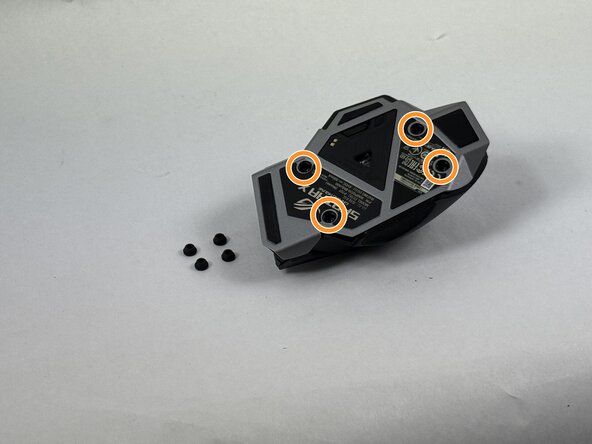
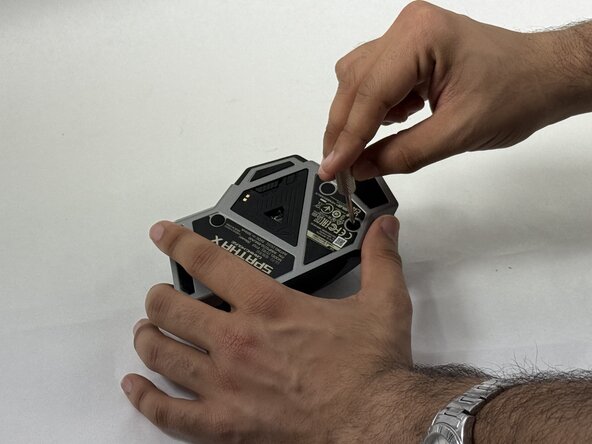
  1. ASUS ROG Spatha X Battery Replacement, Mouse Cover: 步骤 1 中的图像 1,3 ASUS ROG Spatha X Battery Replacement, Mouse Cover: 步骤 1 中的图像 2,3 ASUS ROG Spatha X Battery Replacement, Mouse Cover: 步骤 1 中的图像 3,3
    • Make sure the mouse is unplugged and the power switch on the underside is set to the off position.

    • Use the pointed edge of a spudger to remove the four soft rubber covers on the underside of the mouse.

    • Use the included Torx screwdriver, or a T3 Torx screwdriver, to remove the four 4 mm screws.

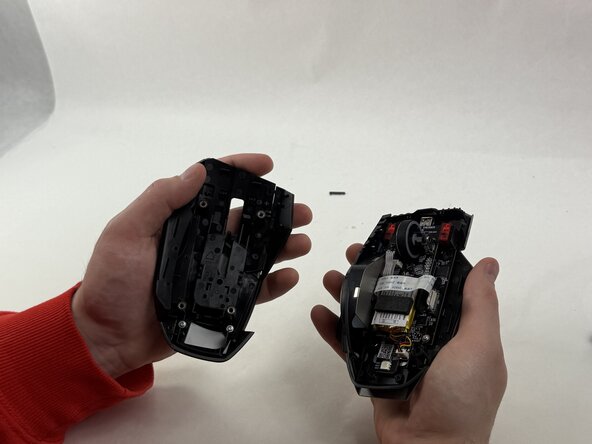
  2. ASUS ROG Spatha X Battery Replacement: 步骤 2 中的图像 1,2 ASUS ROG Spatha X Battery Replacement: 步骤 2 中的图像 2,2
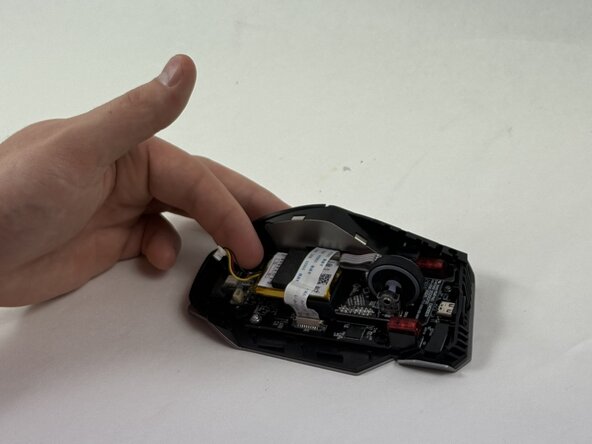
    • Lift the upper mouse cover up and off.

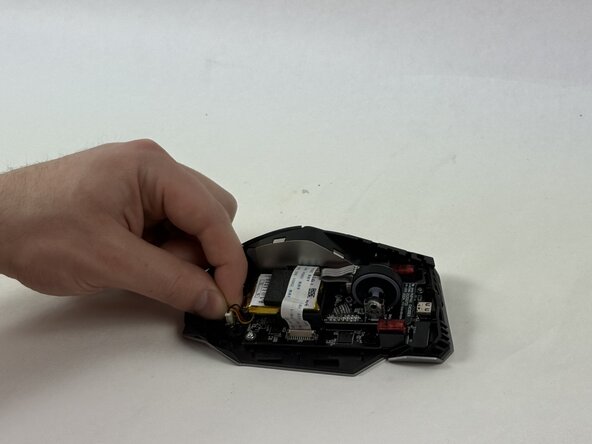
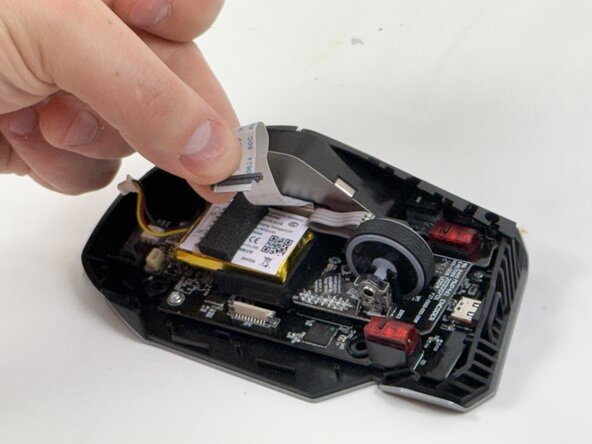
  3. ASUS ROG Spatha X Battery Replacement, Battery: 步骤 3 中的图像 1,3 ASUS ROG Spatha X Battery Replacement, Battery: 步骤 3 中的图像 2,3 ASUS ROG Spatha X Battery Replacement, Battery: 步骤 3 中的图像 3,3
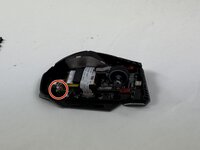
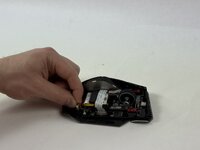
    • Grip the white battery connector and pull it up and out of its motherboard socket.

  4. ASUS ROG Spatha X Battery Replacement: 步骤 4 中的图像 1,2 ASUS ROG Spatha X Battery Replacement: 步骤 4 中的图像 2,2
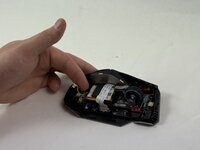
    • Disconnect the side button assembly ribbon cable from the motherboard.

    • Use an opening tool to gently pry the battery up and out of the chassis.

    • Take care not to bend, twist, or puncture the battery.

结论

For optimal performance, calibrate your newly installed battery after completing this guide.

To reassemble your device, follow the above steps in reverse order.

Take your e-waste to an R2 or e-Stewards certified recycler.

cgrabowski1

于03/21/25注册

671 声望

创作了5篇指南

团队

UMass Dartmouth, Team 3-4, Botvin Spring 2025 UMass Dartmouth, Team 3-4, Botvin Spring 2025 的会员

UMASSD-BOTVIN-S25S3G4

3 名成员

创作了5篇指南

0指南评论

添加评论

浏览统计数据:

过去 24 小时: 1

过去 7 天: 13

过去 30 天: 52

总计 460