简介
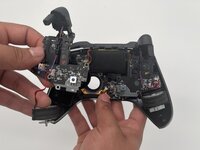
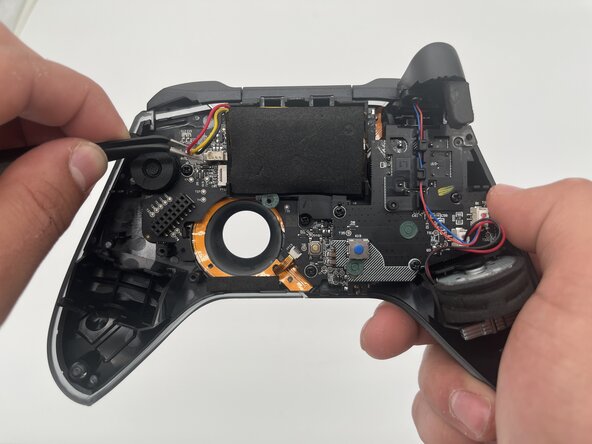
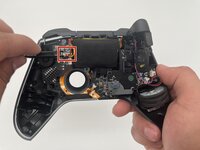
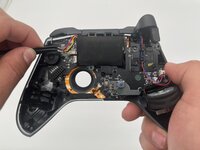
This guide shows how to replace the battery in an ASUS ROG Raikiri Pro controller. If your controller won't turn on or the battery is draining too quickly, follow this guide for replacement.
A working battery should provide power to the controller. Sadly, batteries don't last forever and might need to be replaced. If your battery does not hold a charge or won't charge at all, replacing the battery may be your best option.
If you realize you have a swollen battery, please handle it accordingly before moving forward.
Before you begin this repair, disconnect your ASUS ROG Raikiri Pro controller from the charger or console and let it power down.
你所需要的
-
-
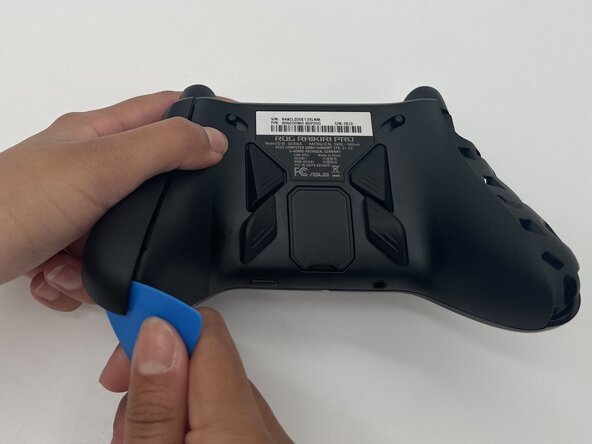
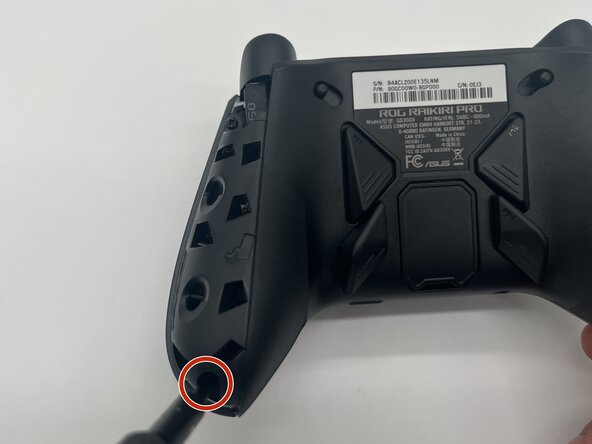
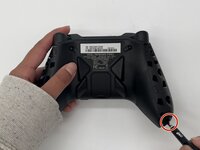
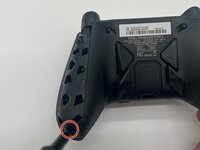
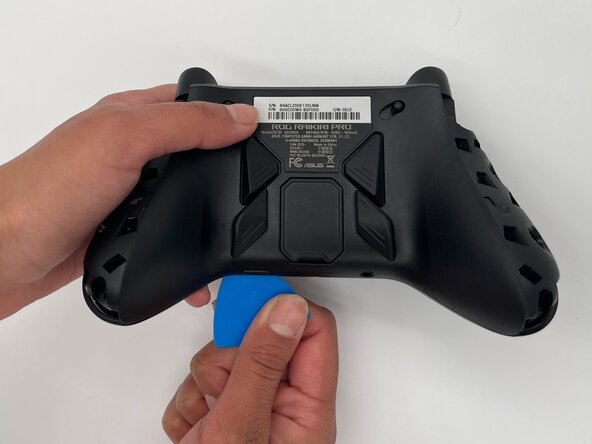
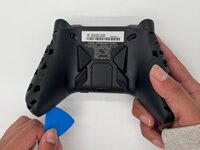
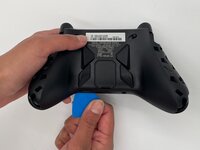
Insert the tip of an opening pick into the seam of the top left handle cover.
-
Slide it down to release the clips connecting the handle cover to the controller.
-
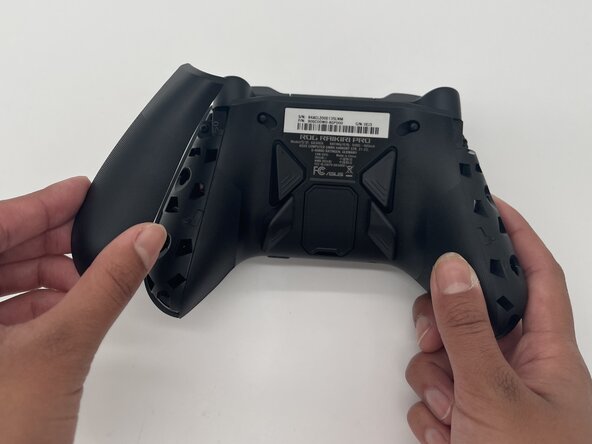
Remove the left handle-cover.
-
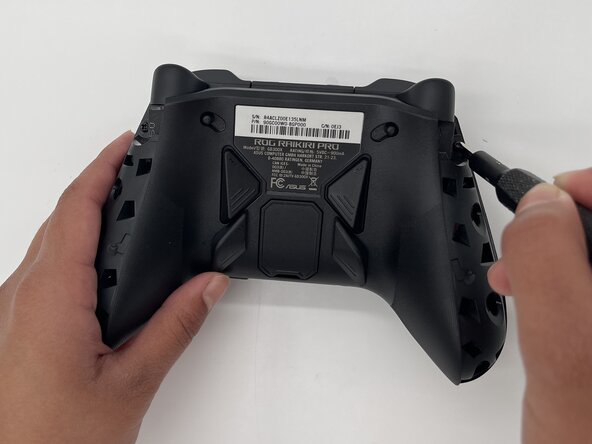
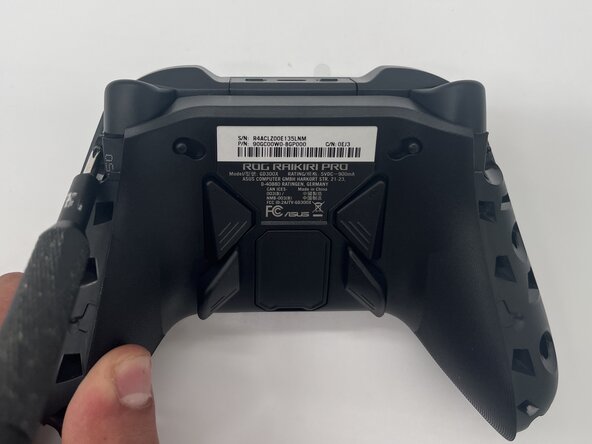
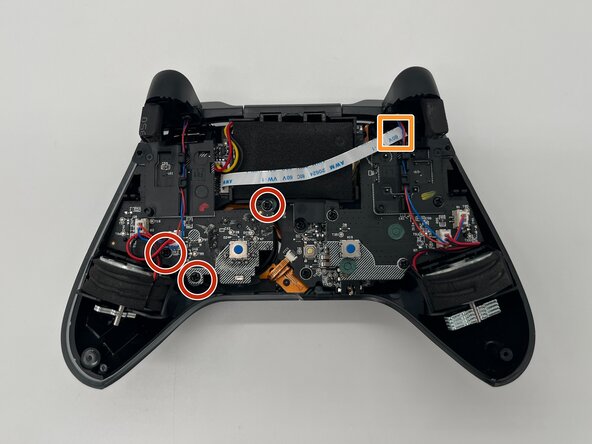
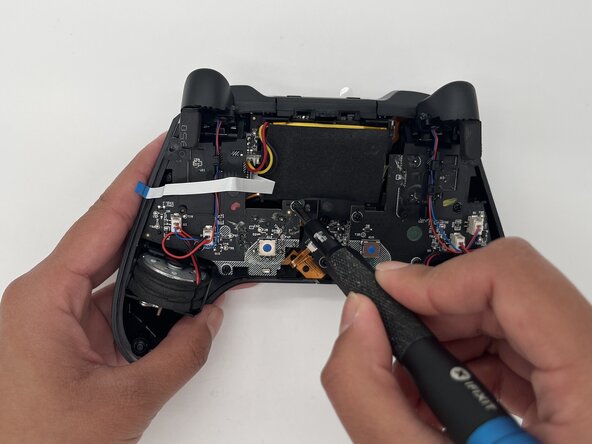
Repeat the steps to remove the right handle cover.
 询问修复机器人
-
-






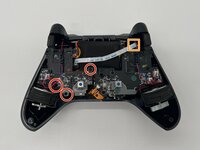
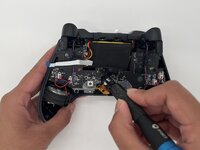

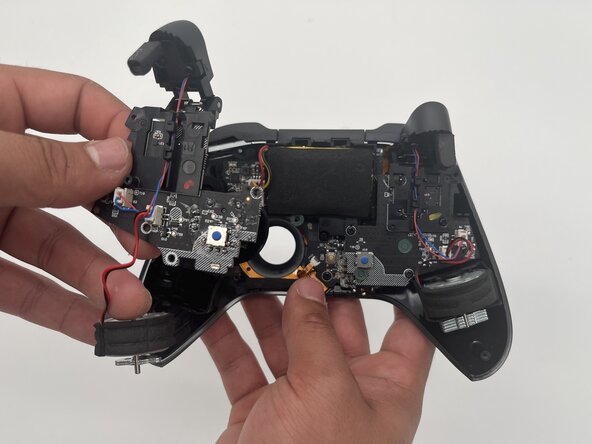
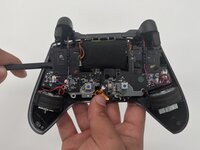


To reassemble your device, follow these instructions in reverse order. Take your e-waste to an R2 or e-Stewards certified recycler.
另外一个人完成了本指南。

团队

University of North Texas, Team 1-3, Kilpatrick Spring 2025 University of North Texas, Team 1-3, Kilpatrick Spring 2025 的会员
UNT-KILPATRICK-S25S1G3
3 名成员
创作了5篇指南
