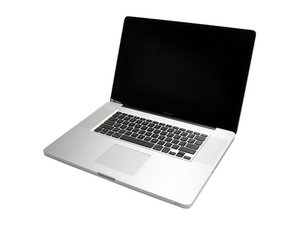

How to Install SSD
I want to install a SSD into my MacBook Pro 17. I bought a Mercury Electra 3G SSD. How do I install it into my MacBook Pro? It didn't come with directions, although they told me it would work.
声誉积分: 37
 2
2
 1
1
声誉积分: 2.6千
24
20
 11
11
I just installed a second hard drive in the place of the optical drive in my MacBook the other day! It's pretty nice having the extra capacity.
Even if you just replace your current hard drive with your SSD, you'll see a significant speedup.
Here are the relevant guides:
Replacing the current hard drive:
Removing the optical drive:
Go to the last page of this guide on replacing the optical drive (it's for my machine, but the last page would help for installing the second drive)
And finally, the part that iFixit sells for the second hard drive:
[关联产品丢失或禁用: IF107-080]
Good luck and enjoy your SSD!

指南
难度:
中等
—
15 - 30 minutes

指南
难度:
中等
—
1 - 2 hours

指南
难度:
中等
—
1 - 2 hours
这个答案有帮助吗?
声誉积分: 13
2
You either have to: 1.) replace your current HDD with the SSD or 2.) remove the SuperDrive CD burner and replace with your current HDD and put the SSD in the original place that the HDD was in. The latter is the most popular because you can still use the SuperDrive via USB by purchasing external case for the SuperDrive and you just plug and play with the USB, therefore having a HDD and SSD. Also, with the latter, you must purchase an OptiBay expansion kit to be able to place the HDD into the SuperDrive bay.
这个答案有帮助吗?
过去 24 小时: 3
过去 7 天: 3
过去 30 天: 14
总计 25,983