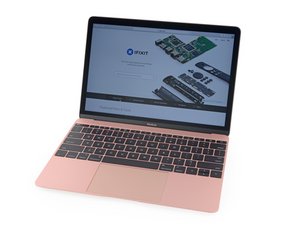

removing back cover to replace battery
My Macbook air only has 8 screws - all of the videos show 10 screws.
I have removed all of the screws and go to remove the back and it does not lift off so nice and easy - looks like there is a catch about halfway on both right and left side. Do I force it open?
Update (01/22/26)
Okay - so first of all it was not a Macbook Air - it was a Macbook. I took a picture of the writing on the back and was able to zoom in and find the model and EMC number.
Once you get the screws out there are 2 clips - one on each side that are a bit stubborn...but you get them unclipped and you got it.
I also had the wrong battery....so wait for now
Thanks for the feedback
Pat

 88
88  52
52  84
84 