
跳转到主内容
加入维修社区 - 创建账户

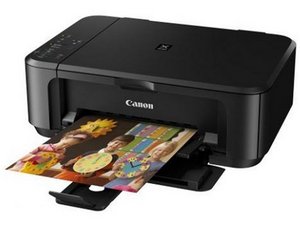
An all-in-one printer and scanner with duplex print and WiFi connection.

My mg7520 has error code b203

My Canon PIXMA MG7520 HAS AN ERROR CODE B203. DO I NEED TO BUY ANOTHER PRINTER

回答此问题 我也有这个问题

这是一个好问题吗?

得分 1
添加一条评论

1个答案

The error code B203 on your Canon MG7520 printer typically indicates a problem with the print head or an issue with the printer's internal hardware. Here are some steps you can try to troubleshoot the issue:

  1. Restart the Printer: Turn off the printer, unplug it from the power source, wait for about 10 minutes, then plug it back in and turn it on.
  2. Check for Paper Jams: Open the printer and check for any paper jams or obstructions that might be causing the error.
  3. Check Ink Cartridges: Make sure the ink cartridges are properly installed. Remove and reinsert them, ensuring they click into place.
  4. Clean the Print Head: You can try to clean the print head using the printer's maintenance menu. Refer to your user manual for instructions on how to do this.
  5. Reset the Printer: If the issue persists, you can try resetting the printer to its factory settings. Again, refer to your user manual for steps on how to do this.
  6. Contact Support: If none of these steps work, it may be a hardware issue that requires professional assistance. Contact Canon support or a local technician for further help.

这个答案有帮助吗?

得分 0
添加一条评论

添加你的答案

donsul01 将永远感激不已
浏览统计数据:

过去 24 小时: 0

过去 7 天: 5

过去 30 天: 30

总计 539