
 2
2  3
3 What is a printer failure?
It said “printer failure,” but I don’t know what happened that caused it. It said,
Printer Failure
There is a problem with the printer or ink system. Turn printer off, then on. If problem persists, contact HP.
Then I took pictures:



 1
1 
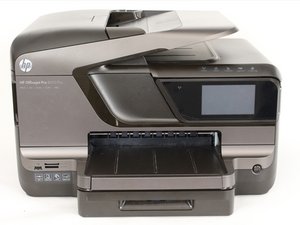
Evan, have you received any offline replies? I have this exact issue with my OfficeJet Pro 8600 Plus, using my Mac that's running OS X 10.14.4. I've done all of the suggested troubleshooting too, and now I can't even run the HP EasyStart app to check if the firmware is up-to-date b/c even tho the wifi icon is lit up on the display, EasyStart can't find the printer on my network. And I can't get beyond the "printer failure" message on the display...!
由 K Lee 完成的