
 1
1 Paper jam error message
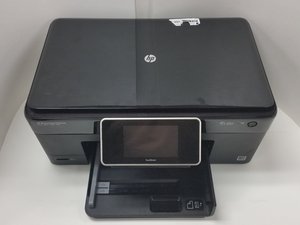
I was printing with a HP deskjet F340 All-in-One when I got the message "Paper jam". There was never a paper jam. During my troubleshooting a disconnected that printer and connected the HP Photosmart Premium C310 printer and ran a test page and it worked well. The print was not good, maybe because the ink was old, so I thought I would print another test page and I got the message "Paper jam".
What do I do now?

 18
18  9
9 