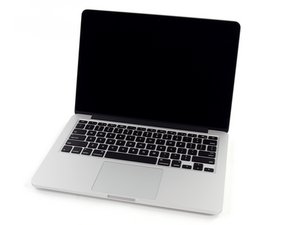

MacBook Pro not charging.
The power cabel is conected to my Macbook pro and plugged in. The charge light does not come on.
My Macbook pro doesnt want to switch on.

声誉积分: 689.3千
 3.8千
3.8千
 1.1千
1.1千
 2.6千
2.6千
First let's see if the mag-safe is powered. Use a multimeter and test the output of the pins. The pin out is on the right of this wiki: https://en.wikipedia.org/wiki/MagSafe
这个答案有帮助吗?

声誉积分: 163
4
It is most likely an issue with either the battery or your charger. I would first try to reset the SMC by powering down the machine, plugging in the charger, and then holding the left SHIFT + CONTROL + OPTION + POWER BUTTON for around 5-10 seconds. Let go, and the light on your charger will glow green and then become orange showing that it is charging. If this doesn't solve the issue it could be that your battery isn't accepting power or that your charger is faulty. If none of these are the case then it is the MagSafe port on your MacBook that is faulty. This is a bit challenging to replace but can be done.
MagSafe DC-In Board
这个答案有帮助吗?

声誉积分: 36
4
1
The problem is probably the battery. After removing the lower screws, remove the connection socket of the battery. Plug in and try turning on the computer. If not, try again with a different adapter.
这个答案有帮助吗?
过去 24 小时: 0
过去 7 天: 2
过去 30 天: 3
总计 2,812


2条评论
Please help me!
由 Magriet de Bruin 完成的
Did you try taking the battery out and putting it back in?
由 Jocelyn 完成的