
 1
1  1
1 LCD not displaying but Mini DisplayPort functioning
Hello all.
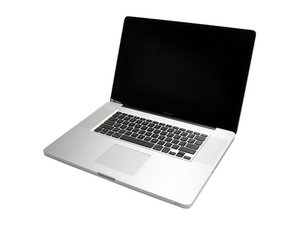
Unfortunately my much-loved MBP 17" took a little knock recently and (I believe) since then the LCD no longer displays properly. Backlight is fine, it begins black then slowly move through green, white, blue and black again. However this does not happen uniformly across the LCD but more in a very slow wave from left to right.
I have managed to log in blindly and remote in plus I've attached an external display using the Mini DisplayPort successfully.
I have a video of the LCD's behaviour but no means to attach it to this post. (Will YouTube it if required).
Just wondering what people's first thoughts were on this before I start opening her up... LCD issue, graphics on logic board or too hard to tell?
Thank you in advance for any advice and have a great weekend!
Ben

 6
6 
Check the cable that connects the LCD to the motherboard. Maybe it just got knocked loose?
由 S W 完成的