跳转到主内容
加入维修社区 - 创建账户

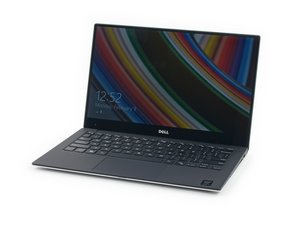
Device and repair information for the Dell XPS 13 laptop models 9343 and 9350, which were both released in 2015.

Cursor behaves erratically after Spill.

Dell XPS 13 (9350)

I have spilled some soup on my keyboard but I suspect that when I drained it by placeing it upside down that some of the liquid got into the trackpad as well. So after I rinsed everything down (after taking out motherboard battery and main battery) with distilled water and isopropyl alcohol and waited I day everything is now working fine except every once in a while the cursor stops responding and occasionally moves erratically on it's own. Pretty freaky.

Is my trackpad toast? Where can I buy a replacement part

Or is there hope? What do you recommend me doing?

已回答! 显示答案 我也有这个问题

这是一个好问题吗?

得分 0
添加一条评论

1个答案

已选择的解决方案

Hi,

Here is a link to the service manual for your laptop. (Although by the sounds of it you don't need it).

http://topics-cdn.dell.com/pdf/xps-13-93...

Scroll to p.40 to see how to remove/replace the touchpad.

I suggest that you carefully inspect both sides of it (with a magnifying glass and a strong light) for any liquid damage that you may have missed cleaning off before, also check the ribbon cable ends and the connector where it plugs into.

The manual unfortunately does not give part numbers for any of the parts but perhaps there is a board number printed on the touchpad board. If you search online using just that number (if there is one) you may get suppliers of the part.

这个答案有帮助吗?

得分 2

1条评论:

Thanks for the tip! I'll look for the board number.

完成的

添加一条评论

添加你的答案

James Tran 将永远感激不已
浏览统计数据:

过去 24 小时: 0

过去 7 天: 0

过去 30 天: 10

总计 1,641