存根页
This wiki page is a stub. Help us improve this page by adding information to it!
学生贡献的维基
此维基页面由我们教育项目的学生团队编写。
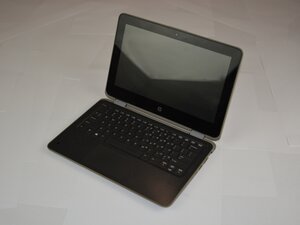
如果你的 HP ProBook x360 11 G3 EE 在执行简单任务时变得非常烫手,本页面提供了一些可能的解决方案。
通风口积灰
检查笔记本电脑背部的通风口。如果里面积满了灰尘,你需要进行清理。污垢和碎屑可能会在通风口内堆积,导致笔记本电脑过热。你可以使用压缩空气罐清除通风口内的灰尘,让空气能够顺畅流通,从而达到清理笔记本电脑的目的。
风扇故障
如果在运行过程中听不到风扇运转的声音,风扇可能出现了故障。拆下笔记本电脑的后盖并检查风扇。如果风扇很脏,尝试清理上面的碎屑。启动笔记本电脑,观察风扇是否会旋转;如果不转,你将需要更换风扇。

团队

Texas Tech, Team 37-7, Allen Fall 2025 Texas Tech, Team 37-7, Allen Fall 2025 的会员
TTU-ALLEN-F25S37G7
5 名成员
创作了71篇指南

0条评论