简介
The fingerprint scanner reads the fingerprint of the employee being scanned. This guide will show you how to remove and replace the fingerprint scanner. Be careful not to damage the glass screen scanner.
你所需要的
-
-
-
Flip the device over.
-
Remove the four 10mm PH #2 screws by rotating the screwdriver counterclockwise, removing the screw from the housing completely.
 询问修复机器人
-
-
-
-
-
-
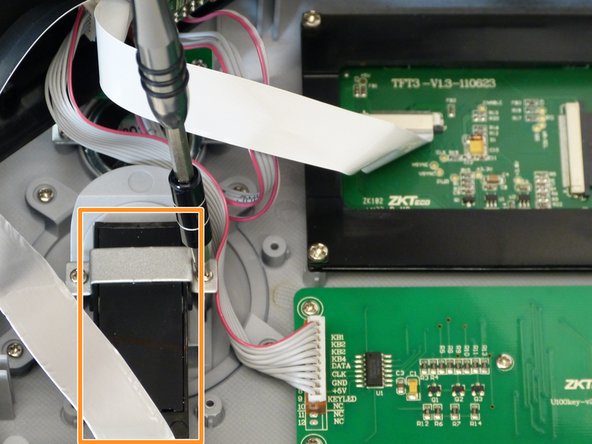
Remove the two 7mm PH #1 screws from the fingerprint scanner mounting tab by rotating the screw driver counter clockwise, removing the screw from the housing completely.
-
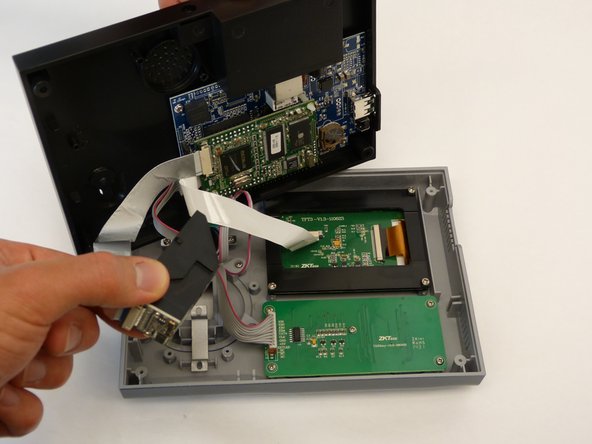
Remove the fingerprint scanner assembly from the unit by lifting the scanner up and away from the unit housing.
-
-


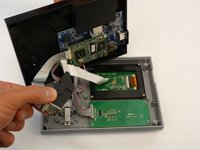

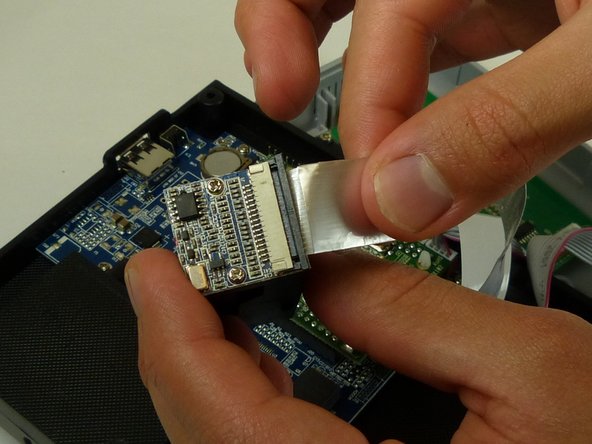
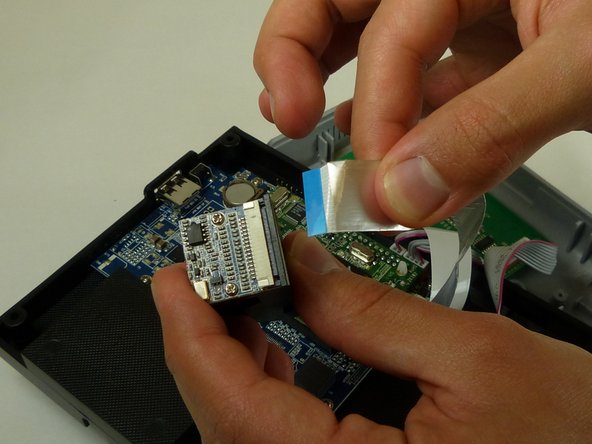
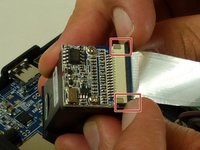
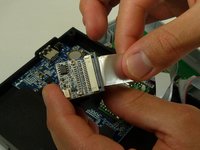
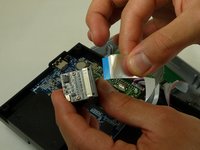
To reassemble , follow these instructions in reverse order.
另外一个人完成了本指南。

团队

Idaho State University, Team S4-G1, Watkins Fall 2017 Idaho State University, Team S4-G1, Watkins Fall 2017 的会员
ISU-WATKINS-F17S4G1
3 名成员
创作了15篇指南
