跳转到主内容
加入维修社区 - 创建账户

iRobot Roomba 560 Fan Replacement

你所需要的

    1. iRobot Roomba 560 Fan Replacement, Fan: 步骤 1 中的图像 1,1
      • Press the black circular button on the back end of the Roomba and pull the bin out towards you to remove the vacuum bin.

      询问修复机器人

      添加评论

    2. iRobot Roomba 560 Fan Replacement: 步骤 2 中的图像 1,2 iRobot Roomba 560 Fan Replacement: 步骤 2 中的图像 2,2
      • Lay the vacuum bin down and remove the six 15 mm screws around the outside of the vacuum bin using the Phillips JIS #1 driver.

      • Remove the top of the vacuum bin by pulling it straight up.

      • The bin is composed of two parts (the clear top casing and the red bottom filter). To avoid a mess, be careful to not let these two pieces detach, unless over a trash bin.

      询问修复机器人

      添加评论

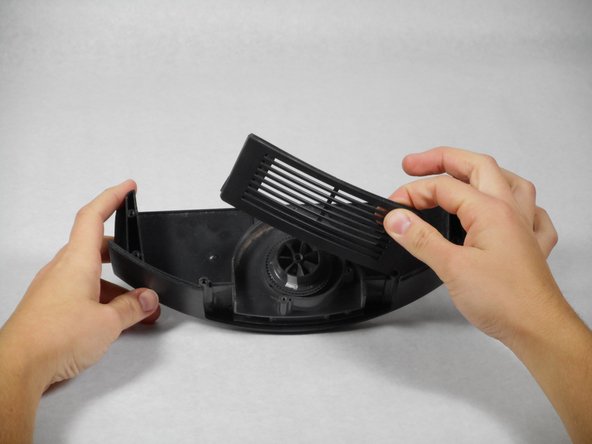
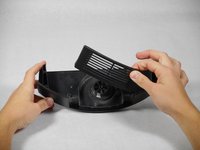
    3. iRobot Roomba 560 Fan Replacement: 步骤 3 中的图像 1,3 iRobot Roomba 560 Fan Replacement: 步骤 3 中的图像 2,3 iRobot Roomba 560 Fan Replacement: 步骤 3 中的图像 3,3
      • Remove the three 10 mm screws that surround the fan using the Phillips JIS #1 driver.

      • Remove the casing that surrounds the fan by pulling it straight up.

      • The casing is composed of 2 parts (the large top casing, and a small air filter). If these parts detach, they are very easy to put back together. Do not lose the air filter.

      询问修复机器人

      添加评论

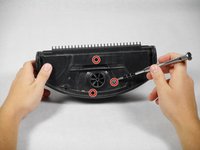
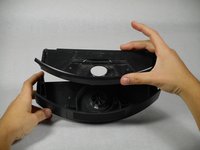
    4. iRobot Roomba 560 Fan Replacement: 步骤 4 中的图像 1,3 iRobot Roomba 560 Fan Replacement: 步骤 4 中的图像 2,3 iRobot Roomba 560 Fan Replacement: 步骤 4 中的图像 3,3
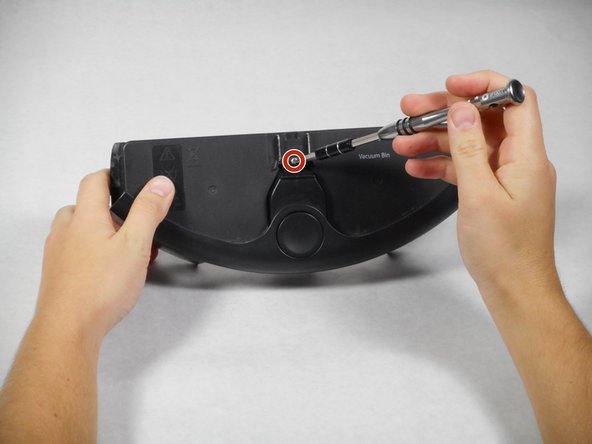
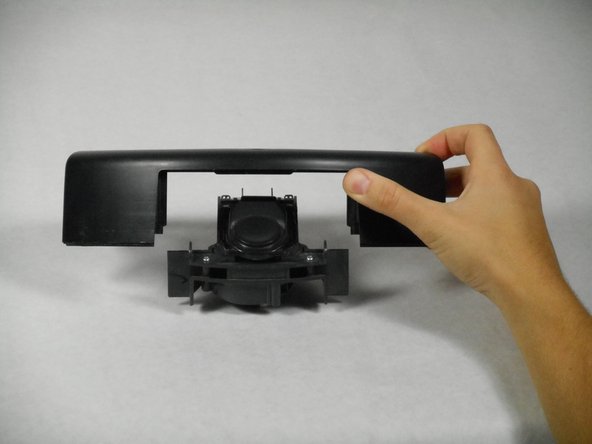
      • Turn over the remainder of the fan casing and remove the single 15mm screw, using the Phillips JIS #1 screwdriver.

      • Remove the casing from the fan and battery component by pulling it straight up.

      询问修复机器人

      添加评论

    5. iRobot Roomba 560 Fan Replacement: 步骤 5 中的图像 1,1
      • Remove the small black button from the top of the battery.

      • Save the spring and the button cover. The remainder of the fan assembly (yellow motor and the black housing) will need to be replaced as a unit.

      询问修复机器人

      添加评论

结论

To reassemble your device, follow these instructions in reverse order.

取消:我没有完成这个指南。

2等其他人完成本指南。

TJ Tamura

于10/01/15注册

289 声望

撰写一个指南

团队

Cal Poly, Team 1-22, Maness Fall 2015 Cal Poly, Team 1-22, Maness Fall 2015 的会员

CPSU-MANESS-F15S1G22

4 名成员

创作了21篇指南

0指南评论

添加评论

浏览统计数据:

过去 24 小时: 1

过去 7 天: 14

过去 30 天: 50

总计 5,277