
iPod Touch 第5代 屏幕组件替换

最后更新于 2023年4月27日
浏览量: 30万
浏览统计数据:
- 过去24小时
- 13
- 过去 7 天:
- 85
- 过去 30 天:
- 314
- 总计
- 298,532
评论: 77
45 comments on steps, 32 guide comments.
Go to guide comments已完成: 200 201
200 人已将本指南标记为“已完成”。你会是下一个完成的人吗?
201 人已将本指南标记为“已完成”。包括你——干的漂亮!
收藏: 212 213
212 人已收藏(并订阅)本指南。你会是下一个吗?
213 人收藏(并订阅)了本指南——这其中包括你!
特色指南
iFixit的工作人员认为该指南特别酷。


-
-
-
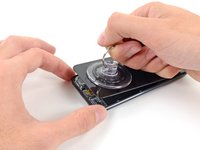
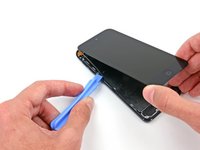
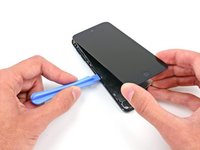
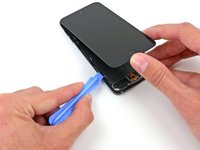
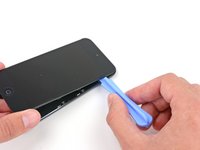
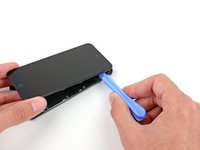
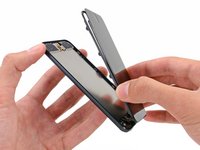
使用吹风机或准备一个 iOpener,并将其加热 iPod 的下边缘约一分钟,以软化下方的粘合剂。
-
屏幕的底部(接近主屏幕按钮位置)粘合剂最强。
-
在您进行下一步骤撬起屏幕前,您有可能需要再进一步加热来让粘合剂加温变得软化。
-
-
-
-
-
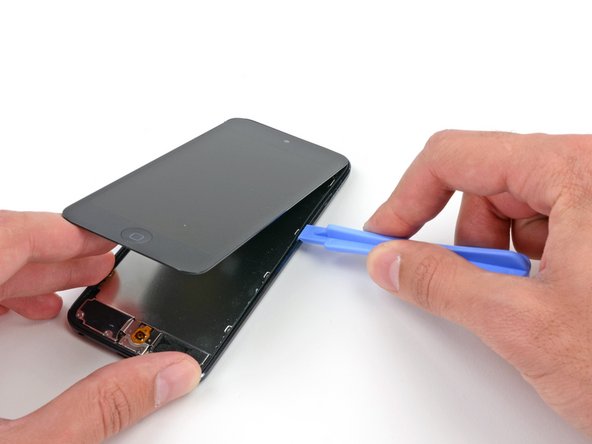
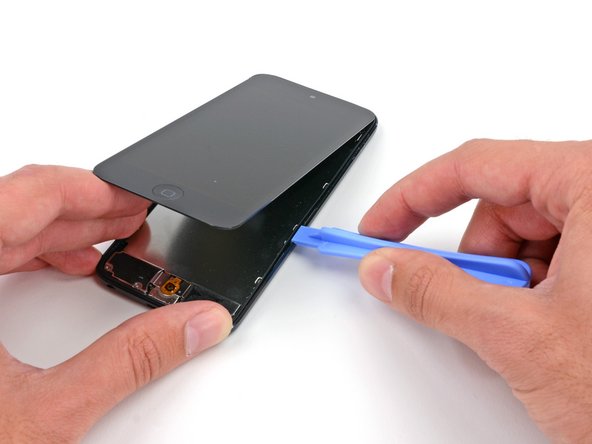
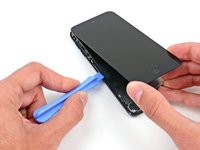
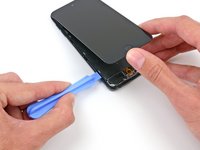
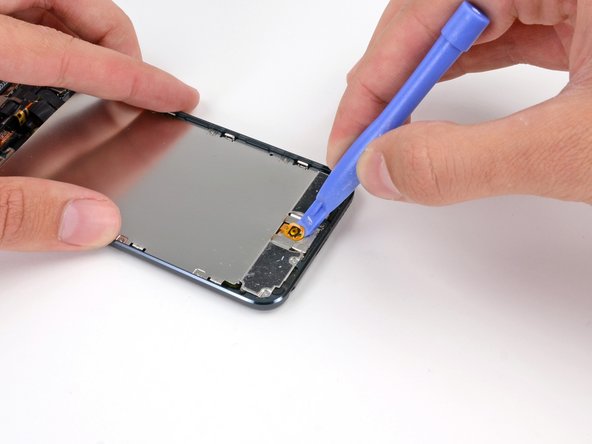
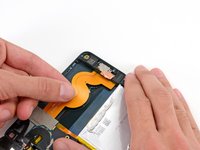
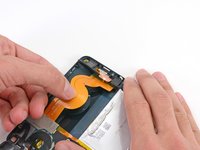
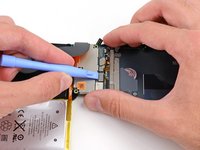
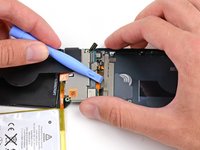
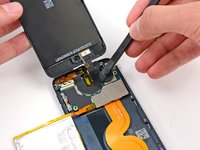
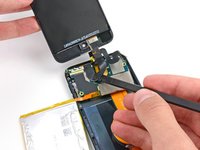
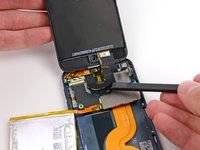
如果你的iPod配备的是黑色主屏幕按钮组件,而不是此处所示的橙色组件,你可以跳过此步骤。该按钮未连接到LCD面板,无需拆卸即可完成维修。
-
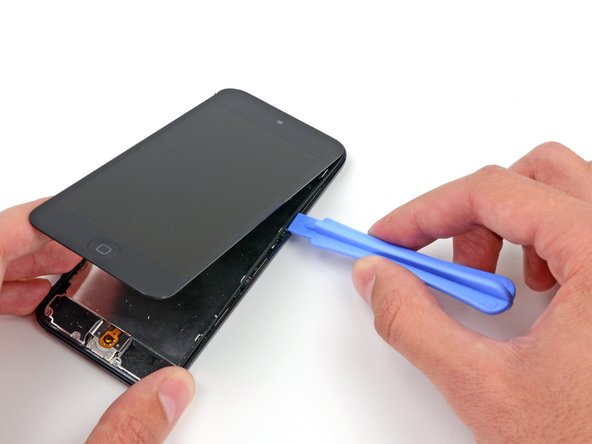
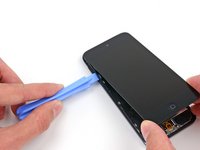
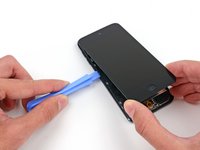
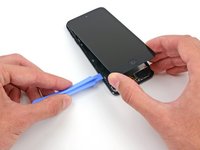
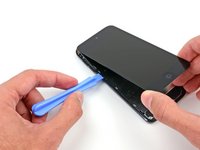
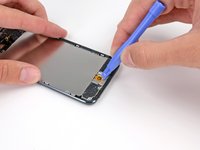
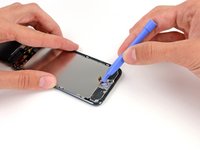
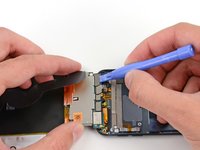
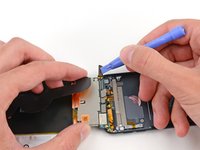
使用塑料开启工具从LCD面板上撬起主屏幕按钮开关。
-
可能需要使用热风枪或吹风机来软化主屏幕按钮背面的粘合剂。始终使用低热档。
-
-
-
-
-
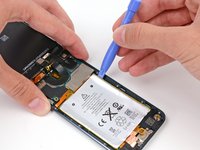
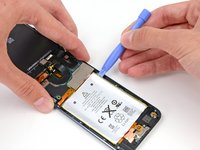
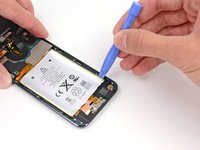
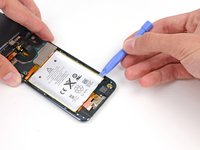
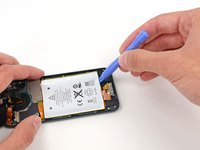
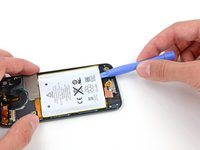
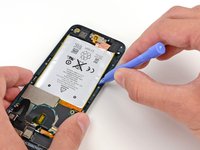
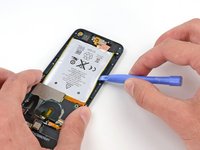
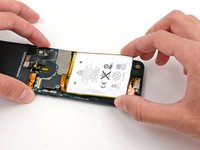
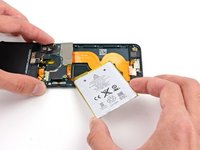
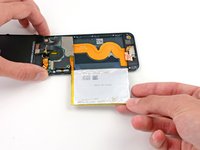
这里有两条胶带将电池固定到位。
-
将iPod翻转到背面,铝制后壳上。 切勿加热电池。
-
铝合金外壳不必太烫; 随时使用手指触碰确保不会加热过热。
-
-
-
-


 询问修复机器人


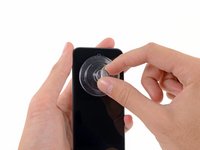
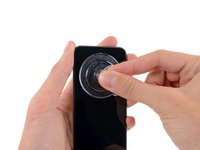


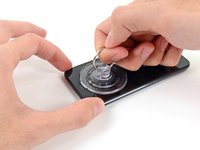
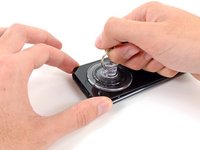


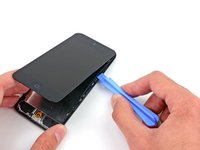


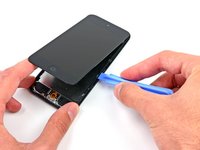
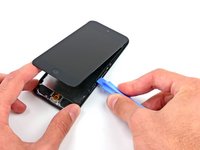

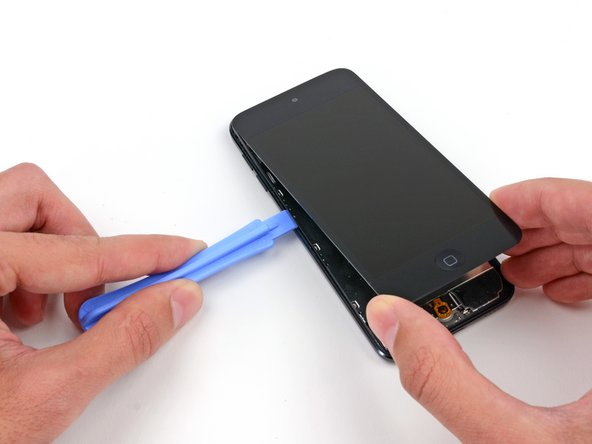












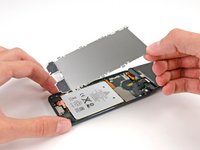




















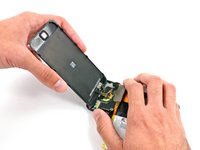
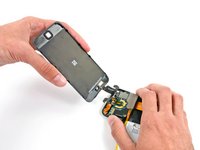
若要重新组装你的设备,按照以下步骤逆序操作。
200等其他人完成本指南。



32指南评论
There is a major problem with the information provided here.
I followed the advice of the staff and purchased on eBay a replacement glass with tools for our cracked glass problem. I then began to follow the guide shown here.
The first major problem is that the suction cup will not pull off the glass. I tried the suction on various surfaces, and it's very strong. So no doubt, the problem is the fact that the glass is cracked. But that's the whole reason we're trying to take it apart. Secondly, if this guide doesn't apply to cracked glass, that should be clearly stated and possible another guide should be provided.
As it is now, removing the "glass" from the foamy "gasket" underneath was nearly impossible, and the local tech now tells me that in this condition, it's essentially worthless.
I don't know about Ipods, but I have worked on Samsung phones in their repair facility and to lift our digitizers from the lcd assembly you have to heat them up a little bit with a heat gun first. The heat loosens the adhesive tape that holds the digitizer down. Once that glue on the tape becomes pliable you should be able to lift it up. Hope this helps.
I tried multiple times to remove the screen after heating it thoroughly with a hair drier. True, not a heat gun, but the display was well heated. The screen wouldn't budge with a suction cup a bit smaller than the one pictured above. My eureka moment was when I remembered the suction-cup on a car cellphone holder. The edges of the cup just exceed the size of the display, but I was able to turn the ring that "tightened" the suction. I pulled firmly on the base of the cellphone holder, and after a minute or so the display started pulling away. The key was being able to apply an even, slow pull.
