简介
使用本指南以帮助你更换损坏的Home键排线。
你所需要的
-
-
-
-
-
-
-
-
-
-
-
记住从旧的屏幕上取下Home键安装在新屏幕上(大多数情况,新屏幕是没有Home键)。Home键的橡胶垫圈是很薄的注意不要拉断。同时,观察替换的屏幕上是否有听筒网,如果没有,从旧屏幕上取下再装上去即可。
-
在安装新的屏幕前一定要撕下屏幕保护贴纸(通常是蓝色或者粉红色)。
-
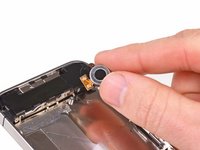
如果你更换的新屏幕没有直径7mm的前置摄像头固定圈,从旧屏幕上取下安装在新屏幕上即可。
-
-
-
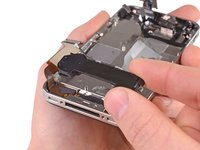
小心拉直屏幕排线和数字转换排线然后从中板打孔处穿过去。图片中图的做法是错误的,使橡皮圈和数字转换排线一起穿过开孔。中图展示的橡皮圈。
-
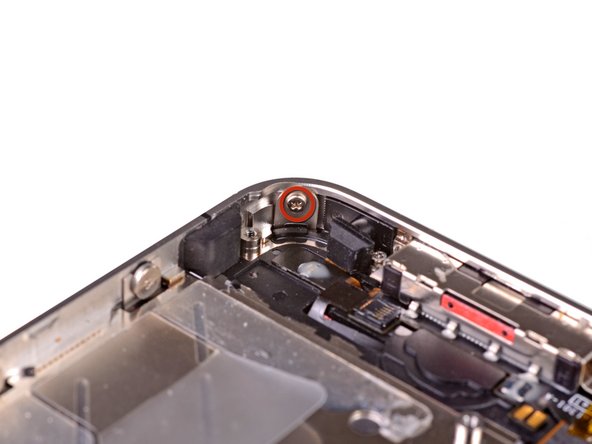
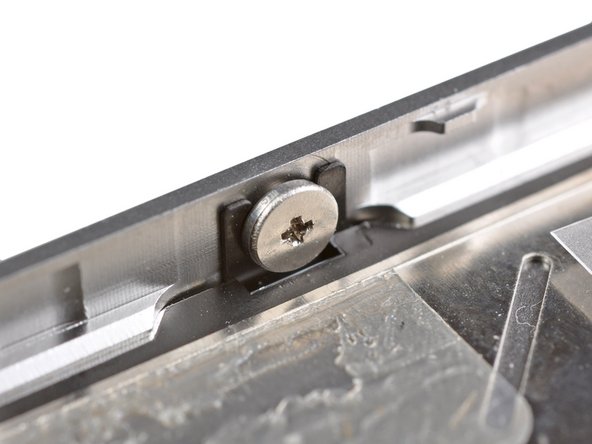
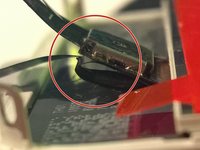
这个照片展示了屏幕组件被错误的安装的样子,在数字排线之间留有太多空隙,最终会导致排线弯曲/缠绕最终被卡在凹槽上。第三张照片展示了这个凹槽。
-
-
-
在安装屏幕时不要碰到屏幕数字排线的金属屏蔽罩,将会导致显示问题。如果不小心触摸到的话,就用酒精轻轻擦拭一下再继续其他步骤。
-
装好屏幕后,给屏幕贴张膜保护新屏幕。
-
-

 询问修复机器人


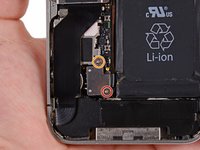
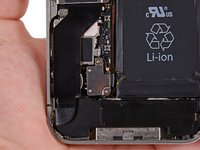


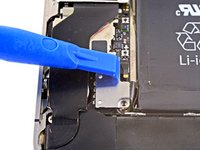
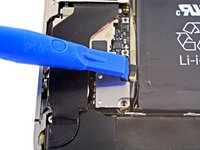
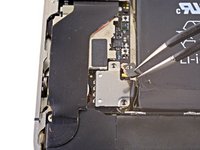


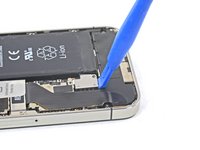
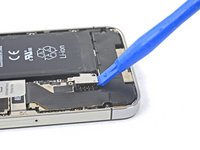
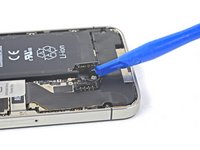



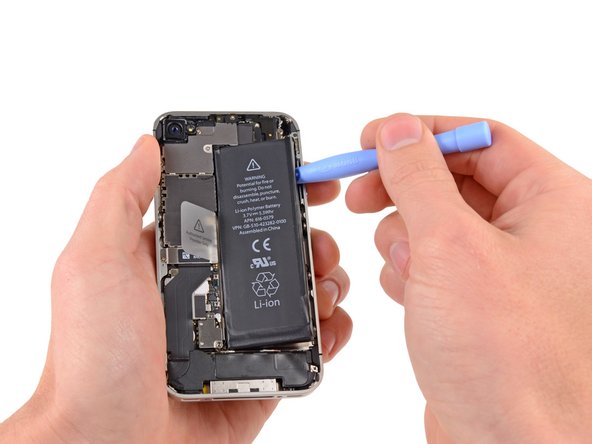
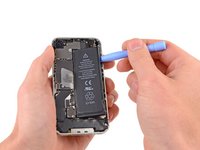


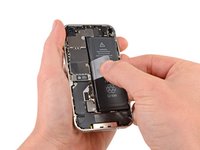


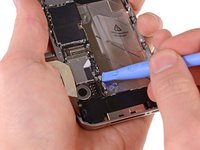
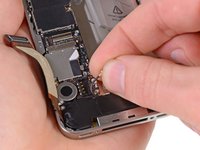


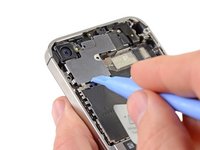
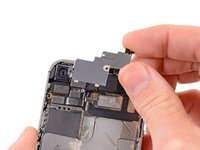


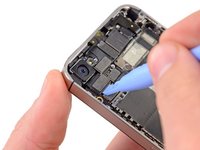
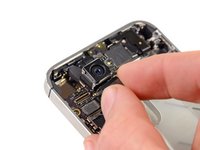


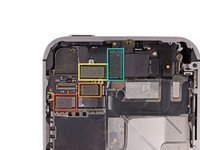
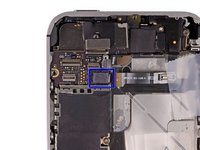


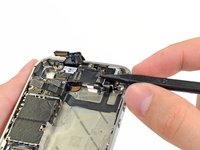
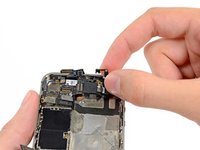


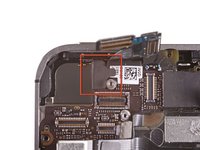
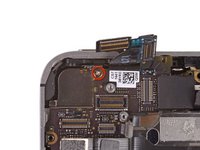


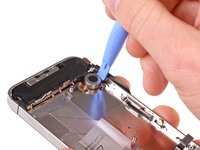
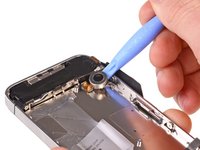







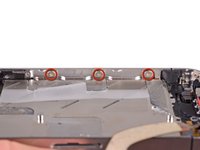
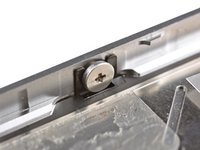


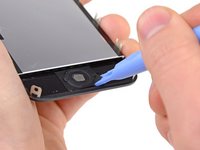
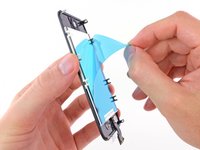

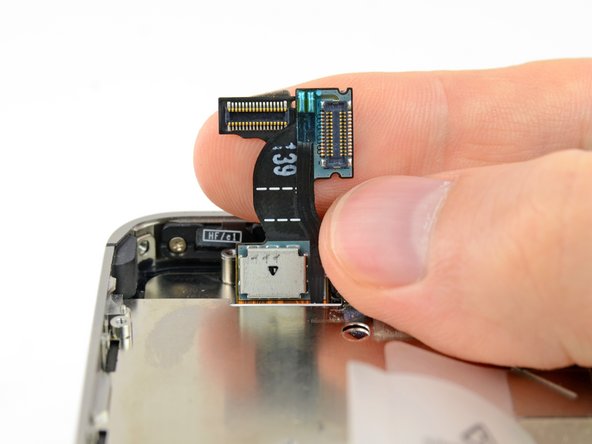



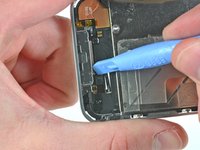
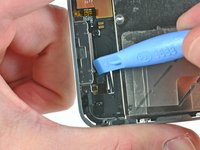


如需重新组装您的设备,请按指南中说明的反向顺序操作。
122等其他人完成本指南。


1指南评论
Great directions!!! Make sure you have the required tool kit before you start. I printed out the directions in color and taped the parts and screws I took out on the directions as I went along. Makes it easy to put back. On Step 39, it's a tiny black hinge. You can't tell from the directions but just pry up and push back when new cable is in. Took me about 2 1/2 hours taking my time. I could easily do it in an hour the next time. NOT HARD, just take your time. A $5 home button and cable on ebay saved me from buying a new phone for $600+. Worth it!
