简介
Reassembly steps for installing a new battery in the iPhone 16 Pro.
你所需要的
-
-
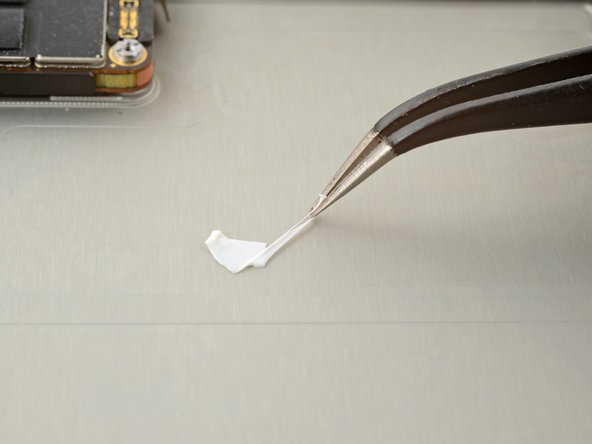
Remove any remaining adhesive from the battery recess.
-
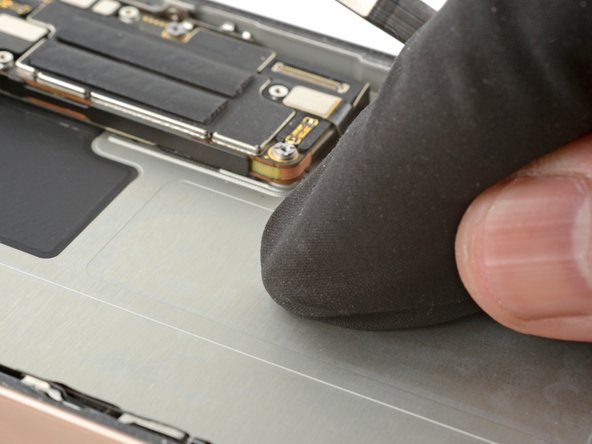
Wipe the frame surface with a lint-free cloth and a few drops of isopropyl alcohol. Wait for the alcohol to fully evaporate before installing the new battery.
-
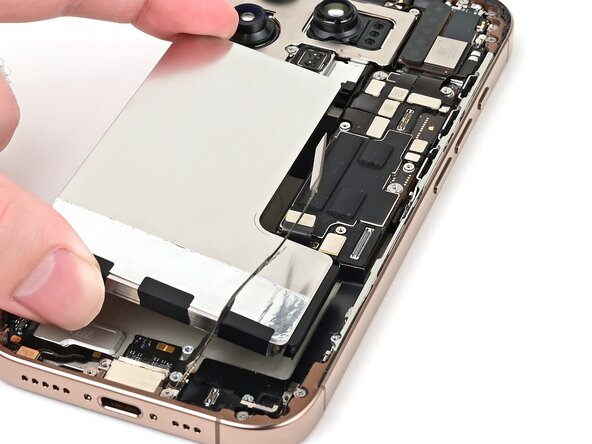
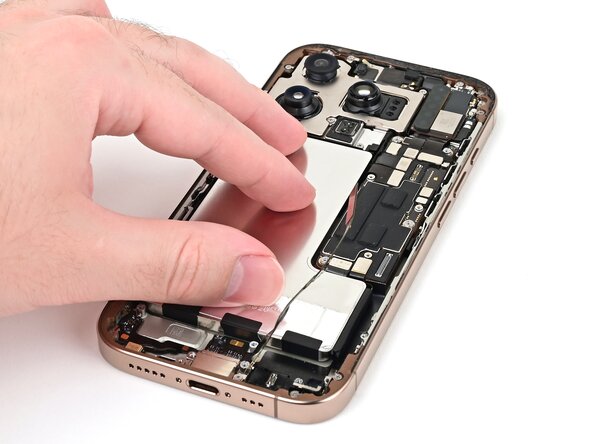
Before removing any liners on the adhesive, place the battery in its recess to check that it fits and that its cable reaches its socket on the logic board. Don't connect the battery yet!
-
-
在这个步骤中使用的工具:Stretch Release Battery Adhesive$3.99
-
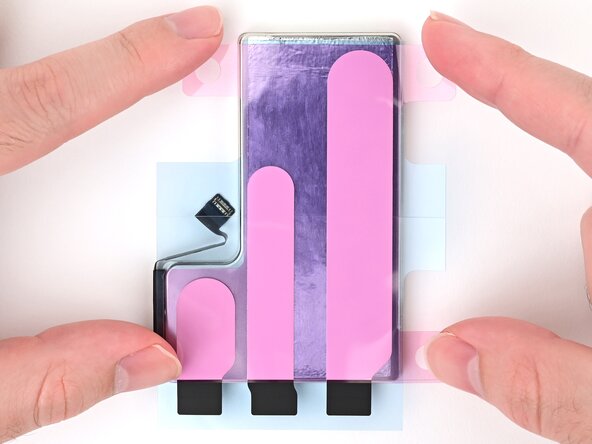
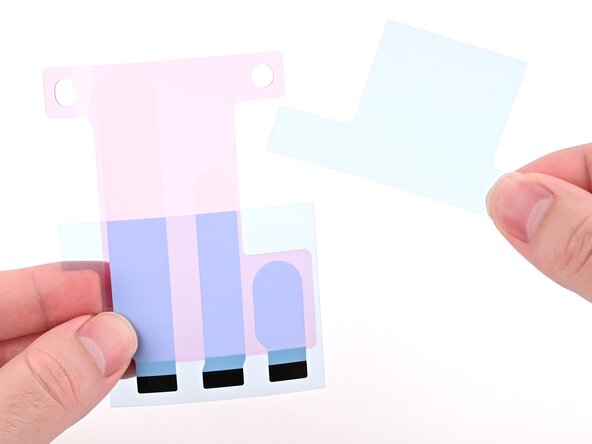
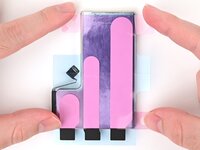
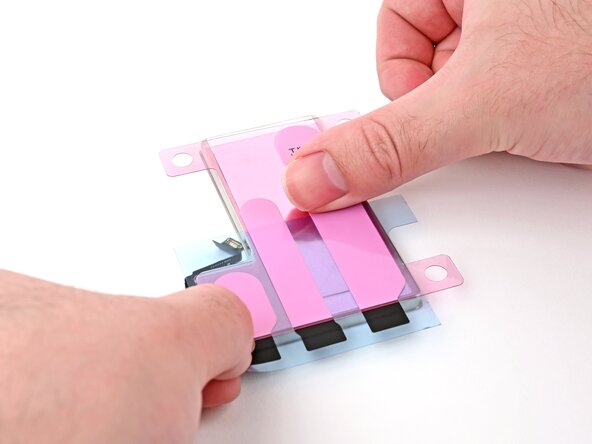
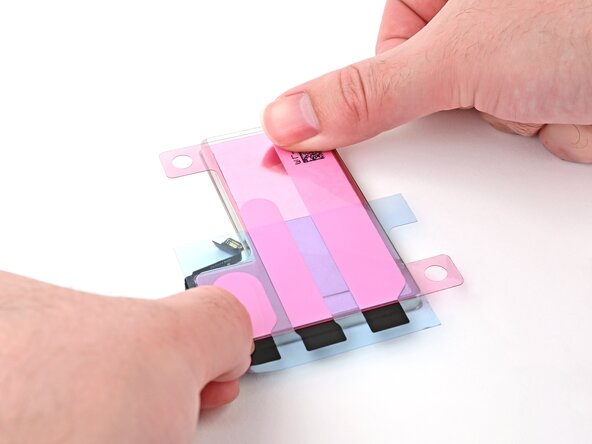
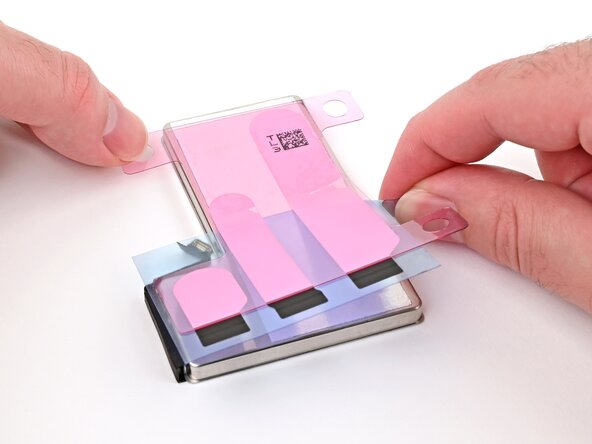
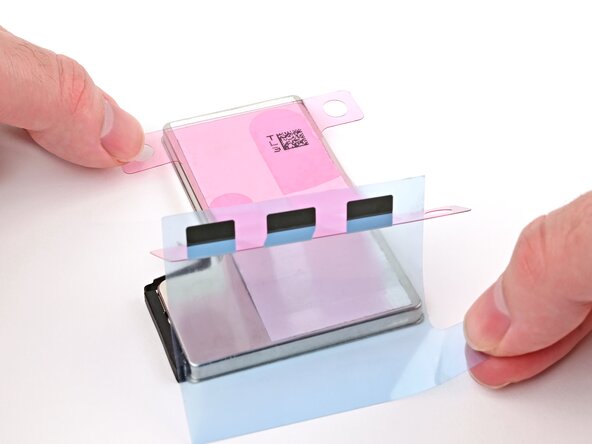
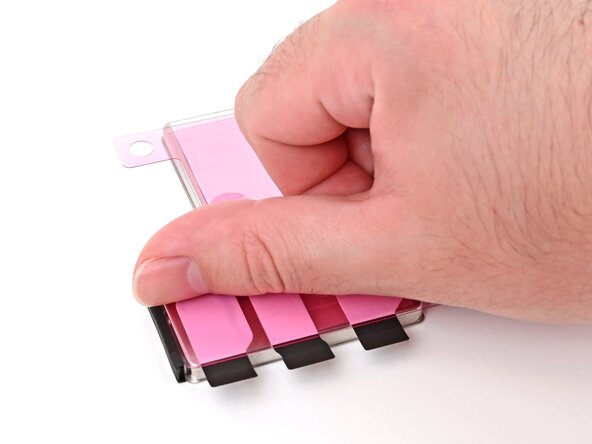
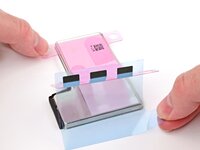
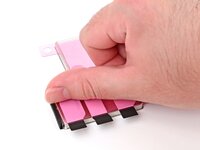
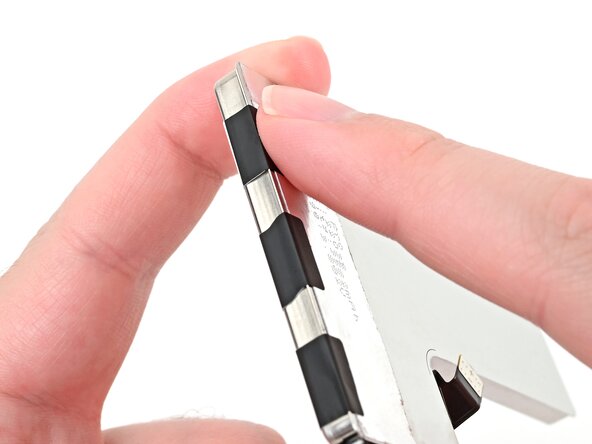
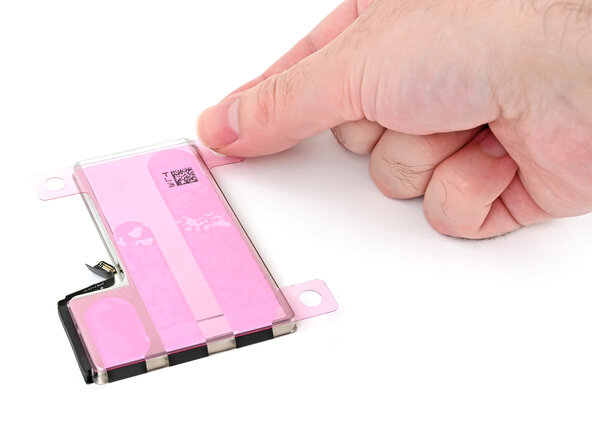
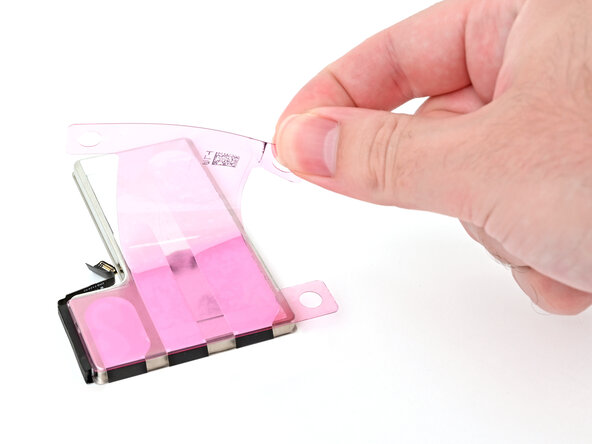
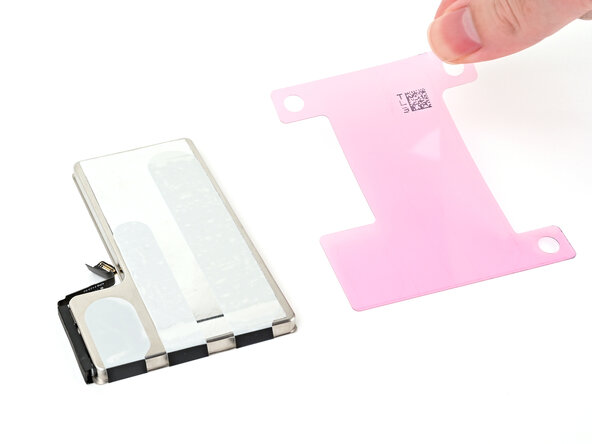
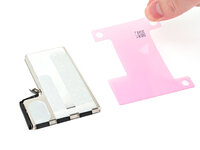
Align the new adhesive with your battery to see how it needs to be applied. Set all strips fully on the battery, and align the top edges of the black pull tabs with the bottom edge of the battery.
-
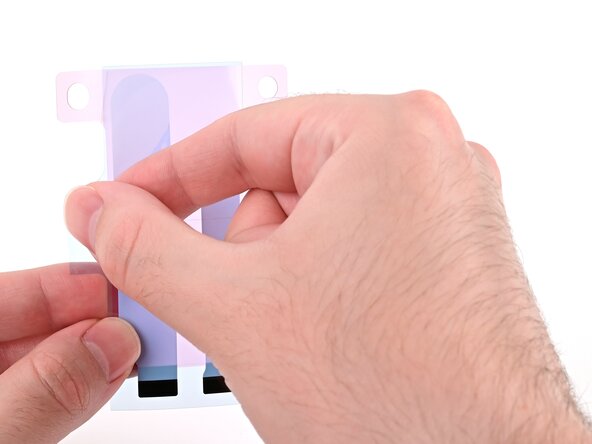
If the battery‑side of your adhesive has two liners, remove the top liner.
-
If the battery‑side of your adhesive has one liner, remove it.
-
-
-
-
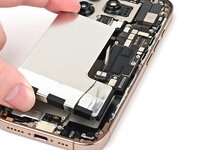
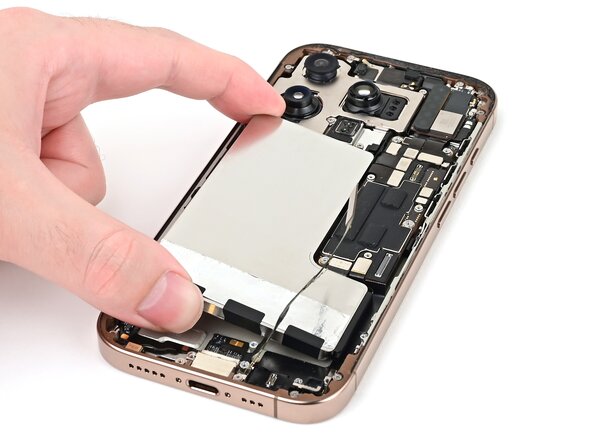
Lower the battery partially into its recess, making sure the adhesive doesn't touch the frame.
-
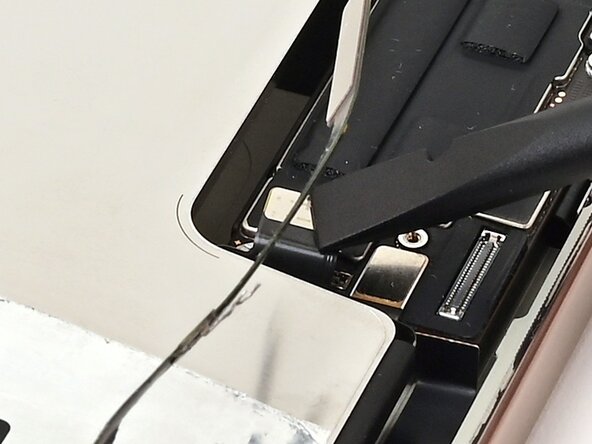
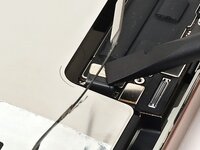
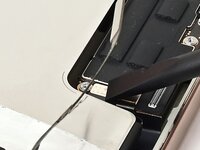
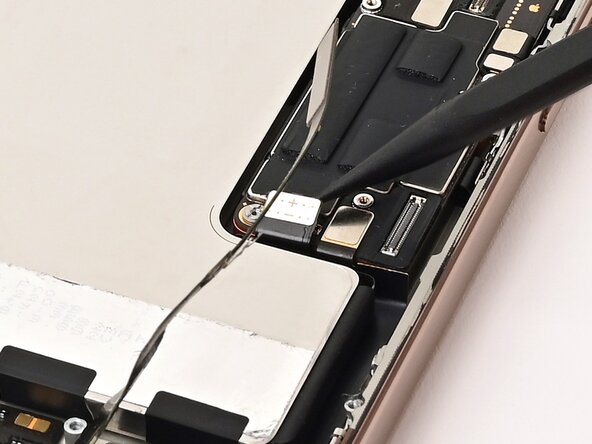
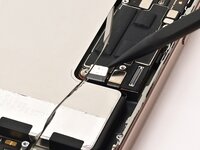
Use a spudger or your finger to connect the battery cable's press connector to ensure that the cable reaches.
-
-
-
Push the battery towards the top of the iPhone, and lay it in its recess.
-
Use your fingers to press firmly against the battery for ten seconds to bond it to the frame.
-
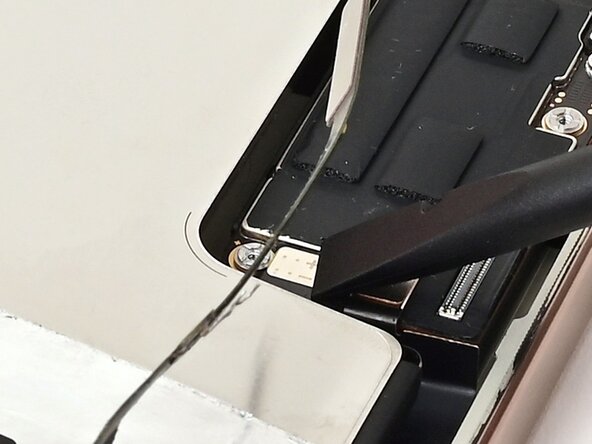
Use a spudger or your finger to disconnect the battery from the logic board.
-