跳转到主内容
加入维修社区 - 创建账户

iHome iBT230 Motherboard Replacement

你所需要的

    1. iHome iBT230 Motherboard  Replacement, Motherboard: 步骤 1 中的图像 1,1
      • Remove the four 5.5 mm Phillips Head #00 screws from the bottom palate of the iBT230.

      询问修复机器人

      添加评论

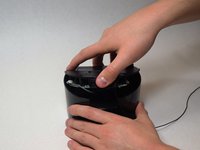
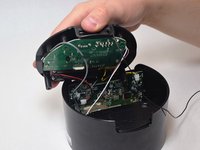
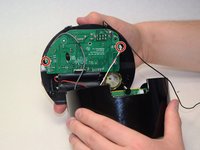
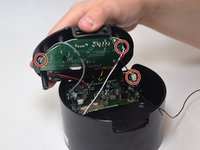
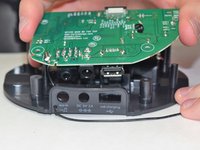
    2. iHome iBT230 Motherboard  Replacement: 步骤 2 中的图像 1,2 iHome iBT230 Motherboard  Replacement: 步骤 2 中的图像 2,2
      • Grip the top of the iBT230 by placing your thumb on the back portion, where the USB port is located. Pull up, and you should notice various different colored wires, connected to the Main Motherboard.

      询问修复机器人

      添加评论

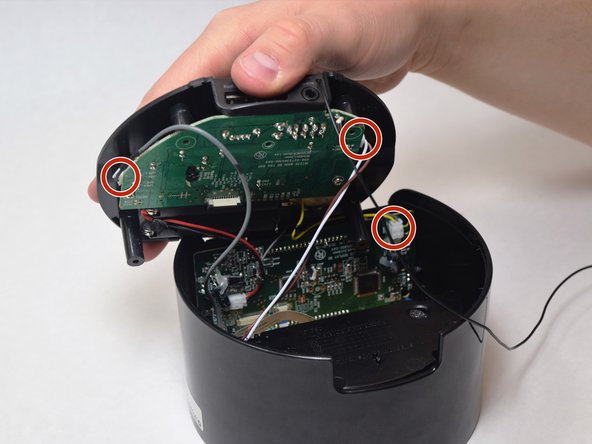
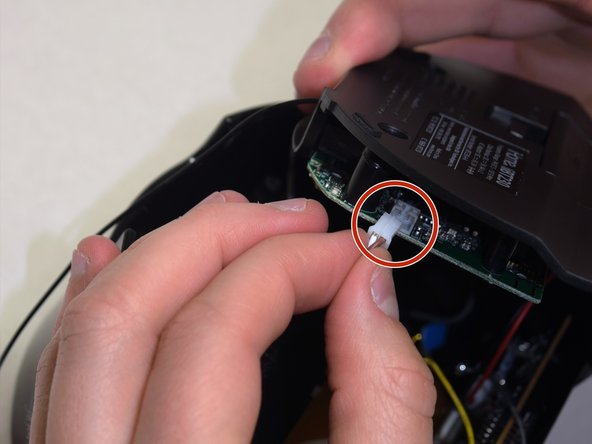
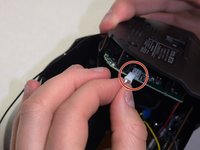
    3. iHome iBT230 Motherboard  Replacement: 步骤 3 中的图像 1,3 iHome iBT230 Motherboard  Replacement: 步骤 3 中的图像 2,3 iHome iBT230 Motherboard  Replacement: 步骤 3 中的图像 3,3
      • Unplug the connectors from all sides of the iBT230, and unplug the wire connected to the screen.

      • Make sure to note which wire goes where, you don't want to re-solder the wires into the incorrect ports!

      询问修复机器人

      添加评论

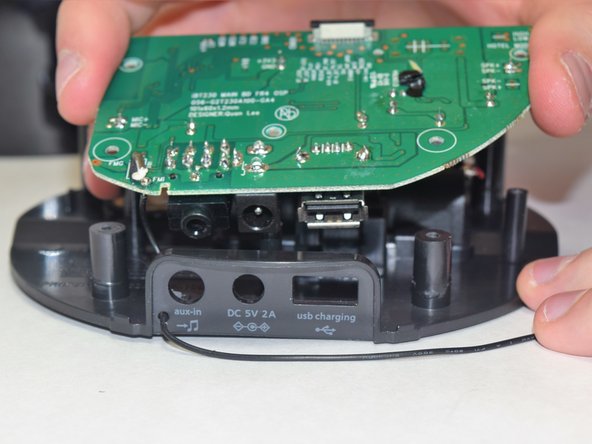
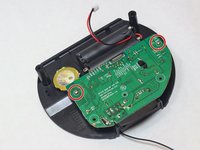
    4. iHome iBT230 Motherboard  Replacement: 步骤 4 中的图像 1,2 iHome iBT230 Motherboard  Replacement: 步骤 4 中的图像 2,2
      • On the bottom component where the green Main Motherboard is located, remove the two 5.5 mm Phillips #00 screws.

      • The old Motherboard will come free from the bottom of the iBT230.

      询问修复机器人

      添加评论

结论

To reassemble your device, follow these instructions in reverse order.

取消:我没有完成这个指南。

2等其他人完成本指南。

团队

UW Tacoma, Team S3-G6, Liner Spring 2017 UW Tacoma, Team S3-G6, Liner Spring 2017 的会员

UWT-LINER-S17S3G6

4 名成员

创作了9篇指南

0指南评论

添加评论

浏览统计数据:

过去 24 小时: 2

过去 7 天: 5

过去 30 天: 31

总计 988