跳转到主内容
加入维修社区 - 创建账户

hp folio13 lcd Replacement

你所需要的

  1. hp folio13 lcd Replacement, lcd: 步骤 1 中的图像 1,1
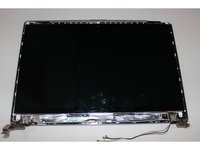
    • In the following general have screws Usually hidden in a small screw below the cover sheet

  2. hp folio13 lcd Replacement: 步骤 2 中的图像 1,1
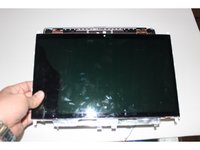
    • In the notebook shell intermediate insert a thin card This will separate the shell

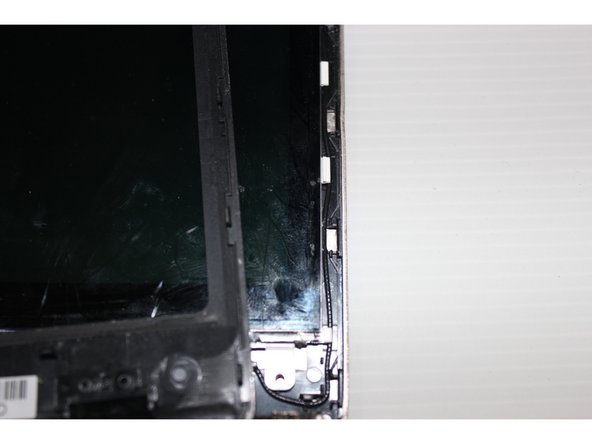
  3. hp folio13 lcd Replacement: 步骤 3 中的图像 1,2 hp folio13 lcd Replacement: 步骤 3 中的图像 2,2
    • To separate the shell casing removed some attention how to combine together The perfect time to go into the screen You will understand how to combine together

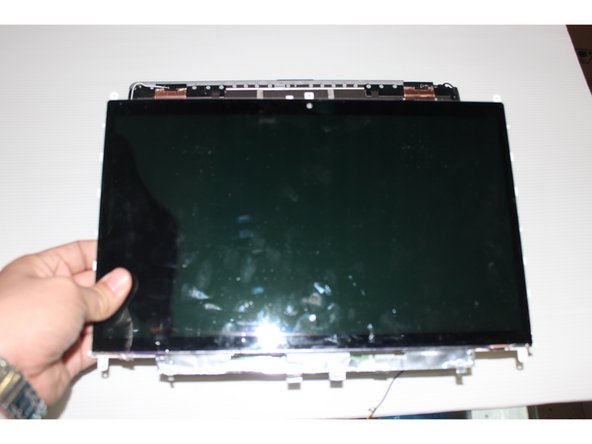
  4. hp folio13 lcd Replacement: 步骤 4 中的图像 1,2 hp folio13 lcd Replacement: 步骤 4 中的图像 2,2
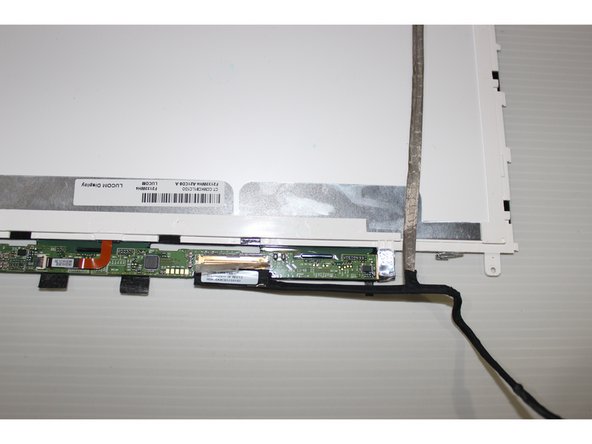
    • Many models of LCD directly could get down But this machine's LCD screen needs to move down flat push

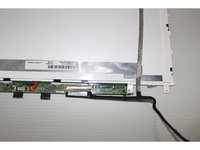
  5. hp folio13 lcd Replacement: 步骤 5 中的图像 1,2 hp folio13 lcd Replacement: 步骤 5 中的图像 2,2
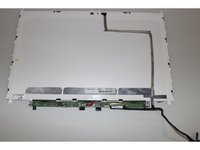
    • The LCD screen upside down We can put the screen line to win Must pay attention to the screen wire interface

  6. hp folio13 lcd Replacement: 步骤 6 中的图像 1,2 hp folio13 lcd Replacement: 步骤 6 中的图像 2,2
    • The new LCD and then put the housing installed Screws installed on the notebook intact You can continue to work

结论

To reassemble your device, follow these instructions in reverse order.

另外一个人完成了本指南。

eastar

于01/09/16注册

25 声望

撰写一个指南

0指南评论

添加评论

浏览统计数据:

过去 24 小时: 0

过去 7 天: 4

过去 30 天: 14

总计 561