此翻译由机器生成,尚未经过人工审核。 会说这种语言吗? 查看评论。
简介
本指南将教你如何更换 ZTE Boost MAX 的屏幕,并演示如何将其拆解。
你所需要的


 询问修复机器人


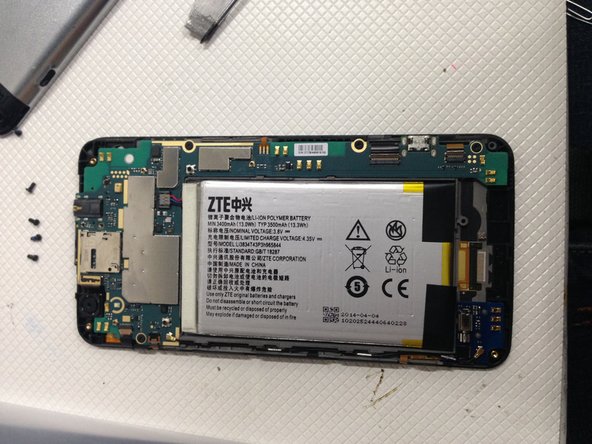
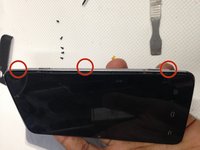


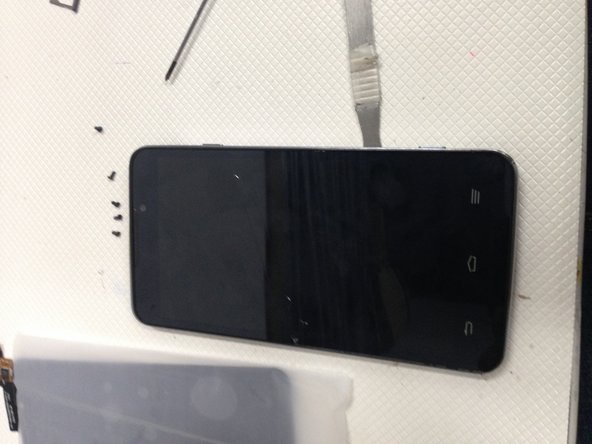
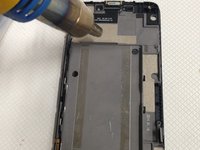
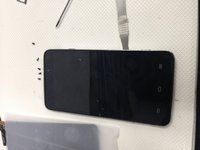

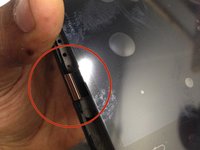
要重新组装设备,请按相反顺序执行这些说明。
34等其他人完成本指南。

11指南评论
So how do you get the battery connector unplugged?
take a small flat head screw driver stick it under the white connector (from the side that has the red wire) pry upwards and it will come off. its wedged into the plastic encasing. dont stick the Flathead in all the way you might damage the connectors underneath.
h2kwireless - 回复 分享
Use the black tabs stuck on the bottom of the battery to lift the battery up... assuming you have removed all bolts and flat cables as instructed up to this point. when you do this, work it back and forth applying heat from a heat gun or hair dryer. the battery will eventually give way and you can take the entire circuit board and battery and lay it over on its backside next to the screen.
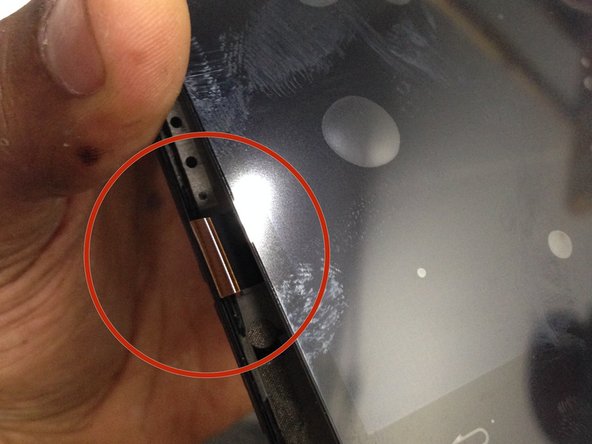
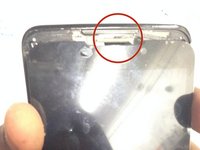
Take your heat gun or blow dryer and apply heat to the volume buttons still stuck to the side of the screen, remove the buttons.
Now apply a great amount of heat, front and back, until it's very warm to the touch, push through the small holes located on the back of the screen housing to apply pressure on the back of the screen. Keep applying pressure to those holes and eventually the screen will start to give way enough to get a spudger in and work the screen the rest of the way out.
dude I can not get this battery out I'm afraid to apply to much heat to it I don't want the battery to explode on me lol, how much heat can this battery take?
