跳转到主内容
加入维修社区 - 创建账户

ZTE Awe Screen Replacement

你所需要的

  1. ZTE Awe Screen Replacement, Detach the mid frame: 步骤 1 中的图像 1,1
    • Use the Phillips Head 00 screw driver to unscrew the seven 0.1mm screws from the phone's mid frame.

    询问修复机器人

    添加评论

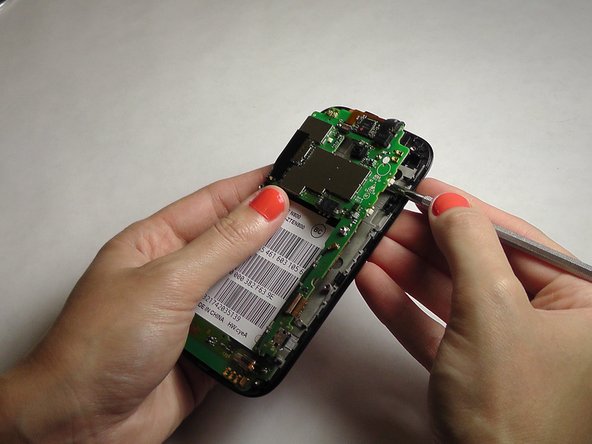
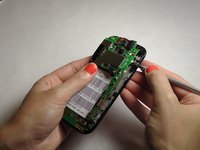
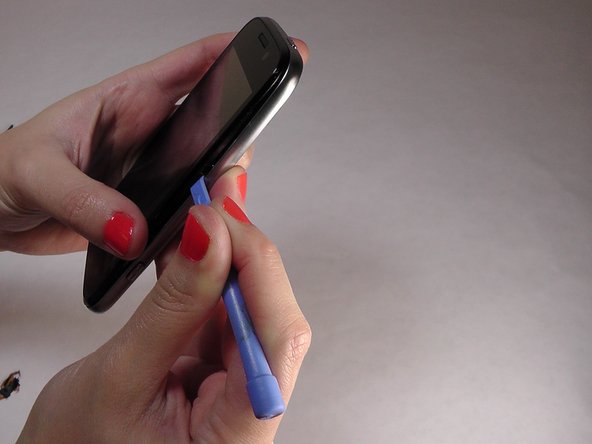
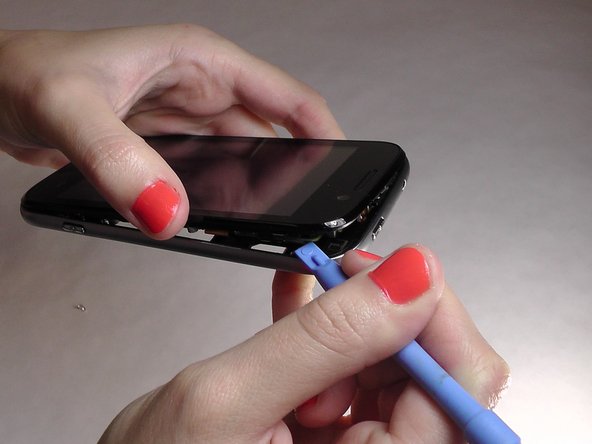
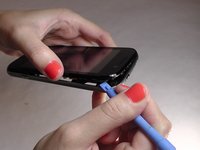
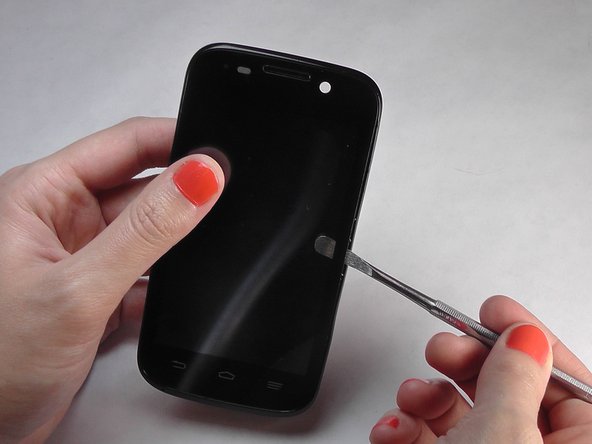
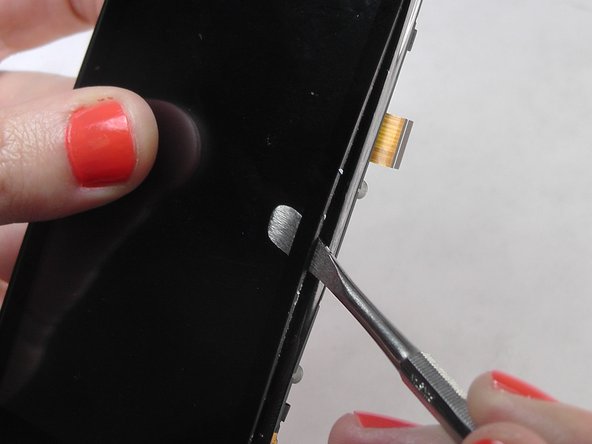
  2. ZTE Awe Screen Replacement, Separate the mid frame and the digitizer: 步骤 2 中的图像 1,3 ZTE Awe Screen Replacement, Separate the mid frame and the digitizer: 步骤 2 中的图像 2,3 ZTE Awe Screen Replacement, Separate the mid frame and the digitizer: 步骤 2 中的图像 3,3
    • Wedge the flat end of the spudger between the mid frame and the digitizer.

    询问修复机器人

    添加评论

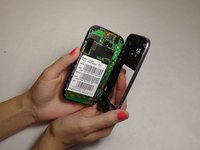
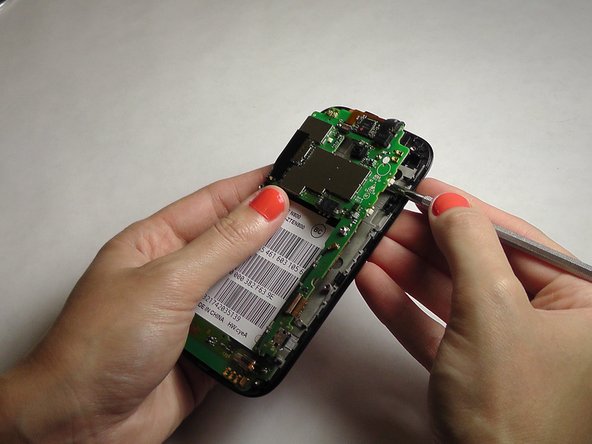
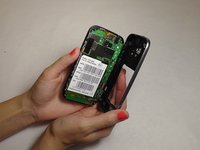
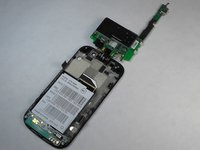
  3. ZTE Awe Screen Replacement, Expose the motherboard: 步骤 3 中的图像 1,2 ZTE Awe Screen Replacement, Expose the motherboard: 步骤 3 中的图像 2,2
    • Gently pry the mid frame away from the rest of the phone to expose the motherboard.

    询问修复机器人

    添加评论

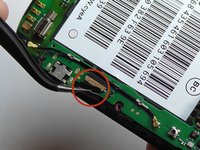
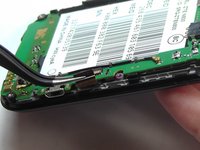
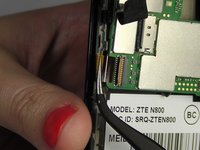
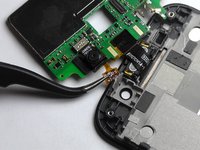
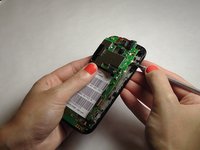
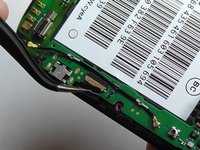
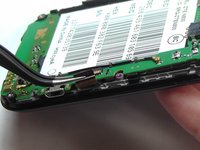
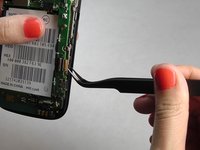
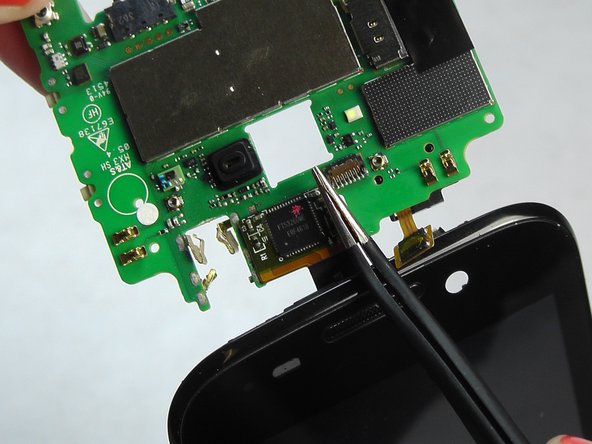
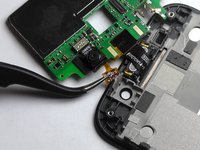
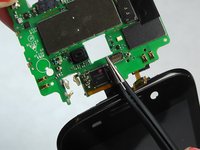
  4. ZTE Awe Screen Replacement, Remove the ribbon wires: 步骤 4 中的图像 1,3 ZTE Awe Screen Replacement, Remove the ribbon wires: 步骤 4 中的图像 2,3 ZTE Awe Screen Replacement, Remove the ribbon wires: 步骤 4 中的图像 3,3
    在这个步骤中使用的工具:
    Tweezers
    $4.99
    • Use the tweezers to remove the four ribbon wires on the sides of the device.

    询问修复机器人

    添加评论

  5. ZTE Awe Screen Replacement, Orient the motherboard: 步骤 5 中的图像 1,1
    • Orient the motherboard to expose the mid frame.

    询问修复机器人

    添加评论

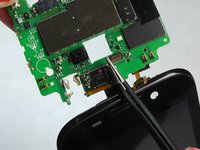
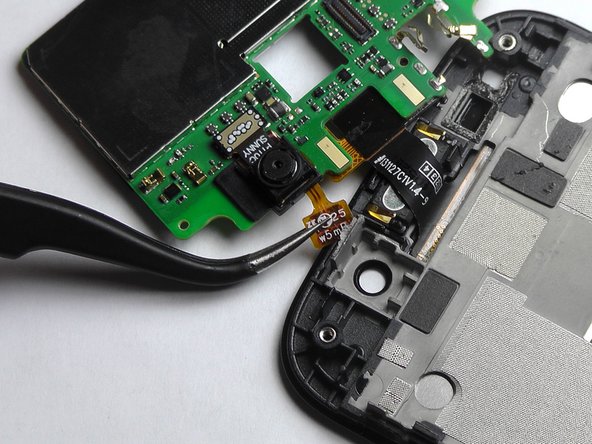
  6. ZTE Awe Screen Replacement, Remove the connector: 步骤 6 中的图像 1,3 ZTE Awe Screen Replacement, Remove the connector: 步骤 6 中的图像 2,3 ZTE Awe Screen Replacement, Remove the connector: 步骤 6 中的图像 3,3
    • Remove the connector to free the motherboard from the screen.

    询问修复机器人

    添加评论

  7. ZTE Awe Screen Replacement, Remove the cover: 步骤 7 中的图像 1,1
    • Remove the back cover from the phone.

    询问修复机器人

    添加评论

  8. ZTE Awe Screen Replacement, Remove battery: 步骤 8 中的图像 1,1
    • Pry the battery up and out of the phone.

    询问修复机器人

    添加评论

  9. ZTE Awe Screen Replacement: 步骤 9 中的图像 1,3 ZTE Awe Screen Replacement: 步骤 9 中的图像 2,3 ZTE Awe Screen Replacement: 步骤 9 中的图像 3,3
    • Gently wedge the spudger in between the glass screen and the mid frame.

    询问修复机器人

    添加评论

  10. ZTE Awe Screen Replacement, Separate the motherboard from the screen: 步骤 10 中的图像 1,2 ZTE Awe Screen Replacement, Separate the motherboard from the screen: 步骤 10 中的图像 2,2
    • Carefully pry the screen away from the motherboard.

    询问修复机器人

    添加评论

  11. ZTE Awe Screen Replacement, Remove the ribbons: 步骤 11 中的图像 1,3 ZTE Awe Screen Replacement, Remove the ribbons: 步骤 11 中的图像 2,3 ZTE Awe Screen Replacement, Remove the ribbons: 步骤 11 中的图像 3,3
    • Be careful when removing the ribbon wires. They are delicate.

    询问修复机器人

    添加评论

  12. ZTE Awe Screen Replacement, Remove the remaining ribbons: 步骤 12 中的图像 1,3 ZTE Awe Screen Replacement, Remove the remaining ribbons: 步骤 12 中的图像 2,3 ZTE Awe Screen Replacement, Remove the remaining ribbons: 步骤 12 中的图像 3,3
    • Remove the remaining two ribbon wires from their connectors.

    询问修复机器人

    添加评论

  13. ZTE Awe Screen Replacement, Expose the digitizer: 步骤 13 中的图像 1,3 ZTE Awe Screen Replacement, Expose the digitizer: 步骤 13 中的图像 2,3 ZTE Awe Screen Replacement, Expose the digitizer: 步骤 13 中的图像 3,3
    • Wedge the plastic spudger between the screen and the digitizer.

    • Gently pry apart the screen from the digitizer.

    添加评论

结论

To reassemble your device, follow these instructions in reverse order.

取消:我没有完成这个指南。

12等其他人完成本指南。

Jennifer DeMeo

于10/07/14注册

1,035 声望

创作了5篇指南

团队

USF Tampa, Team 1-2, Leahy Fall 2014 USF Tampa, Team 1-2, Leahy Fall 2014 的会员

USFT-LEAHY-F14S1G2

4 名成员

创作了10篇指南

0指南评论

添加评论

浏览统计数据:

过去 24 小时: 1

过去 7 天: 15

过去 30 天: 68

总计 14,581