跳转到主内容
加入维修社区 - 创建账户

ZCWA BR151 Wheel Replacement

你所需要的

  1. ZCWA BR151 Wheel Replacement, Water Tank: 步骤 1 中的图像 1,1
    • Turn off the device.

  2. ZCWA BR151 Wheel Replacement: 步骤 2 中的图像 1,2 ZCWA BR151 Wheel Replacement: 步骤 2 中的图像 2,2
    • Remove the water tank by sliding the latch down with a finger and grasping the bottom of the water tank.

    • Pull it out.

  3. ZCWA BR151 Wheel Replacement, Wheel: 步骤 3 中的图像 1,2 ZCWA BR151 Wheel Replacement, Wheel: 步骤 3 中的图像 2,2
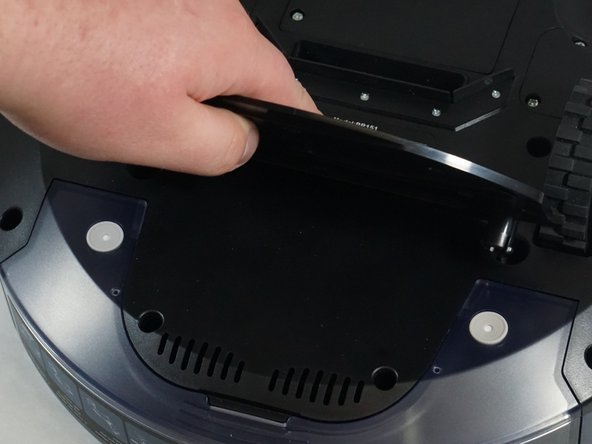
    • Flip the device over to access the bottom panel.

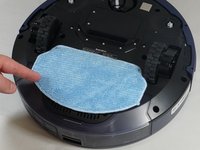
    • Remove the cloth mop covering by lifting it from the velcro on the plastic mop attachment.

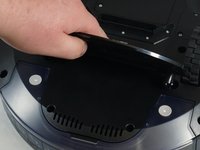
    • Remove the plastic mop attachment by placing your fingers underneath and prying it up.

  4. ZCWA BR151 Wheel Replacement: 步骤 4 中的图像 1,1
    • Remove the six 6 mm screws on the bumper guards using a Phillips #0 screwdriver.

    • Remove the bumper guards by lifting them.

  5. ZCWA BR151 Wheel Replacement: 步骤 5 中的图像 1,1
    • Use a Phillips #1 screwdriver to remove the ten 10 mm screws from the bottom plate.

  6. ZCWA BR151 Wheel Replacement: 步骤 6 中的图像 1,1
    • Use a Phillips #1 screwdriver to remove three 8 mm screws from the wheel plate.

  7. ZCWA BR151 Wheel Replacement: 步骤 7 中的图像 1,2 ZCWA BR151 Wheel Replacement: 步骤 7 中的图像 2,2
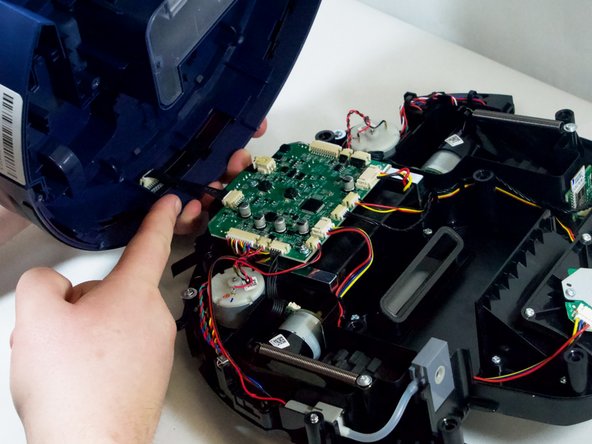
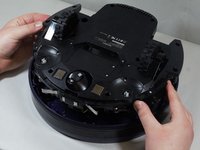
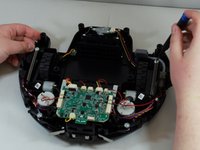
    • Carefully lift the bottom panel off of the top.

    • The top and bottom panels are attached by a set of wires. They will not fully detach at this point.

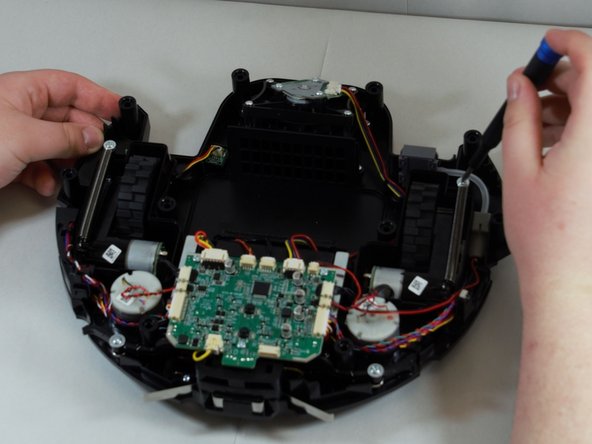
    • Gently place the bottom of the device on your workspace surface, wheels down, exposing the inner workings of the device.

  8. ZCWA BR151 Wheel Replacement: 步骤 8 中的图像 1,1
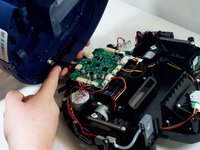
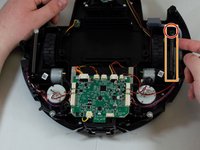
    • Though optional, we recommend separating the top and bottom panels for easy access to the wheels.

    • Pinch the wire bracket that is on the top panel while pulling the bracket away.

    • Pull the cable away from the connector in the same direction as the individual wires are running.

    • Pull evenly on the full width of the cable so that no individual wires are overly strained.

  9. ZCWA BR151 Wheel Replacement: 步骤 9 中的图像 1,3 ZCWA BR151 Wheel Replacement: 步骤 9 中的图像 2,3 ZCWA BR151 Wheel Replacement: 步骤 9 中的图像 3,3
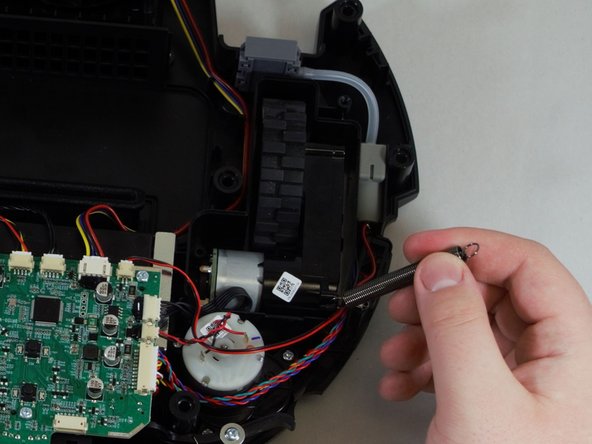
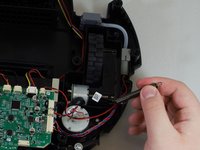
    • Using a Phillips #1 screwdriver, remove the single screw to the spring.

    • Once the spring is unscrewed, slowly pull it towards you, then to the left of the spring bracket to free the spring.

  10. ZCWA BR151 Wheel Replacement: 步骤 10 中的图像 1,2 ZCWA BR151 Wheel Replacement: 步骤 10 中的图像 2,2
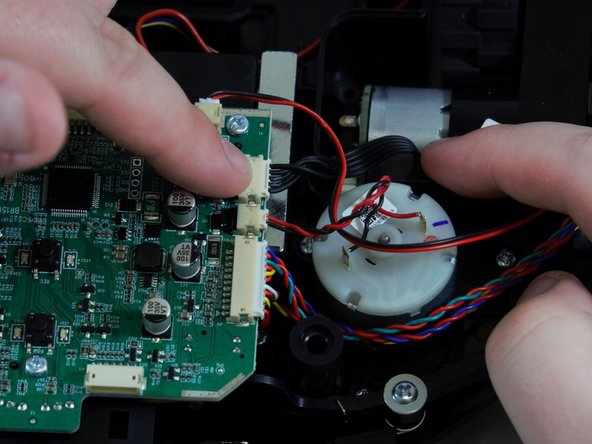
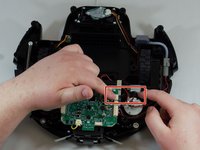
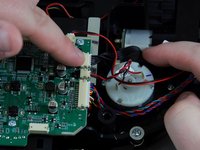
    • The wheel's motor is still attached to the motherboard of the device. Locate the wheel's wiring and the port connector on the motherboard.

    • Pinch the silver brackets and pull the wire casing away from the motherboard.

    • Pull evenly on the full width of the cable so that no individual wires are overly strained.

    • Remove the wheel from the vacuum.

    • Repeat Steps 6-10 to replace the wheel on the opposite side.

结论

To reassemble your device, follow these instructions in reverse order.

另外一个人完成了本指南。

0指南评论

添加评论

浏览统计数据:

过去 24 小时: 0

过去 7 天: 6

过去 30 天: 52

总计 821