跳转到主内容
加入维修社区 - 创建账户
XtremeMac Luna LCD Display Replacement

你所需要的

    1. XtremeMac Luna LCD Display Replacement, Bottom Panel: 步骤 1 中的图像 1,3 XtremeMac Luna LCD Display Replacement, Bottom Panel: 步骤 1 中的图像 2,3 XtremeMac Luna LCD Display Replacement, Bottom Panel: 步骤 1 中的图像 3,3
      • Flip the device over so that the batteries are closest to you.

      • Remove the battery lid by pressing the battery cover's tab and pulling it away from the device.

      • Push the battery against the spring and lift it out of the casing.

      • Repeat with the other battery.

      询问修复机器人

      添加评论

    2. XtremeMac Luna LCD Display Replacement: 步骤 2 中的图像 1,1
      • Unscrew all eight 12mm Phillips head screws with a Philips #1 screwdriver.

      • The iFixit 26 bit screwdriver kit will not reach the screws. Make sure to use a screwdriver that is thin enough to not get stuck in the screw holes.

      询问修复机器人

      添加评论

    3. XtremeMac Luna LCD Display Replacement: 步骤 3 中的图像 1,2 XtremeMac Luna LCD Display Replacement: 步骤 3 中的图像 2,2
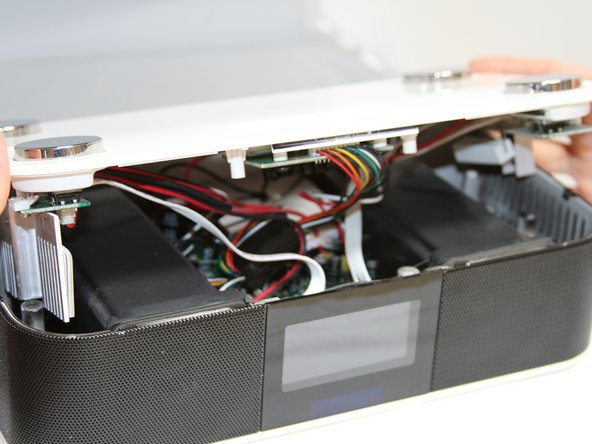
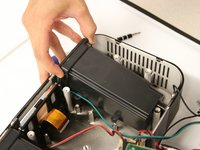
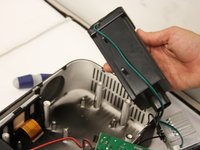
      • Flip the Luna back over so that the buttons are facing upward and the LCD screen is facing you.

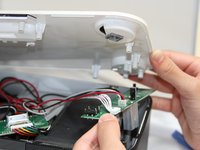
      • Gently tilt the lid back 45 degrees so that the inside is exposed.

      • Be mindful of the wires inside of the Luna. It is easy to break a connection if a wire gets caught.

      询问修复机器人

      添加评论

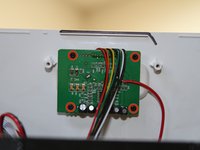
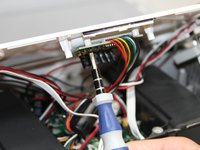
    1. XtremeMac Luna LCD Display Replacement, Dock Circuit Board: 步骤 4 中的图像 1,3 XtremeMac Luna LCD Display Replacement, Dock Circuit Board: 步骤 4 中的图像 2,3 XtremeMac Luna LCD Display Replacement, Dock Circuit Board: 步骤 4 中的图像 3,3
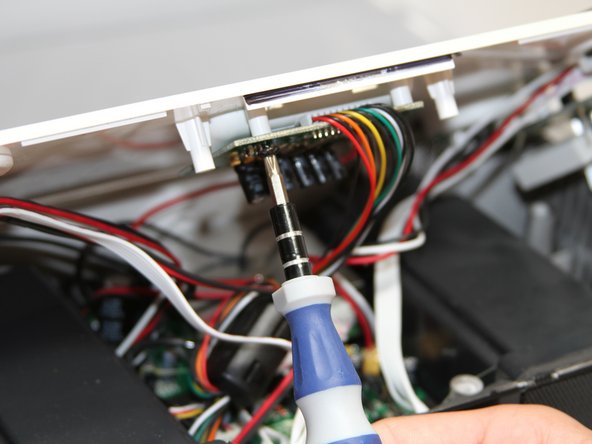
      • Unscrew the four black 7mm screws with the Phillips #1 screw driver that hold the middle circuit board to the top case.

      询问修复机器人

      添加评论

    1. XtremeMac Luna LCD Display Replacement, Button Circuit Boards: 步骤 5 中的图像 1,2 XtremeMac Luna LCD Display Replacement, Button Circuit Boards: 步骤 5 中的图像 2,2
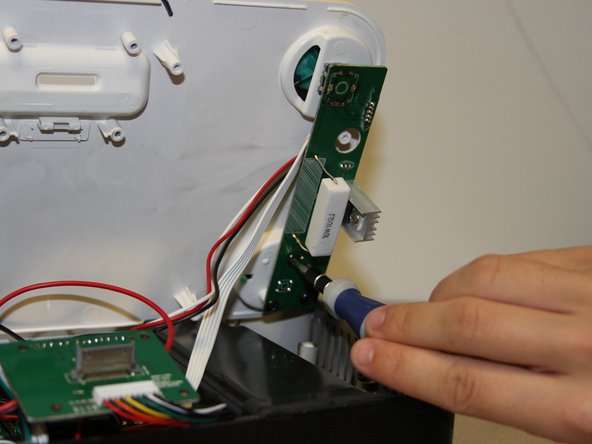
      • Unscrew the three 7 mm black screws using the Philips #1 screwdriver on the back end of the left and right circuit board.

      • Removing the right circuit board first will make it easier to unscrew the left because the heat-sinks on the left circuit board can get in the way of the screwdriver.

      询问修复机器人

      添加评论

    2. XtremeMac Luna LCD Display Replacement: 步骤 6 中的图像 1,3 XtremeMac Luna LCD Display Replacement: 步骤 6 中的图像 2,3 XtremeMac Luna LCD Display Replacement: 步骤 6 中的图像 3,3
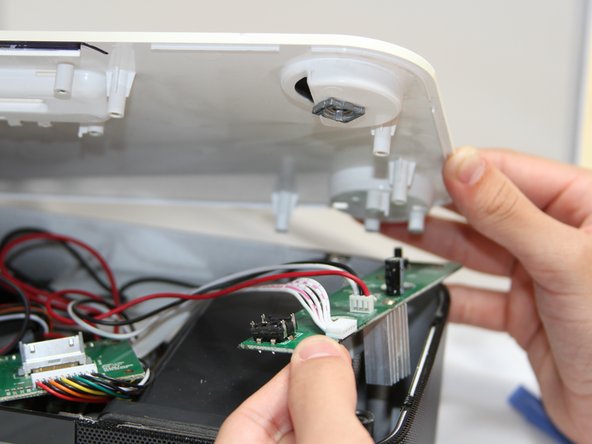
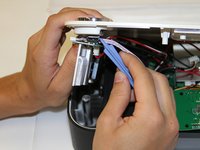
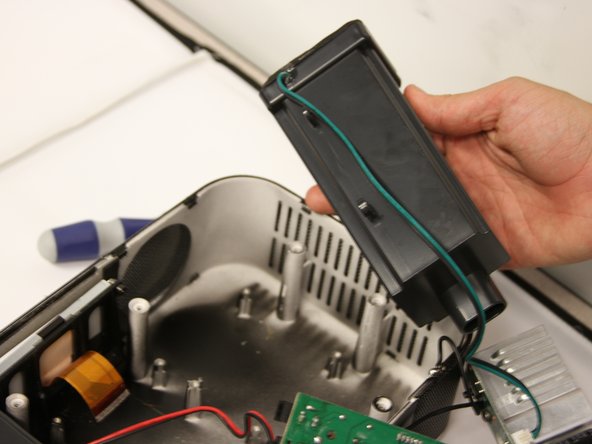
      • Use a plastic opening tool to pry the black connections away from the top casing.

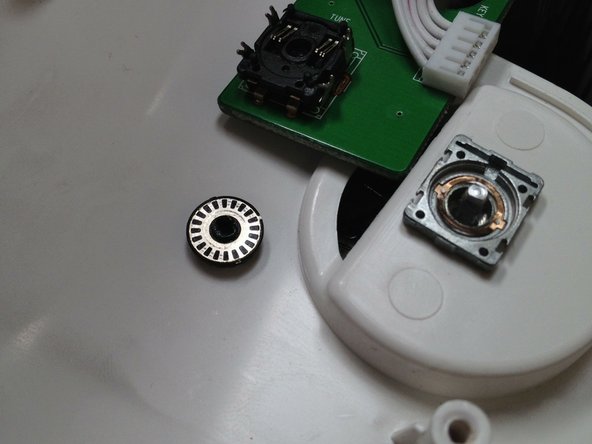
      • Be attentive when you separate the circuit boards from the top, as there is a loose wheel inside.

      添加评论

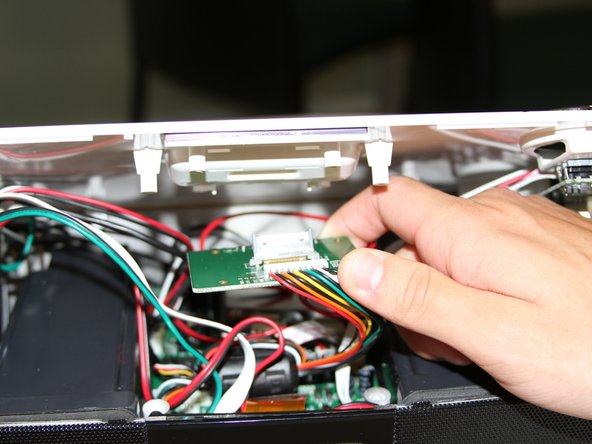
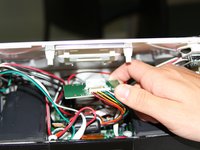
    3. XtremeMac Luna LCD Display Replacement: 步骤 7 中的图像 1,2 XtremeMac Luna LCD Display Replacement: 步骤 7 中的图像 2,2
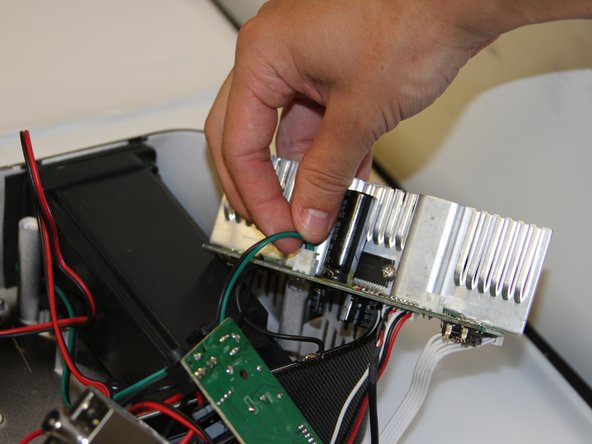
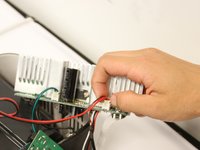
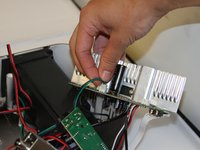
      • Turn the circuit boards over. Remove the two connections on the left side by pulling on the tabs.

      • The glue that holds the connection together will come off when you pull. Pull on the tab with enough force to break the glue without damaging the wires.

      询问修复机器人

      添加评论

    1. XtremeMac Luna LCD Display Replacement, Speakers: 步骤 8 中的图像 1,2 XtremeMac Luna LCD Display Replacement, Speakers: 步骤 8 中的图像 2,2
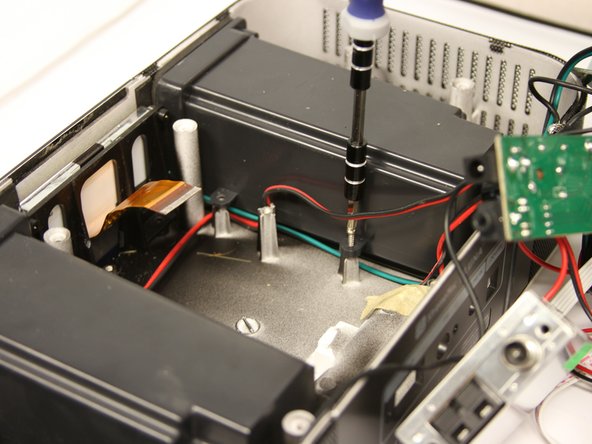
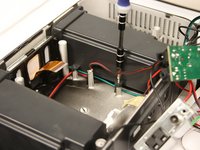
      • Unscrew four 7mm Phillips screws from the base of each speaker unit.

      询问修复机器人

      添加评论

    2. XtremeMac Luna LCD Display Replacement: 步骤 9 中的图像 1,3 XtremeMac Luna LCD Display Replacement: 步骤 9 中的图像 2,3 XtremeMac Luna LCD Display Replacement: 步骤 9 中的图像 3,3
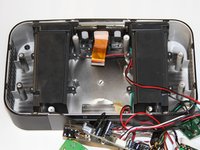
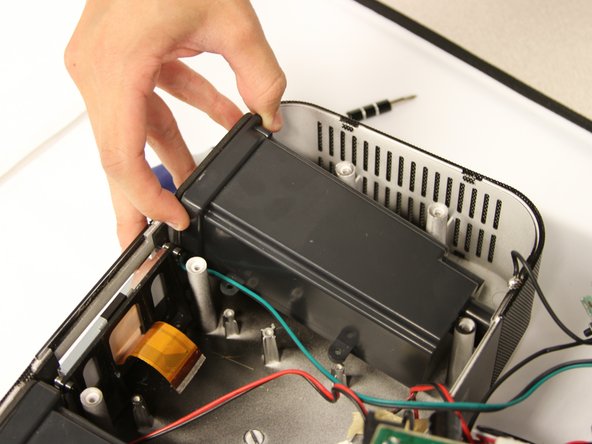
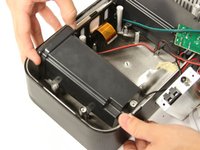
      • Lift the speakers up out of the Luna chassis.

      询问修复机器人

      添加评论

    1. XtremeMac Luna LCD Display Replacement, LCD Display: 步骤 10 中的图像 1,2 XtremeMac Luna LCD Display Replacement, LCD Display: 步骤 10 中的图像 2,2
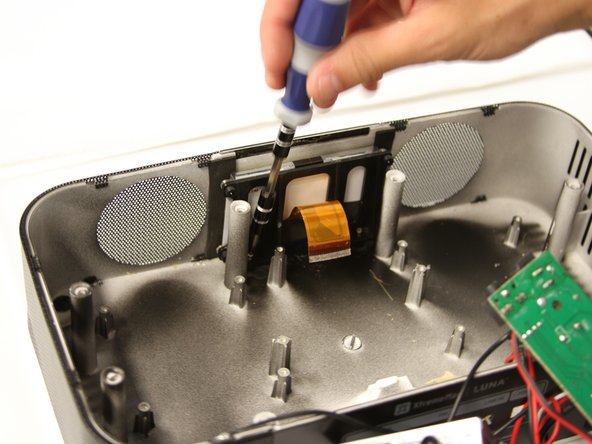
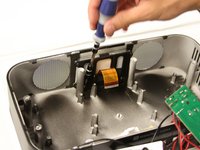
      • Unscrew two 10mm silver screws at the base of the LCD screen to free it from the chassis.

      询问修复机器人

      添加评论

    2. XtremeMac Luna LCD Display Replacement: 步骤 11 中的图像 1,2 XtremeMac Luna LCD Display Replacement: 步骤 11 中的图像 2,2
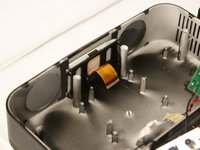
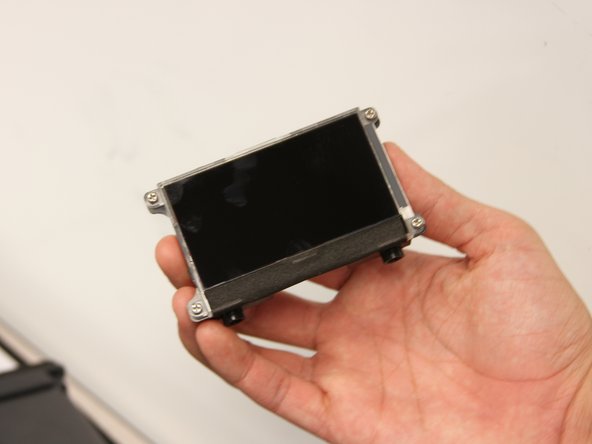
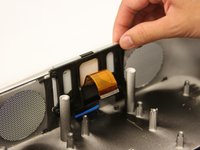
      • Gently pull up on the LCD screen to remove it.

      询问修复机器人

      添加评论

结论

To reassemble your device, follow these instructions in reverse order.

取消:我没有完成这个指南。

Matt Ducasse

于04/18/13注册

12 声望

创作了3篇指南

团队

Cal Poly, Team 3-47, Amido Spring 2013 Cal Poly, Team 3-47, Amido Spring 2013 的会员

CPSU-AMIDO-S13S3G47

4 名成员

创作了32篇指南

0指南评论

添加评论

浏览统计数据:

过去 24 小时: 0

过去 7 天: 3

过去 30 天: 30

总计 721