跳转到主内容
加入维修社区 - 创建账户

Xgody D300 Camera Replacement

你所需要的

  1. Xgody D300 Camera Replacement, Battery: 步骤 1 中的图像 1,1
    • Lay the phone on a flat surface so the back is facing upwards.

  2. Xgody D300 Camera Replacement: 步骤 2 中的图像 1,1
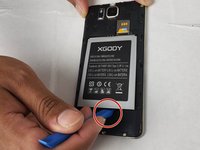
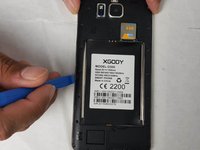
    • Insert the pry tool into the seam and pry the back cover of the case along the seam until the cover is free of the case.

  3. Xgody D300 Camera Replacement: 步骤 3 中的图像 1,2 Xgody D300 Camera Replacement: 步骤 3 中的图像 2,2
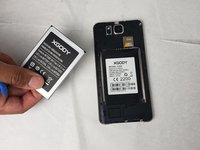
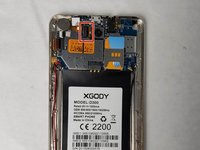
    • Remove the battery using your hands or the plastic opening tool.

  4. Xgody D300 Camera Replacement, Back-Facing Camera: 步骤 4 中的图像 1,2 Xgody D300 Camera Replacement, Back-Facing Camera: 步骤 4 中的图像 2,2
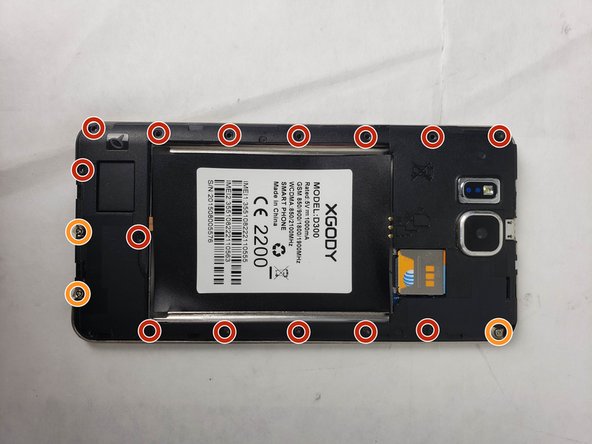
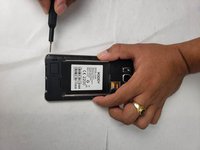
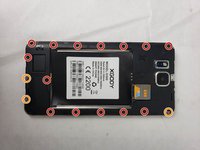
    • Using the Phillips #00 screwdriver, remove the screws that hold the protective backing to the smartphone.

    • Three of the screws will not come loose from the protective backing and can be identified by a metal plate that is underneath them.

  5. Xgody D300 Camera Replacement: 步骤 5 中的图像 1,2 Xgody D300 Camera Replacement: 步骤 5 中的图像 2,2
    在这个步骤中使用的工具:
    Tweezers
    $4.99
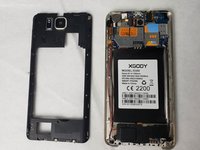
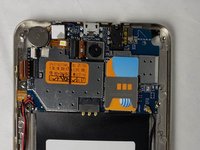
    • Lift the housing along the edges using the opening tool and tweezers.

    • There will be a sticky pad that holds the housing to the smartphone.

  6. Xgody D300 Camera Replacement: 步骤 6 中的图像 1,3 Xgody D300 Camera Replacement: 步骤 6 中的图像 2,3 Xgody D300 Camera Replacement: 步骤 6 中的图像 3,3
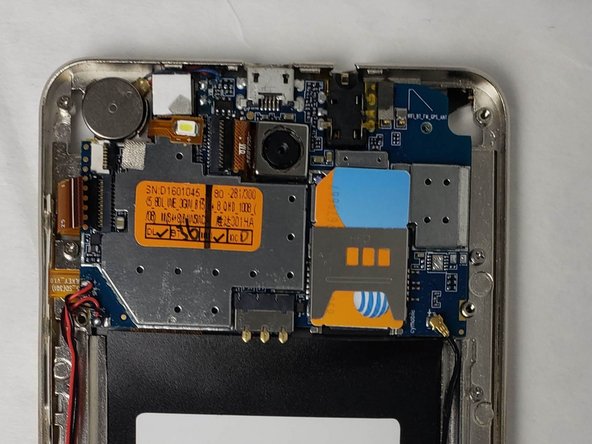
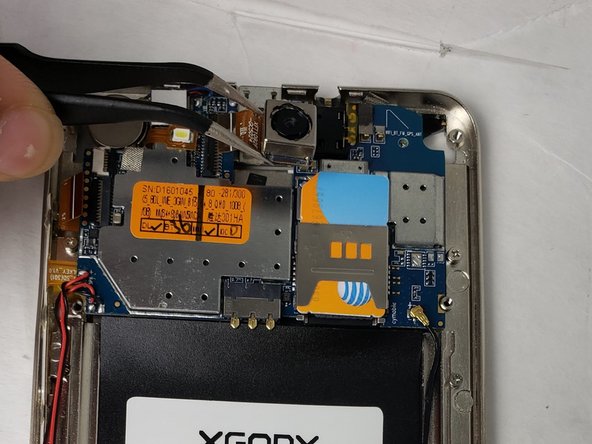
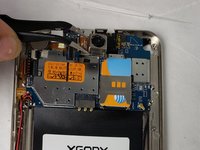
    • Disconnect the camera by grabbing the connector with tweezers and firmly pulling until it pops out.

    • The camera will have a sticky pad on it like the protective backing did and will take a firm tug to come free of the smartphone.

结论

To reassemble your device, follow these instructions in reverse order.

另外一个人完成了本指南。

0指南评论

添加评论

浏览统计数据:

过去 24 小时: 2

过去 7 天: 10

过去 30 天: 46

总计 734