简介
按照此指南操作,即可以从您的 Xbox One 中取出硬盘,逆向执行本指南即可安装一块新的硬盘。
Xbox One 主机能否对替换硬盘进行格式化,取决于主机的固件版本。旧版本固件不支持格式化硬盘,而新版本固件则可以支持。
如果你的 Xbox One 主机无法格式化替换硬盘,那么在安装新硬盘前,你应先在电脑上重新格式化该硬盘并安装所需的软件,按照以下方法:
你所需要的
视频概述

 询问修复机器人


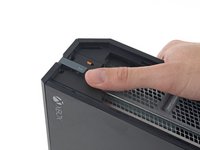
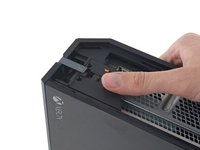


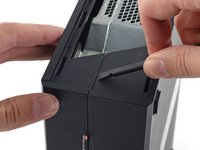
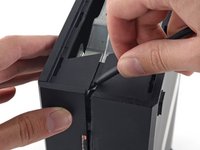


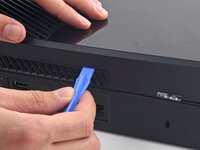
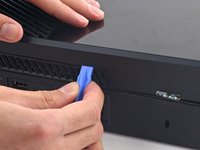


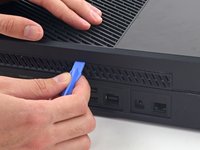
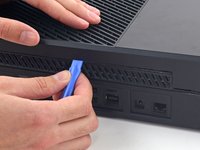


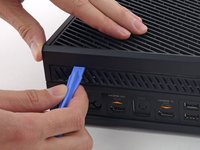
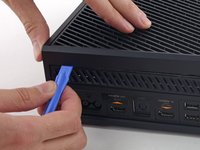


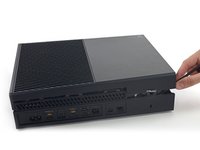
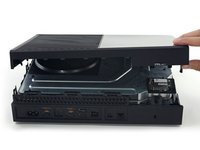
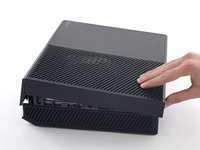


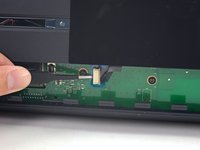
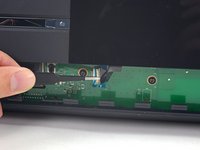
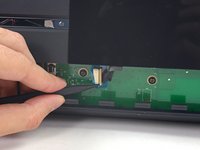


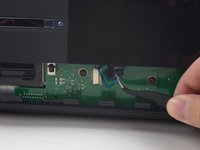
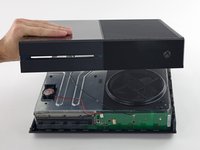


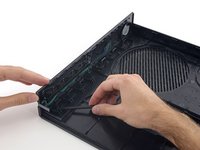
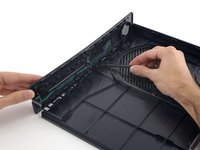
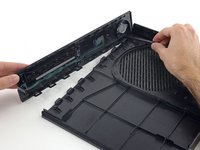


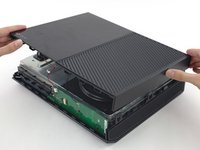
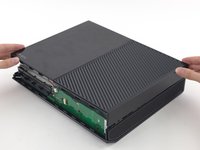
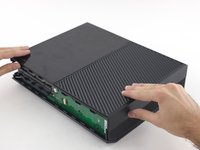


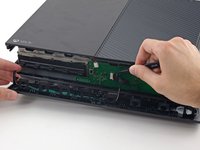
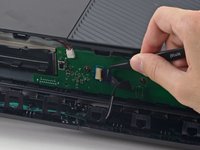
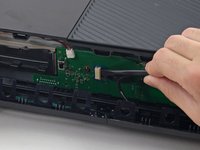


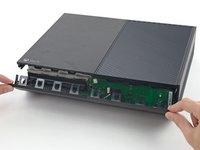
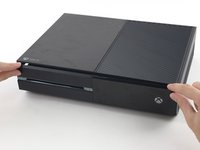
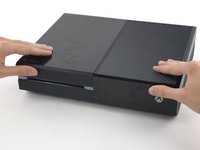


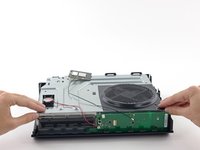
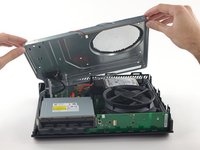


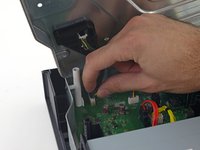
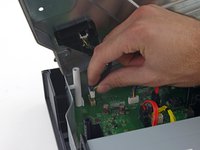


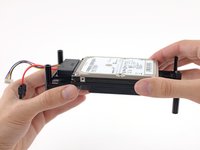
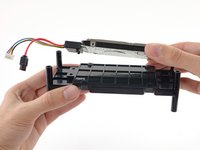

要重新组装您的设备,请按照相反的顺序执行这些操作。
250等其他人完成本指南。



91指南评论
I've managed to open my Xbox one, tested the hard drive and it has failed (error scanned and it's 90% bad sectors). I've got a new harddrive for it, but can't find where to get the correct software for it/ how it needs to be formatted. You mention this info at the start of this repair but cant see a link to the software.
If there are no links, would cloning another xbox one harddrive work as a repair?
Ah, Sorted now. I managed to clone another hard drive. This doesn't work right off you still need to apply an update via a pend rive. But once this is done, the hard drive does pick up and work.
What Hard Drive did You Clone? My Hard Drive failed Aswell.
Please see my Xbox One HDD Replacement Wiki to solve your issue (scroll to very bottom): http://jw0914.github.io/Wikis/
I haven't done this yet but I, like most other people won't want to lose any saved games etc. How do I do an exact copy from the current HDD to the SSD I'm putting in? Thanks!
garion1992 - 回复 分享
