简介
This guide will help you replace your Xbox Controller's buttons and D-pad in case they break or need cleaning.
你所需要的
-
-
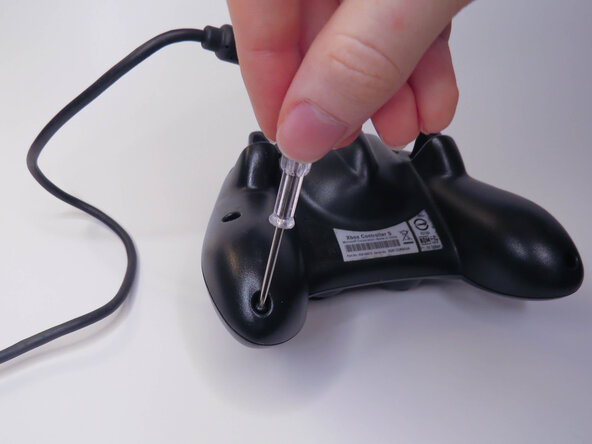
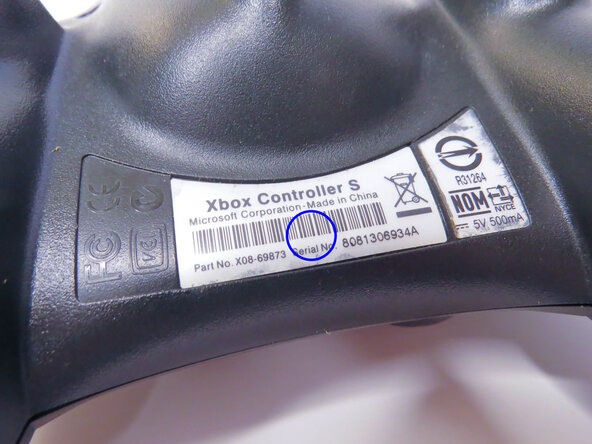
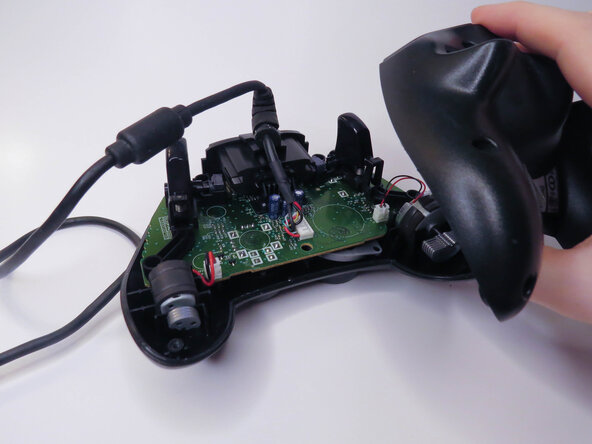
Remove the six visible 8mm Phillips screws with a #1 Phillips screwdriver.
 询问修复机器人
-
-
-
-
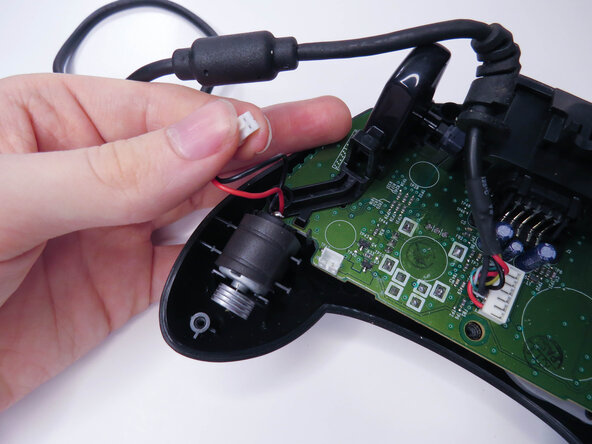
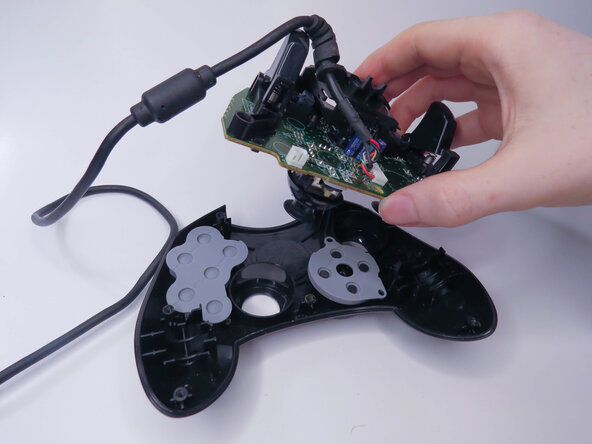
Unplug the two vibration motors and lift them out of the case, being sure not to pull on the wires.
-
-
-
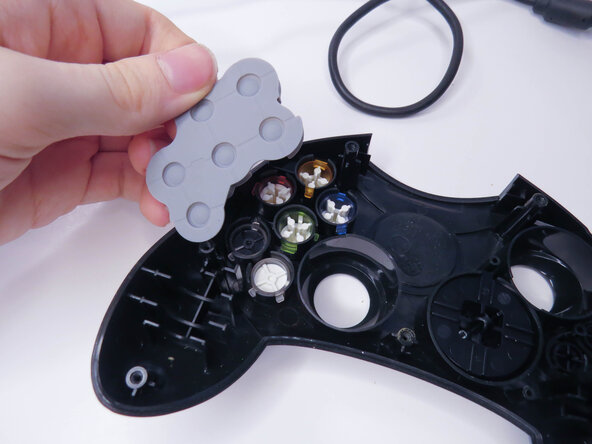
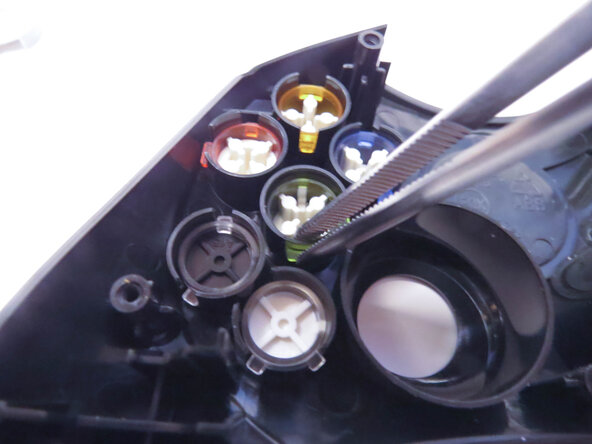
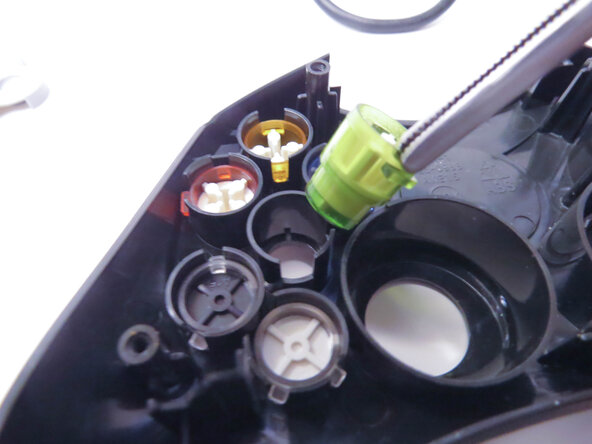
Remove the A, B, X, Y, White, and Black buttons with a pair of tweezers.
-
Remove the Back and Start buttons.
-
-
-
Unscrew the the two 7mm Phillips screws.
-
Separate the D-pad by pushing the two clips in with a pair of tweezers.
-













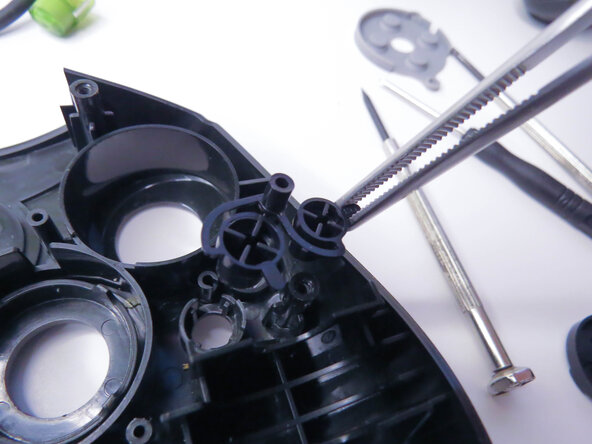


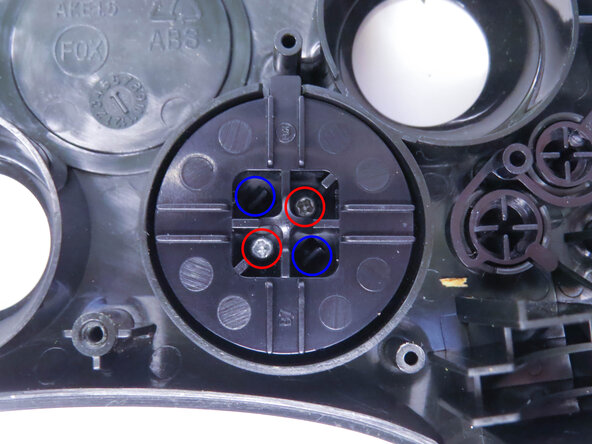


结论
To reassemble your device, follow these instructions in reverse order, being careful to line everything back up.

