此翻译由机器生成,尚未经过人工审核。 会说这种语言吗? 查看评论。
简介
磁性屏幕是 VTech Write and Learn Creative Center 的重要组成部分,因为它能让孩子通过书写进行互动学习。以下维修指南介绍了如何正确更换磁性屏幕。
你所需要的


 询问修复机器人


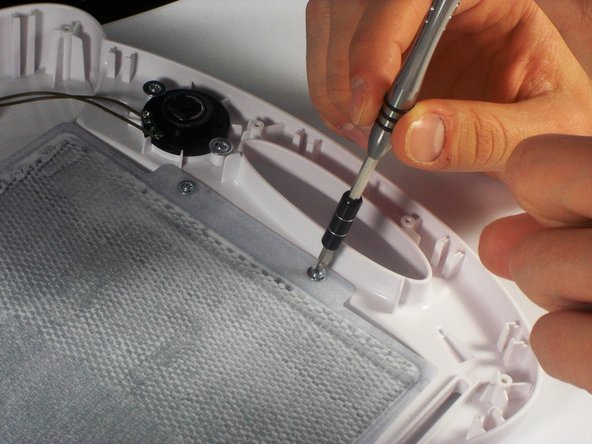
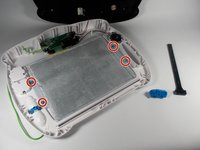
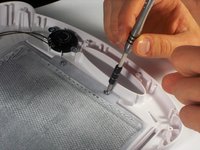

要重新组装设备,请按相反顺序执行这些说明。

团队

UMass Dartmouth, Team 1-2, Miles Spring 2016 UMass Dartmouth, Team 1-2, Miles Spring 2016 的会员
UMASSD-MILES-S16S1G2
3 名成员
创作了72篇指南
2指南评论
Thank you for this! Do you have suggestions on how to fix the magnetic screen or get a replacement? I emailed the manufacturer (B. Toys for mine) and unfortunately they replied, “We replace the full toy only, and do not offer the internal parts as replacements.“ But I don’t want all the rest of the plastic - I just want the magnets on the screen to properly appear and disappear. Instead, its like the magnetic powder floats so it’s constantly grey rather than clear or magnetized.
Hello I got the same issue i dont know how to fix ot of you mine is not even an year old but still get that grey screen plz help n let me know how to get rid of it Thankyou
wings_latif - 回复 分享
