跳转到主内容
加入维修社区 - 创建账户

VENSTAR Taco Speaker Replacement Replacement

你所需要的

    1. VENSTAR Taco Speaker Replacement Replacement, VENSTAR Taco Disassembly: 步骤 1 中的图像 1,3 VENSTAR Taco Speaker Replacement Replacement, VENSTAR Taco Disassembly: 步骤 1 中的图像 2,3 VENSTAR Taco Speaker Replacement Replacement, VENSTAR Taco Disassembly: 步骤 1 中的图像 3,3
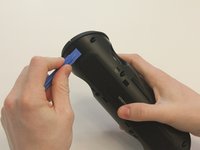
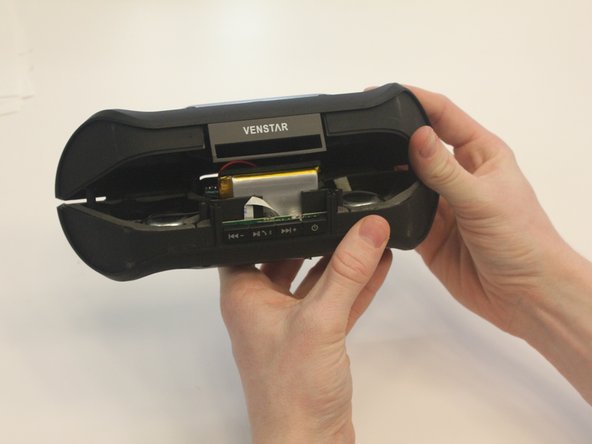
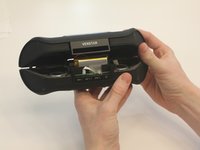
      • Starting with the Taco on its side, use the plastic opening tool to pop off the outer casing near the base.

      • The base labeled "VENSTAR TACO" is glued. Be careful separating the two sides of the device.

      询问修复机器人

      添加评论

    2. VENSTAR Taco Speaker Replacement Replacement: 步骤 2 中的图像 1,2 VENSTAR Taco Speaker Replacement Replacement: 步骤 2 中的图像 2,2
      • Repeat the previous step on the opposite side to remove the other outer casing.

      询问修复机器人

      添加评论

    3. VENSTAR Taco Speaker Replacement Replacement: 步骤 3 中的图像 1,2 VENSTAR Taco Speaker Replacement Replacement: 步骤 3 中的图像 2,2
      在这个步骤中使用的工具:
      Phillips #0 Screwdriver
      $5.49
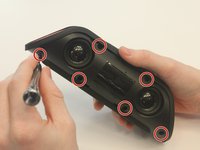
      • Using a Phillips PH0 3 mm-bit screwdriver, remove the six screws on the inner layer of the Taco.

      • The screws are small and can get stuck. Use tweezers to pull them out if you are having trouble.

      询问修复机器人

      添加评论

    4. VENSTAR Taco Speaker Replacement Replacement: 步骤 4 中的图像 1,2 VENSTAR Taco Speaker Replacement Replacement: 步骤 4 中的图像 2,2
      • From the same side you just unscrewed, use a plastic opening tool to unwedge the inner cover on both sides of the base.

      询问修复机器人

      添加评论

    5. VENSTAR Taco Speaker Replacement Replacement: 步骤 5 中的图像 1,2 VENSTAR Taco Speaker Replacement Replacement: 步骤 5 中的图像 2,2
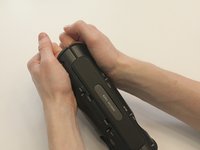
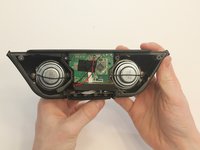
      • Slide off the inner cover. It pulls apart and is held on by a small amount of glue.

      询问修复机器人

      添加评论

    1. VENSTAR Taco Speaker Replacement Replacement, Logic Board Replacement: 步骤 6 中的图像 1,1
      • Remove the rubber covering from the buttons.

      询问修复机器人

      添加评论

    2. VENSTAR Taco Speaker Replacement Replacement: 步骤 7 中的图像 1,3 VENSTAR Taco Speaker Replacement Replacement: 步骤 7 中的图像 2,3 VENSTAR Taco Speaker Replacement Replacement: 步骤 7 中的图像 3,3
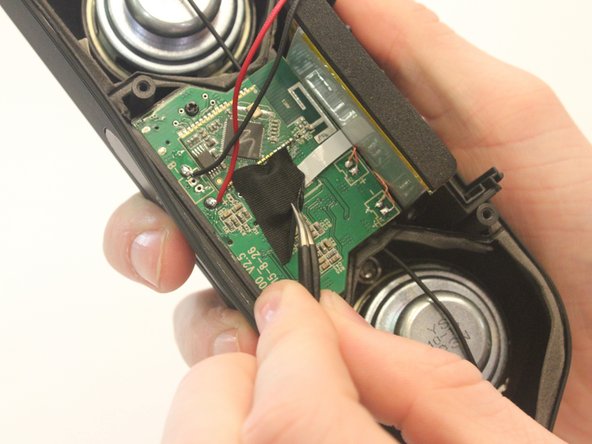
      • Remove the black fabric covering the logic board.

      询问修复机器人

      添加评论

    3. VENSTAR Taco Speaker Replacement Replacement: 步骤 8 中的图像 1,2 VENSTAR Taco Speaker Replacement Replacement: 步骤 8 中的图像 2,2
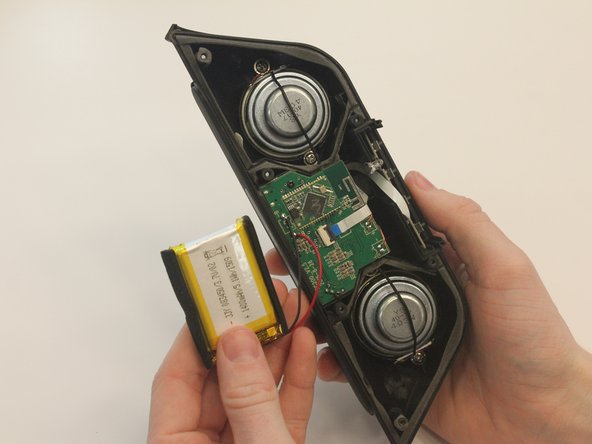
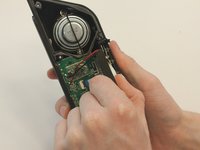
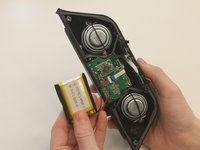
      • Move the battery out of the way of the connector.

      询问修复机器人

      添加评论

    4. VENSTAR Taco Speaker Replacement Replacement: 步骤 9 中的图像 1,2 VENSTAR Taco Speaker Replacement Replacement: 步骤 9 中的图像 2,2
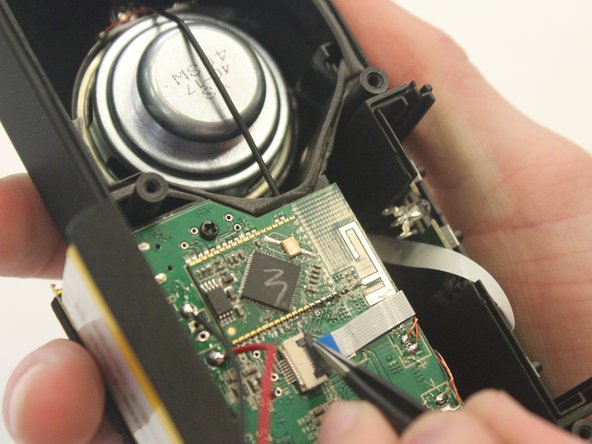
      • Undo the connector of the flat white ribbon between the switches and the logic board.

      询问修复机器人

      添加评论

    5. VENSTAR Taco Speaker Replacement Replacement: 步骤 10 中的图像 1,1
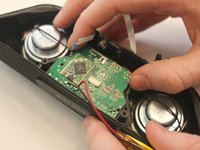
      • Undo the two black 3mm screws on the logic board using the PH0 screwdriver.

      询问修复机器人

      添加评论

    6. VENSTAR Taco Speaker Replacement Replacement: 步骤 11 中的图像 1,3 VENSTAR Taco Speaker Replacement Replacement: 步骤 11 中的图像 2,3 VENSTAR Taco Speaker Replacement Replacement: 步骤 11 中的图像 3,3
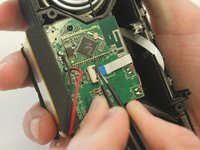
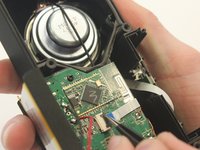
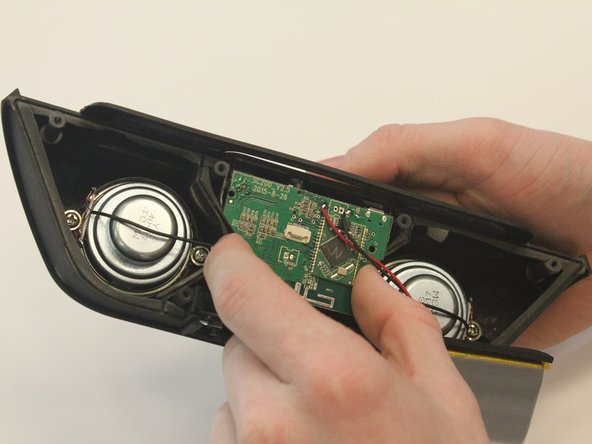
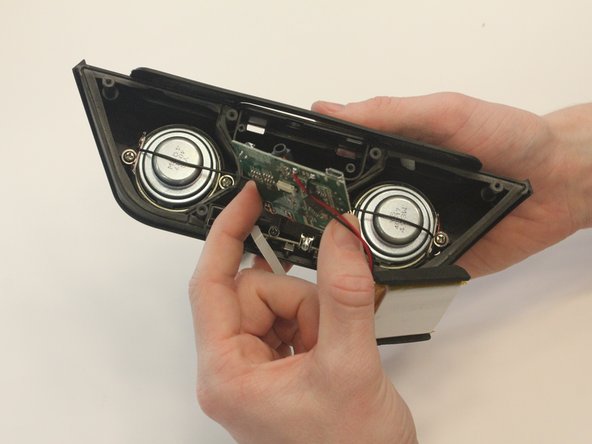
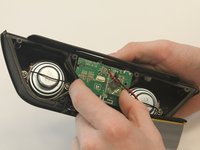
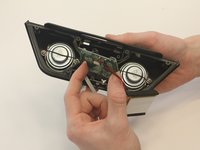
      • Gently pull out the logic board.

      • Note that the battery and the logic board are connected and must be removed together.

      询问修复机器人

      添加评论

    1. VENSTAR Taco Speaker Replacement Replacement, Speaker Replacement: 步骤 12 中的图像 1,2 VENSTAR Taco Speaker Replacement Replacement, Speaker Replacement: 步骤 12 中的图像 2,2
      在这个步骤中使用的工具:
      Tweezers
      $4.99
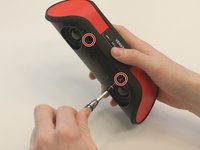
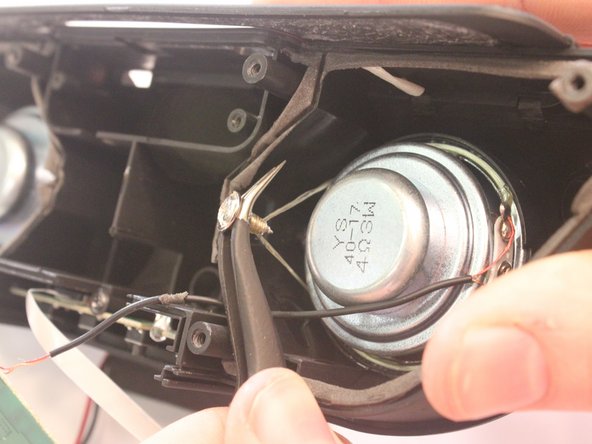
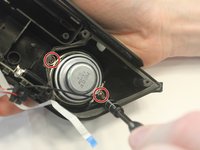
      • Using the Ph1 screwdriver, unscrew both of the 2.5mm screws on either side of the speakers.

      • The screws are glued in and may require the curved tweezers to pull all the way out.

      询问修复机器人

      添加评论

    2. VENSTAR Taco Speaker Replacement Replacement: 步骤 13 中的图像 1,1
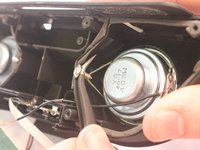
      • Using a metal spudger, carefully wedge out the speakers from the casing.

      • Repeat this step for the removal of the other speaker.

      • Speakers are glued into the casing beyond being screwed and require some care to remove.

      询问修复机器人

      添加评论

    3. VENSTAR Taco Speaker Replacement Replacement: 步骤 14 中的图像 1,1
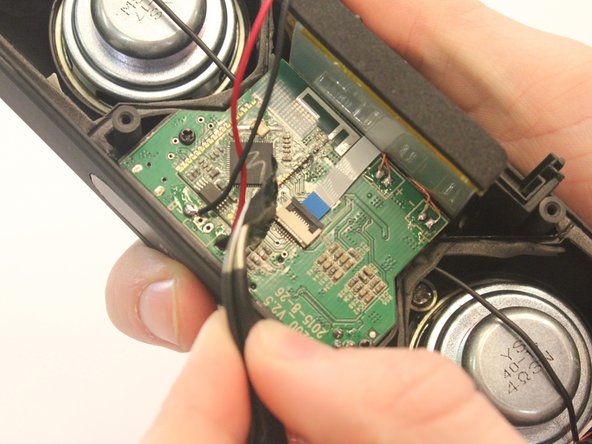
      • Using a portable soldering iron, melt the solder on the black speaker wires on the logic board.

      • Soldering uses hot metal and can burn you!

      询问修复机器人

      添加评论

结论

Solder your replacement speakers back to mother board, then to reassemble your device, follow these instructions in reverse order.

取消:我没有完成这个指南。

2等其他人完成本指南。

0指南评论

添加评论

浏览统计数据:

过去 24 小时: 0

过去 7 天: 4

过去 30 天: 28

总计 661