跳转到主内容
加入维修社区 - 创建账户

Tungsten T3 Battery Replacement

你所需要的

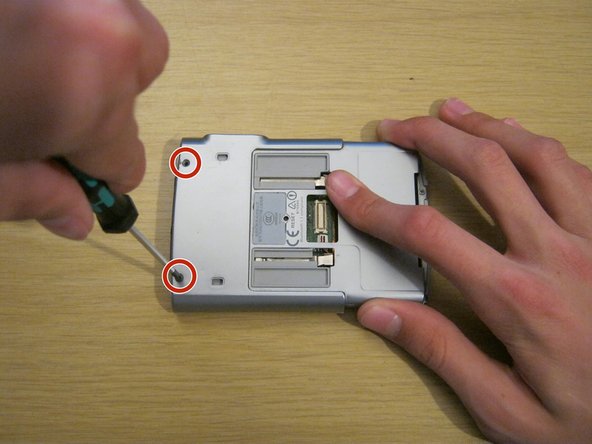
    1. Tungsten T3 Battery Replacement, Battery: 步骤 1 中的图像 1,2 Tungsten T3 Battery Replacement, Battery: 步骤 1 中的图像 2,2
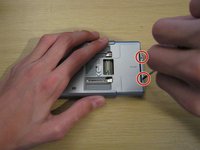
      • Remove the two Phillips #00 screws on either side of the device, on the sliding panel.

      询问修复机器人

      添加评论

    2. Tungsten T3 Battery Replacement: 步骤 2 中的图像 1,3 Tungsten T3 Battery Replacement: 步骤 2 中的图像 2,3 Tungsten T3 Battery Replacement: 步骤 2 中的图像 3,3
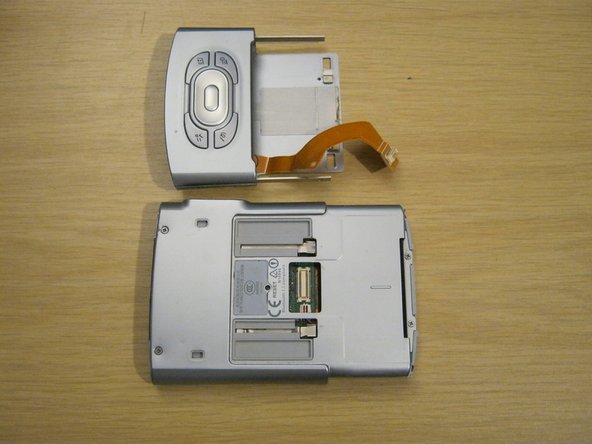
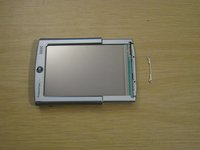
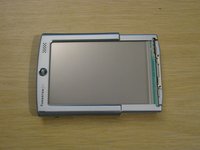
      • Slide out the function panel.

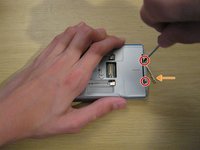
      • Insert a paper clip into the two marked small holes on the back and push downwards while pulling the function panel gently.

      • The connector for the buttons will be revealed.

      询问修复机器人

      添加评论

    3. Tungsten T3 Battery Replacement: 步骤 3 中的图像 1,3 Tungsten T3 Battery Replacement: 步骤 3 中的图像 2,3 Tungsten T3 Battery Replacement: 步骤 3 中的图像 3,3
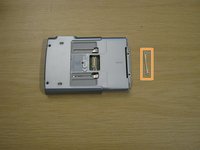
      • Gently remove the function panel from the device.

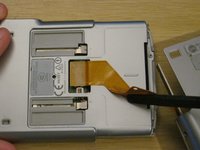
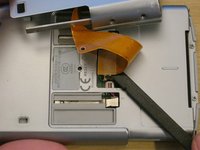
      • Be careful - it's still connected by the button cable. Peel the cable from the device carefully with a spudger - it is attached with a little bit of adhesive.
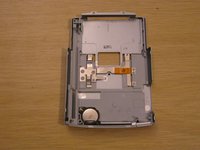
      • Carefully remove the connector and set the panel aside.

      询问修复机器人

      添加评论

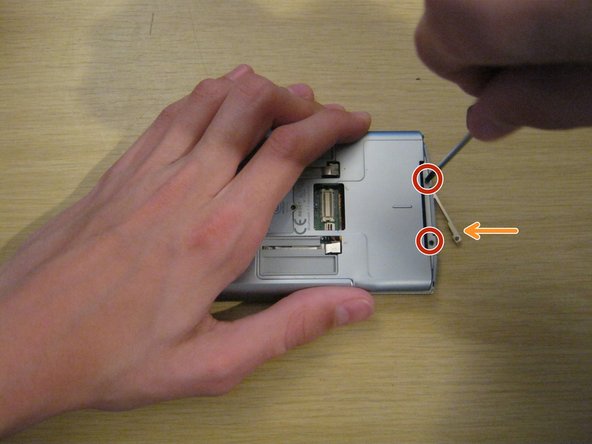
    4. Tungsten T3 Battery Replacement: 步骤 4 中的图像 1,2 Tungsten T3 Battery Replacement: 步骤 4 中的图像 2,2
      • Remove the two Phillips #00 screws on the back of the device.

      询问修复机器人

      添加评论

    5. Tungsten T3 Battery Replacement: 步骤 5 中的图像 1,3 Tungsten T3 Battery Replacement: 步骤 5 中的图像 2,3 Tungsten T3 Battery Replacement: 步骤 5 中的图像 3,3
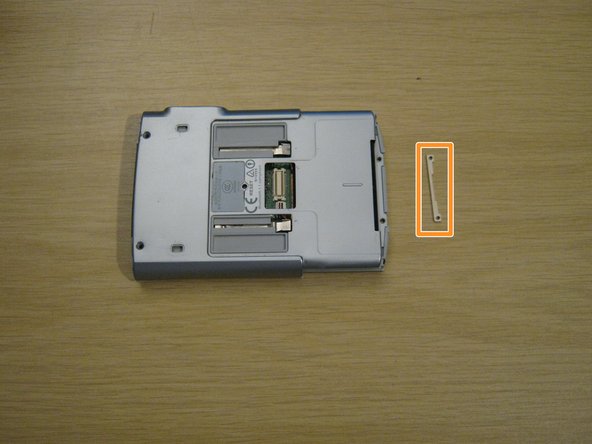
      • Remove the two small Phillips #00 screws at the other end of the device.

      • A small metal part will fall out of the device from the other side. Keep hold of this - you won't be able to put these screws back in without it.

      添加评论

    6. Tungsten T3 Battery Replacement: 步骤 6 中的图像 1,3 Tungsten T3 Battery Replacement: 步骤 6 中的图像 2,3 Tungsten T3 Battery Replacement: 步骤 6 中的图像 3,3
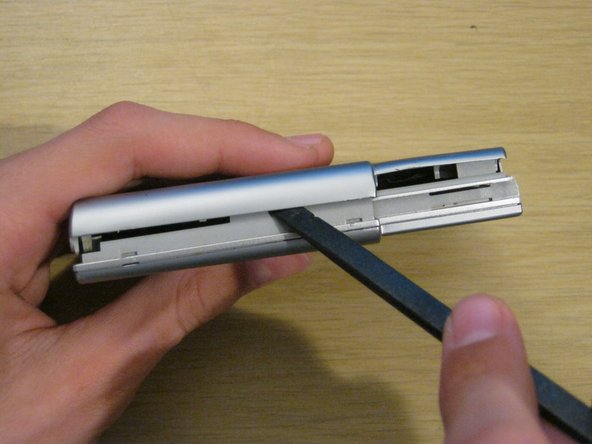
      • Using a spudger, gently separate the back casing from the rest of the device.

      • Be careful - the back casing contains the battery, which is connected by a very thin battery cable.

      添加评论

    7. Tungsten T3 Battery Replacement: 步骤 7 中的图像 1,3 Tungsten T3 Battery Replacement: 步骤 7 中的图像 2,3 Tungsten T3 Battery Replacement: 步骤 7 中的图像 3,3
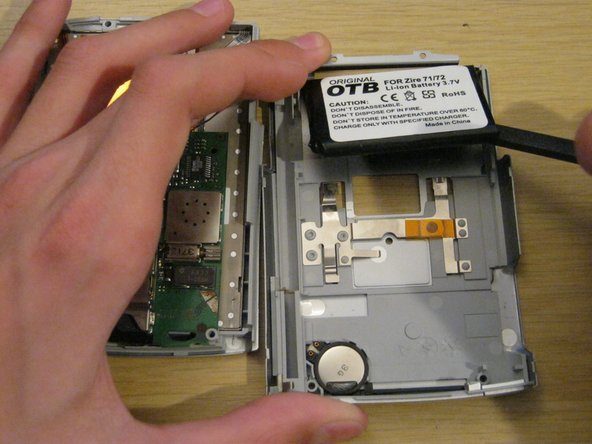
      • Lay the two halves side by side.

      • The battery is usually held to the case by a small amount of adhesive. Carefully peel it up with a spudger.

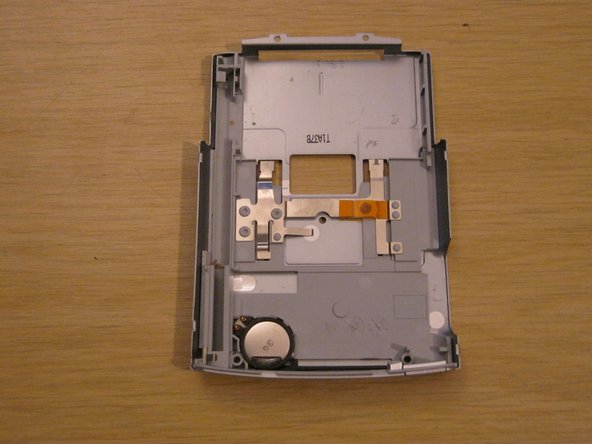
      • Lay the back case aside.

      询问修复机器人

      添加评论

    8. Tungsten T3 Battery Replacement: 步骤 8 中的图像 1,3 Tungsten T3 Battery Replacement: 步骤 8 中的图像 2,3 Tungsten T3 Battery Replacement: 步骤 8 中的图像 3,3
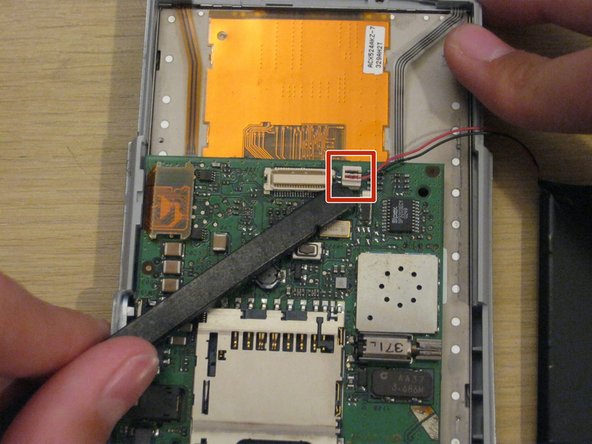
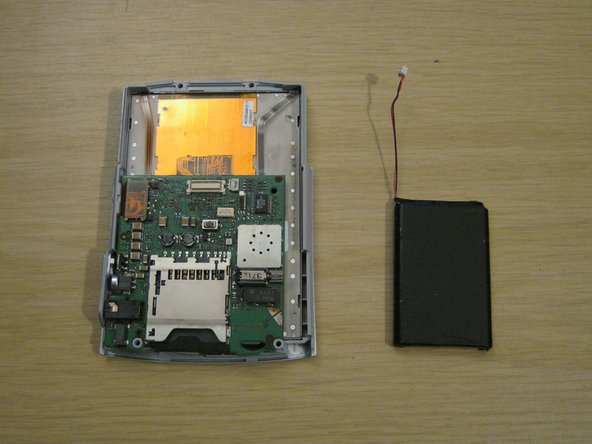
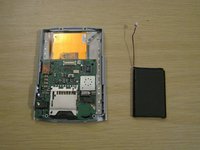
      • You should now be left with the front panel and the battery.

      • Gently disconnect the battery connector from the front panel. It's small and the pins are delicate, so be careful not to bend it.

      • When you install the new battery, you may find it useful to secure it to the back casing with some double-sided tape or even a small amount of glue.

      询问修复机器人

      添加评论

    9. Tungsten T3 Battery Replacement: 步骤 9 中的图像 1,2 Tungsten T3 Battery Replacement: 步骤 9 中的图像 2,2
      • When reassembling your device, remember to place the small metal part on the front of the device and hold it while you insert the two small screws.

      • The screws won't stay in unless they're screwed into this metal part.

      询问修复机器人

      添加评论

结论

To reassemble your device, follow these instructions in reverse order.

取消:我没有完成这个指南。

11等其他人完成本指南。

Whitney

于09/08/11注册

318 声望

创作了3篇指南

团队

1指南评论

The only thing I would add is before replacing the battery, be sure to backup your device since disconnecting the battery will do a total reset.

bill.costa_01 - 回复 分享

添加评论

浏览统计数据:

过去 24 小时: 3

过去 7 天: 23

过去 30 天: 84

总计 8,728