跳转到主内容
加入维修社区 - 创建账户

Toshiba Encore Mini Front-Facing Camera Replacement

你所需要的

  1. Toshiba Encore Mini Front-Facing Camera Replacement, Battery: 步骤 1 中的图像 1,2 Toshiba Encore Mini Front-Facing Camera Replacement, Battery: 步骤 1 中的图像 2,2
    • To replace the battery, the rear cover must first be removed.

    • Using the flat end of the spudger, gently pry open the back case from the rest of the device.

    • It may be easier to start along one of the long edges and carefully work your way toward the corner, then along the short edge.

    询问修复机器人

    添加评论

  2. Toshiba Encore Mini Front-Facing Camera Replacement: 步骤 2 中的图像 1,1
    • Remove the rear cover and set it aside.

    询问修复机器人

    添加评论

  3. Toshiba Encore Mini Front-Facing Camera Replacement: 步骤 3 中的图像 1,1
    • Carefully remove the electrical tape that holds the battery in place.

    询问修复机器人

    添加评论

  4. Toshiba Encore Mini Front-Facing Camera Replacement: 步骤 4 中的图像 1,2 Toshiba Encore Mini Front-Facing Camera Replacement: 步骤 4 中的图像 2,2
    在这个步骤中使用的工具:
    Tweezers
    $4.99
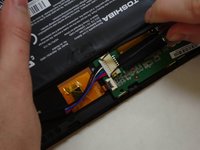
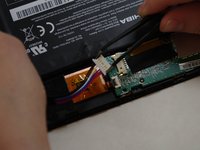
    • Using needle-nose tweezers, gently push the large white wire connector (connected to the black, red and blue wires) out of its housing.

    询问修复机器人

    添加评论

  5. Toshiba Encore Mini Front-Facing Camera Replacement: 步骤 5 中的图像 1,1
    • Gently lift the battery out of the device.

    • Be careful not to pull on the connecting wires.

    询问修复机器人

    添加评论

  6. Toshiba Encore Mini Front-Facing Camera Replacement, Front-Facing Camera: 步骤 6 中的图像 1,3 Toshiba Encore Mini Front-Facing Camera Replacement, Front-Facing Camera: 步骤 6 中的图像 2,3 Toshiba Encore Mini Front-Facing Camera Replacement, Front-Facing Camera: 步骤 6 中的图像 3,3
    在这个步骤中使用的工具:
    Tweezers
    $4.99
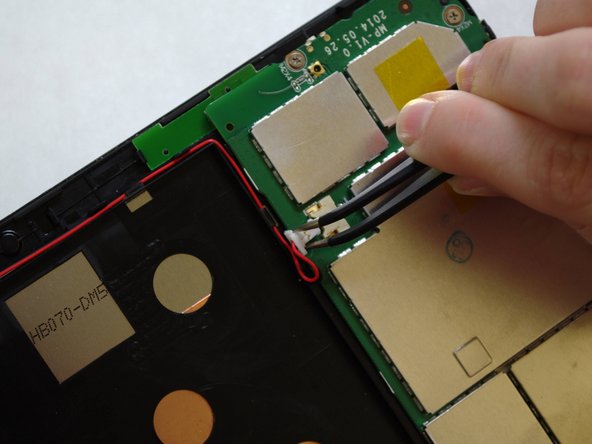
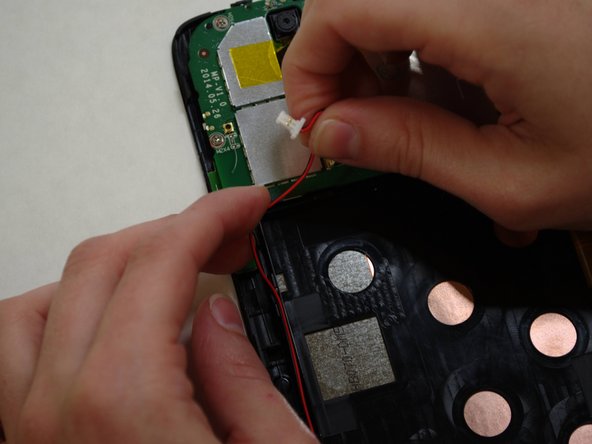
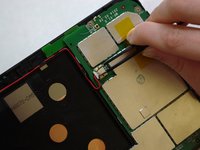
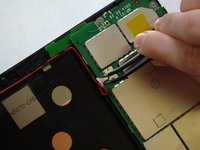
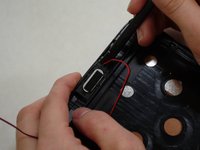
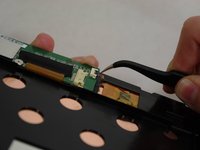
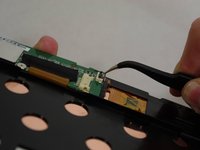
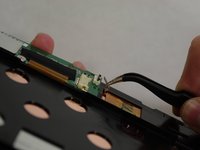
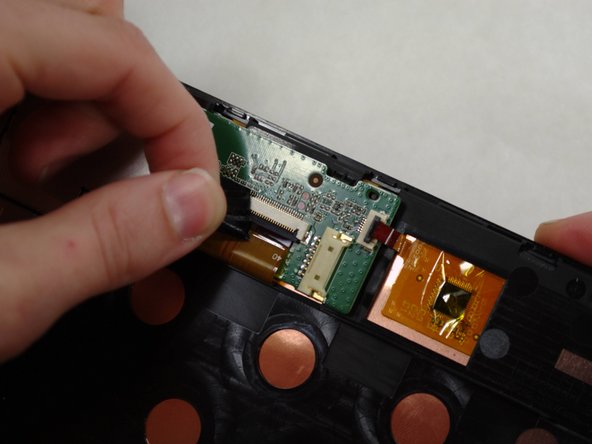
    • The audio module must be removed to replace the front-facing camera.

    • Using needle-nose tweezers, carefully push the small white wire connector (red/black wires) out of its housing.

    • Gently remove red/black wire strands from the clips holding them to the back of the screen.

    询问修复机器人

    添加评论

  7. Toshiba Encore Mini Front-Facing Camera Replacement: 步骤 7 中的图像 1,2 Toshiba Encore Mini Front-Facing Camera Replacement: 步骤 7 中的图像 2,2
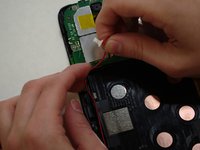
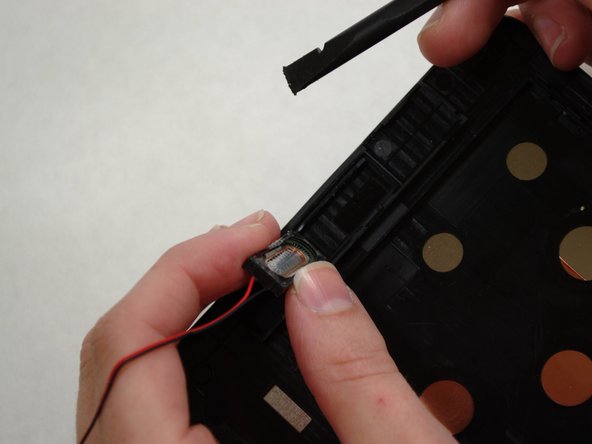
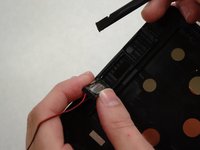
    • Gently pry audio module from the back of the screen using tweezers and spudger. Be careful not to pull on the wires.

    • Adhesive on the bottom of the speaker module may make it difficult to remove.

    • Set the audio module and attached wire aside.

    询问修复机器人

    添加评论

  8. Toshiba Encore Mini Front-Facing Camera Replacement: 步骤 8 中的图像 1,3 Toshiba Encore Mini Front-Facing Camera Replacement: 步骤 8 中的图像 2,3 Toshiba Encore Mini Front-Facing Camera Replacement: 步骤 8 中的图像 3,3
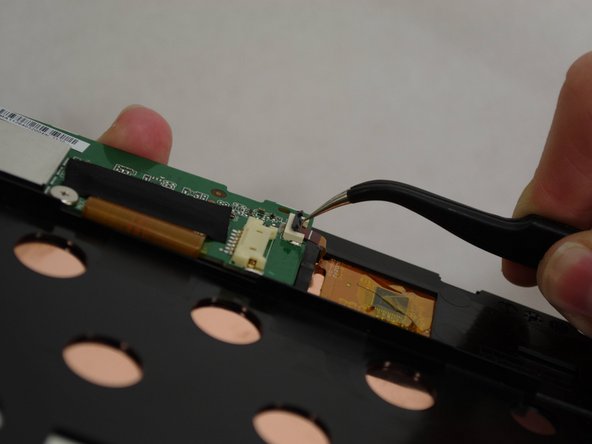
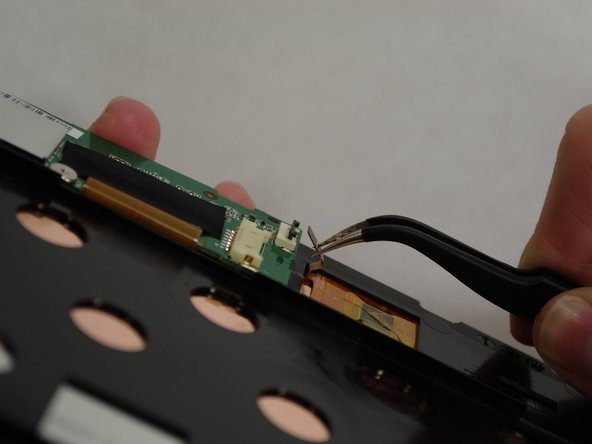
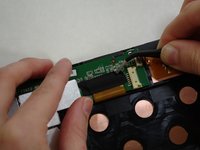
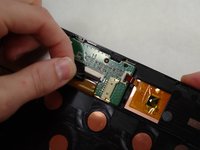
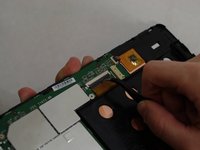
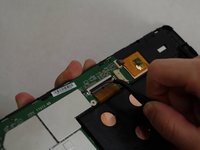
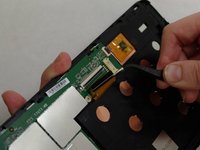
    • Using needle-nose tweezers, carefully flip up the dark gray cover on the right of the device holding the small orange ribbon in place. (It is approximately 1/4" wide.)

    • With the tweezers, carefully pull the small ribbon out of its housing. It will stay attached to the device at the other end.

    询问修复机器人

    添加评论

  9. Toshiba Encore Mini Front-Facing Camera Replacement: 步骤 9 中的图像 1,2 Toshiba Encore Mini Front-Facing Camera Replacement: 步骤 9 中的图像 2,2
    • A wide orange/gold ribbon connects the screen to the motherboard. (Ribbon is approximately 1" wide.)

    • Carefully pull the black tape off the ribbon housing and set it aside. You will need to replace the tape when reassembling the device.

    询问修复机器人

    添加评论

  10. Toshiba Encore Mini Front-Facing Camera Replacement: 步骤 10 中的图像 1,3 Toshiba Encore Mini Front-Facing Camera Replacement: 步骤 10 中的图像 2,3 Toshiba Encore Mini Front-Facing Camera Replacement: 步骤 10 中的图像 3,3
    • Damaging this ribbon will permanently disable your device!

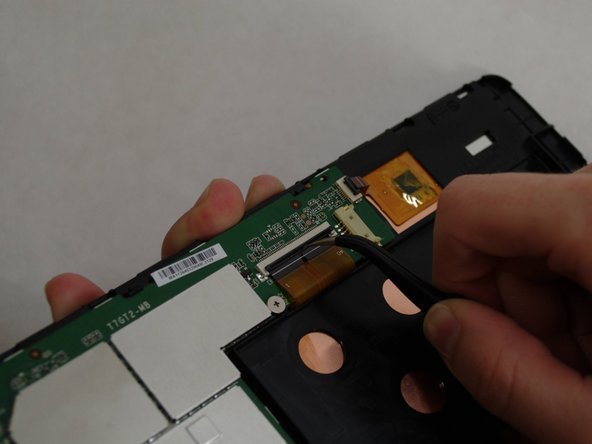
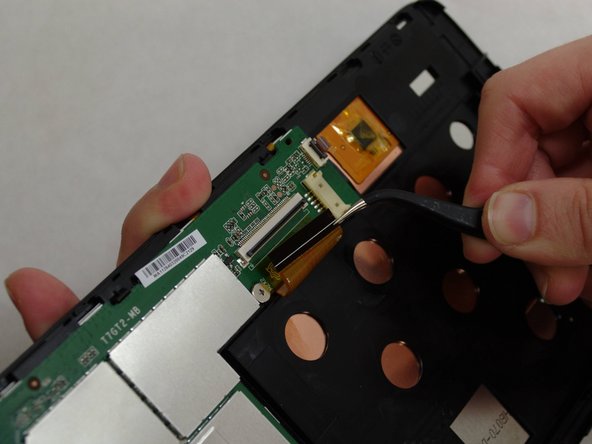
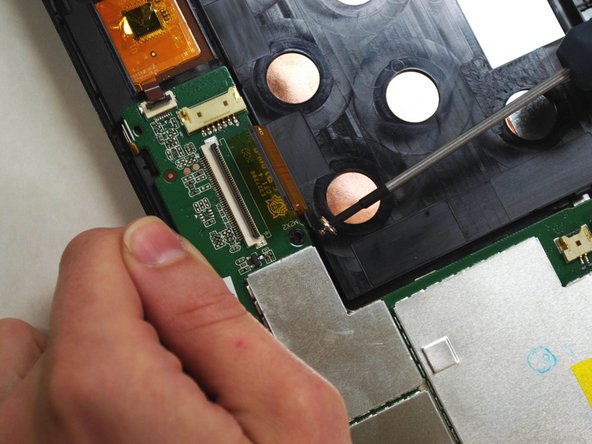
    • Using needle-nose tweezers, carefully flip up the dark gray cover.

    • With the tweezers, carefully pull the wide ribbon from its housing. It will stay attached to the device at the other end.

    询问修复机器人

    添加评论

  11. Toshiba Encore Mini Front-Facing Camera Replacement: 步骤 11 中的图像 1,3 Toshiba Encore Mini Front-Facing Camera Replacement: 步骤 11 中的图像 2,3 Toshiba Encore Mini Front-Facing Camera Replacement: 步骤 11 中的图像 3,3
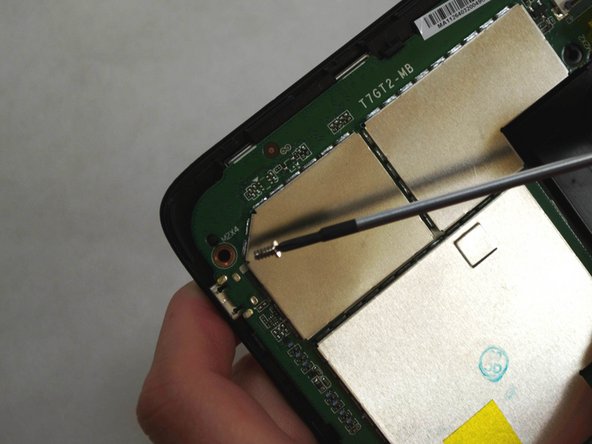
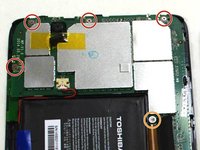
    • Using a Phillips 000 screwdriver, remove the screws holding components together.

    • Remove four 4.2 mm Phillips screws.

    • Remove one 3mm Phillips screw.

    询问修复机器人

    添加评论

  12. Toshiba Encore Mini Front-Facing Camera Replacement: 步骤 12 中的图像 1,2 Toshiba Encore Mini Front-Facing Camera Replacement: 步骤 12 中的图像 2,2
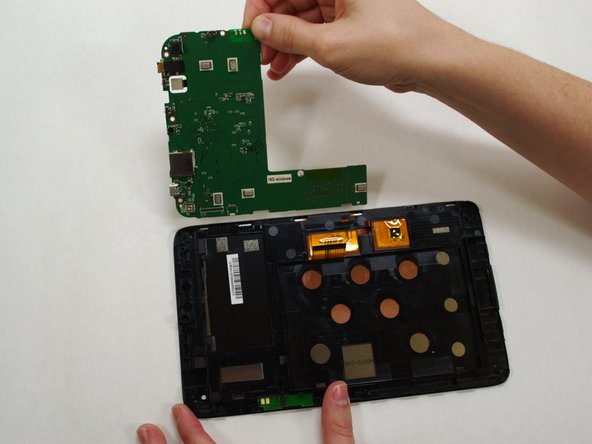
    • Holding the motherboard carefully by the edges, gently lift it up off the screen and carefully set it aside.

    • The motherboard may resist as you try to lift it --this is normal.

    询问修复机器人

    添加评论

  13. Toshiba Encore Mini Front-Facing Camera Replacement: 步骤 13 中的图像 1,2 Toshiba Encore Mini Front-Facing Camera Replacement: 步骤 13 中的图像 2,2
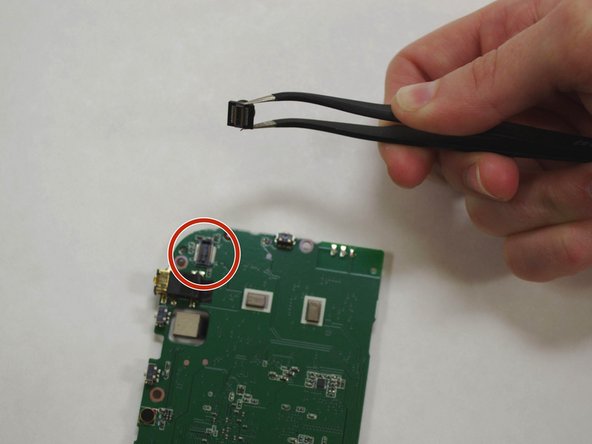
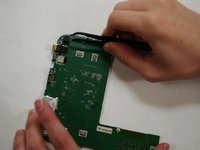
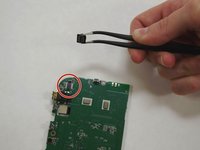
    • The front-facing camera may dislodge freely when removing the motherboard.

    • If camera has not already "popped" off the motherboard, use needle-nose tweezers to gently grasp the camera and remove from motherboard.

    询问修复机器人

    添加评论

结论

To reassemble your device, follow these instructions in reverse order.

取消:我没有完成这个指南。

Shirley Low

于07/09/15注册

143 声望

撰写一个指南

团队

UW Tacoma, Team 1-3, Liner SU 2015 UW Tacoma, Team 1-3, Liner SU 2015 的会员

UWT-LINER-SU15S1G3

4 名成员

创作了6篇指南

0指南评论

添加评论

浏览统计数据:

过去 24 小时: 0

过去 7 天: 3

过去 30 天: 20

总计 699