跳转到主内容
加入维修社区 - 创建账户

TomTom VIA 1530 TM Back Replacement

你所需要的

    1. TomTom VIA 1530 TM Back Replacement, Back: 步骤 1 中的图像 1,2 TomTom VIA 1530 TM Back Replacement, Back: 步骤 1 中的图像 2,2
      • Position the device so that the underside is facing up.

      • Tilt the EasyPort Mount slightly upward and rotate it counterclockwise 180 degrees from the initial position.

      • Firmly grab the EasyPort Mount and remove it.

      • If it does not dislodge easily, gently twist the EasyPort Mount, applying increasing pressure until it does.

      询问修复机器人

      添加评论

    2. TomTom VIA 1530 TM Back Replacement: 步骤 2 中的图像 1,2 TomTom VIA 1530 TM Back Replacement: 步骤 2 中的图像 2,2
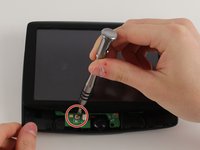
      • Turn the device 180 degrees so the screw in the EasyPort Mount compartment is on top.

      • Remove the 2mm screw beneath the EasyPort Mount compartment with the Torx T-5 head Screwdriver.

      询问修复机器人

      添加评论

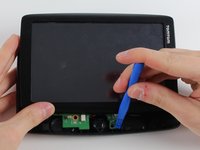
    3. TomTom VIA 1530 TM Back Replacement: 步骤 3 中的图像 1,2 TomTom VIA 1530 TM Back Replacement: 步骤 3 中的图像 2,2
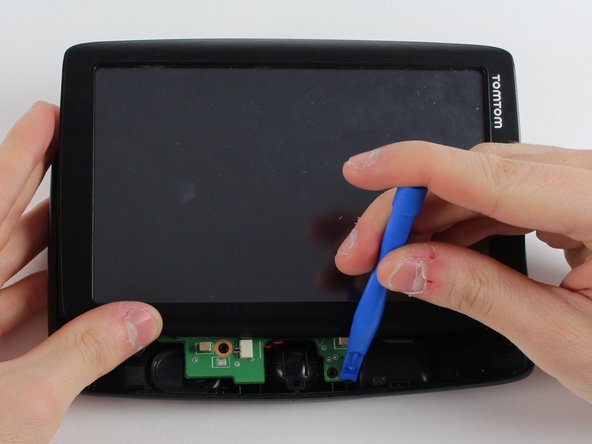
      • Flip the device over so that the screen is facing up.

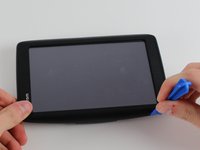
      • Wedge the plastic opening tool between the top and bottom of the device's frame, gently sliding it around the outside edge.

      • It may be easier to start at one of the corners.

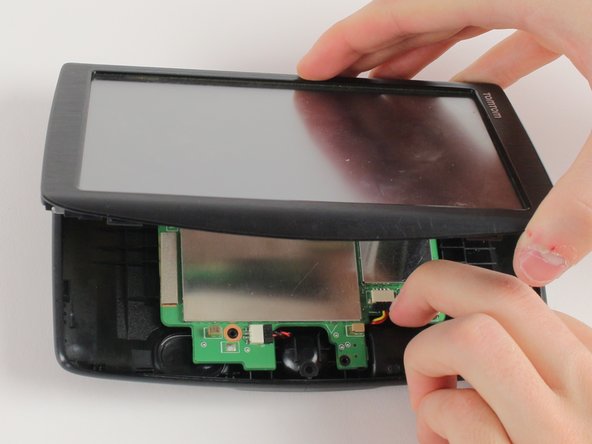
      • The gold ribbon cable connecting the screen to the motherboard is fragile and tears easily.

      • This specific device's ribbon cable is torn.

      询问修复机器人

      添加评论

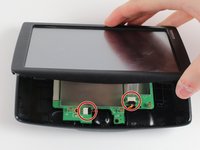
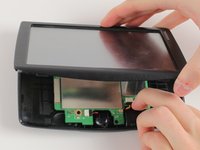
    4. TomTom VIA 1530 TM Back Replacement: 步骤 4 中的图像 1,2 TomTom VIA 1530 TM Back Replacement: 步骤 4 中的图像 2,2
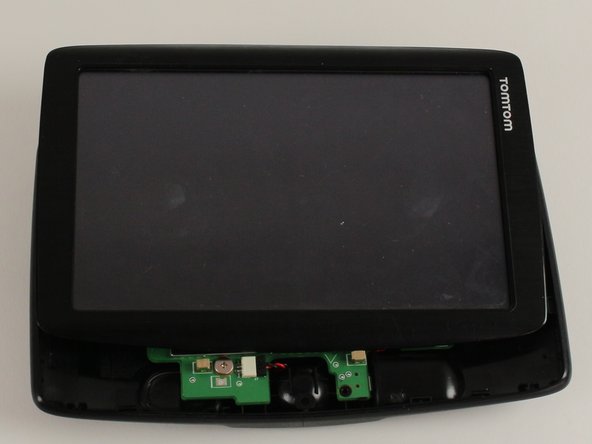
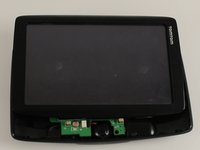
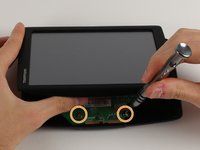
      • Carefully slide the screen forward, revealing the lower portion of the motherboard.

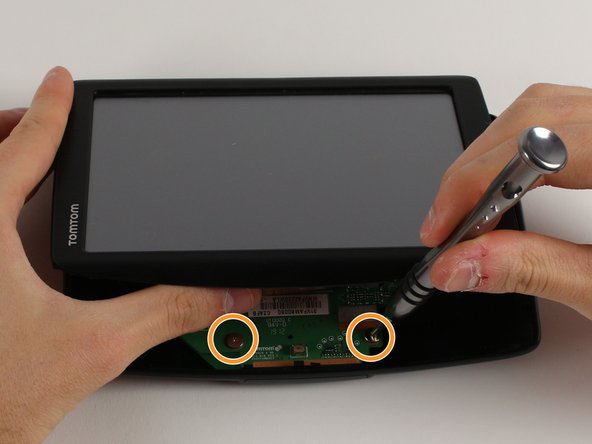
      • Remove the 3.6mm screw using the JIS #00 Screwdriver.

      • Rotate the device 180 degrees, carefully slide back the screen, and remove the remaining two screws.

      询问修复机器人

      添加评论

    5. TomTom VIA 1530 TM Back Replacement: 步骤 5 中的图像 1,3 TomTom VIA 1530 TM Back Replacement: 步骤 5 中的图像 2,3 TomTom VIA 1530 TM Back Replacement: 步骤 5 中的图像 3,3
      • Disconnect the battery and speaker cables.

      • Unlatch the motherboard from the case.

      询问修复机器人

      添加评论

结论

To reassemble your device, follow these instructions in reverse order.

取消:我没有完成这个指南。

团队

Cal Poly, Team S12-G2, Banghart Winter 2018 Cal Poly, Team S12-G2, Banghart Winter 2018 的会员

CPSU-BANGHART-W18S12G2

3 名成员

创作了12篇指南

0指南评论

添加评论

浏览统计数据:

过去 24 小时: 1

过去 7 天: 5

过去 30 天: 24

总计 947