跳转到主内容
加入维修社区 - 创建账户

Tengda S5 Plus Home Button Replacement

你所需要的

    1. Tengda S5 Plus Home Button Replacement, Back Panel: 步骤 1 中的图像 1,1
      • Place the phone screen-side down.

      询问修复机器人
      添加评论

    2. Tengda S5 Plus Home Button Replacement: 步骤 2 中的图像 1,2 Tengda S5 Plus Home Button Replacement: 步骤 2 中的图像 2,2
      • Using your fingernail or any prying tool (we used the Metal Spudger), begin to pry away the back panel starting at the bottom of the phone.

      • Continue to work your way around the phone counterclockwise until you can pull the back cover off.

      询问修复机器人

      添加评论

    1. Tengda S5 Plus Home Button Replacement, Battery: 步骤 3 中的图像 1,1
      • Remove the battery by placing your thumb in the slot, pushing the battery up and pulling it out.

      询问修复机器人
      添加评论

    1. Tengda S5 Plus Home Button Replacement, Home Button: 步骤 4 中的图像 1,1
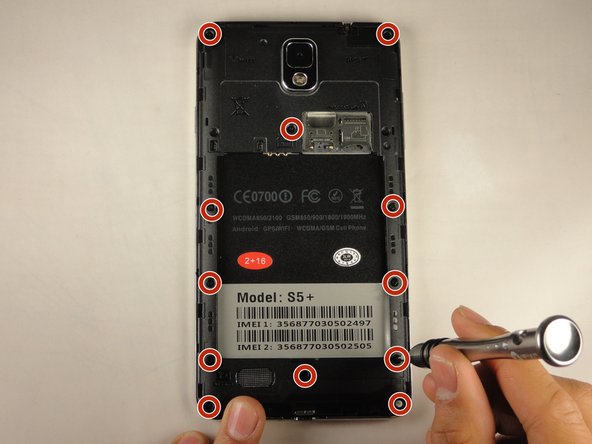
      • Unscrew the twelve 3 mm screws from the back panel using a Phillips #00 screwdriver.

      • Keep these screws in a safe place. They are very small and easy to lose.

      询问修复机器人
      添加评论

    2. Tengda S5 Plus Home Button Replacement: 步骤 5 中的图像 1,2 Tengda S5 Plus Home Button Replacement: 步骤 5 中的图像 2,2
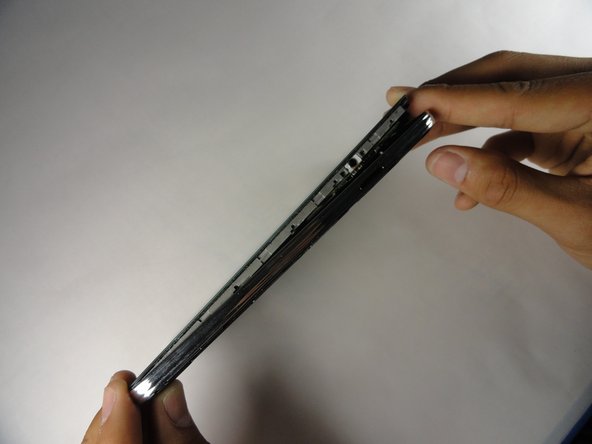
      • Using the plastic opening tool, create a small gap between the front screen and the metal casing. Slide the plastic opening tool around the phone counterclockwise to make this gap around the entire phone.

      • Once the screen is separated from the back panel, pull the two pieces apart.

      询问修复机器人
      添加评论

    3. Tengda S5 Plus Home Button Replacement: 步骤 6 中的图像 1,1
      在这个步骤中使用的工具:
      Tweezers
      $4.99
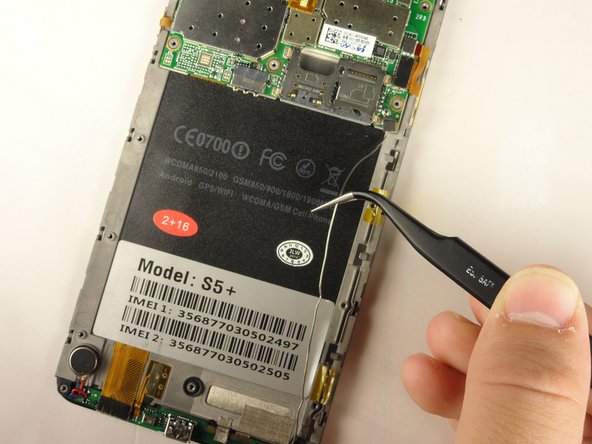
      • Lay your device with the screen faced down.

      • Using tweezers, lift the two pieces of yellow tape holding the wire in place.

      询问修复机器人

      添加评论

    4. Tengda S5 Plus Home Button Replacement: 步骤 7 中的图像 1,2 Tengda S5 Plus Home Button Replacement: 步骤 7 中的图像 2,2
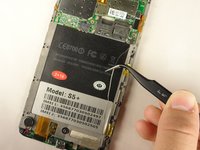
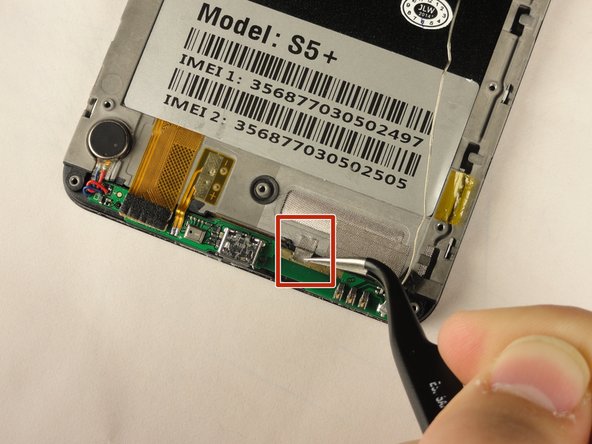
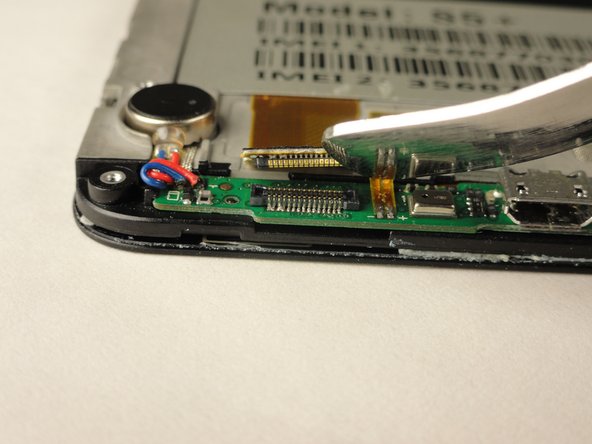
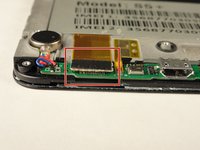
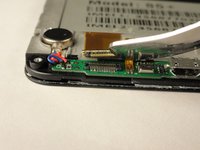
      • Using the tweezers again, grasp the wire and free it from the crevice.

      • This will provide slack for you to work with the lower motherboard.

      询问修复机器人

      添加评论

    5. Tengda S5 Plus Home Button Replacement: 步骤 8 中的图像 1,3 Tengda S5 Plus Home Button Replacement: 步骤 8 中的图像 2,3 Tengda S5 Plus Home Button Replacement: 步骤 8 中的图像 3,3
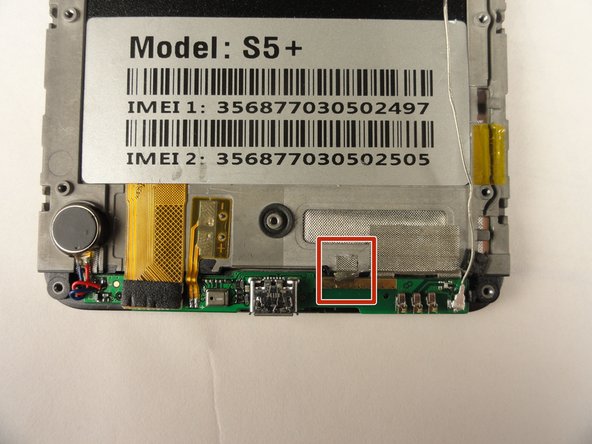
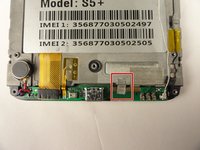
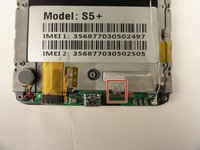
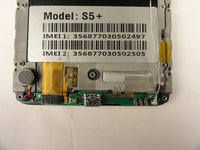
      • Remove the silver tape that holds the lower motherboard to the front panel of the phone.

      询问修复机器人

      添加评论

    6. Tengda S5 Plus Home Button Replacement: 步骤 9 中的图像 1,2 Tengda S5 Plus Home Button Replacement: 步骤 9 中的图像 2,2
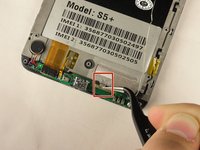
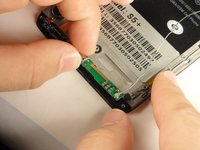
      • Using your fingers, or the Metal Spudger, disconnect the black cable connector.

      • The cable connector should easy snap out with little force.

      添加评论

    7. Tengda S5 Plus Home Button Replacement: 步骤 10 中的图像 1,3 Tengda S5 Plus Home Button Replacement: 步骤 10 中的图像 2,3 Tengda S5 Plus Home Button Replacement: 步骤 10 中的图像 3,3
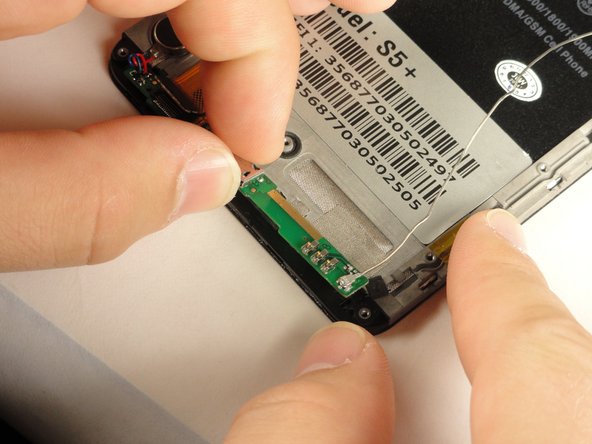
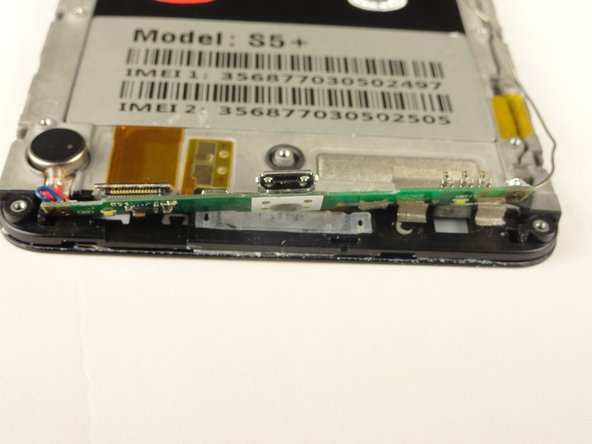
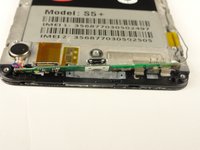
      • Using your fingers, slide the lower motherboard towards you.

      • The lower motherboard will still be attached to the front panel by a red and blue cable on the left side and a long silver wire on the right side, but you should now have visibility of the home button.

      询问修复机器人

      添加评论

    8. Tengda S5 Plus Home Button Replacement: 步骤 11 中的图像 1,2 Tengda S5 Plus Home Button Replacement: 步骤 11 中的图像 2,2
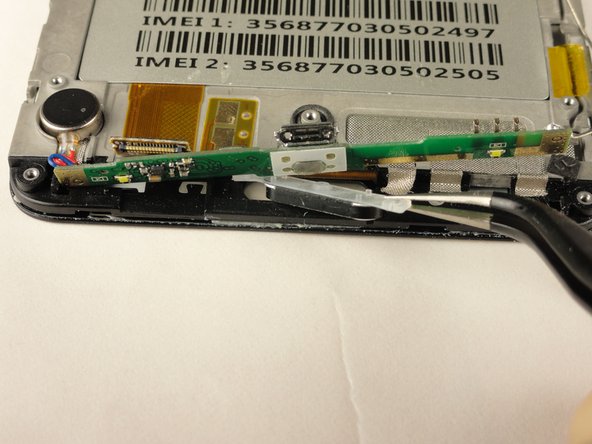
      • Clean away any dirt from the back side of the lower motherboard, underneath the charging port.

      • Using tweezers, grasp and remove the home button.

      询问修复机器人

      添加评论

结论

To reassemble your device, follow these instructions in reverse order.

取消:我没有完成这个指南。

Kenny Levy

于04/20/15注册

128 声望

撰写一个指南

团队

Cal Poly, Team 14-9, Amido Spring 2015 Cal Poly, Team 14-9, Amido Spring 2015 的会员

CPSU-AMIDO-S15S14G9

4 名成员

创作了20篇指南

0指南评论

添加评论

浏览统计数据:

过去 24 小时: 0

过去 7 天: 9

过去 30 天: 34

总计 723