跳转到主内容
加入维修社区 - 创建账户

Sony Vaio PCG-4G1L Keyboard Replacement

你所需要的

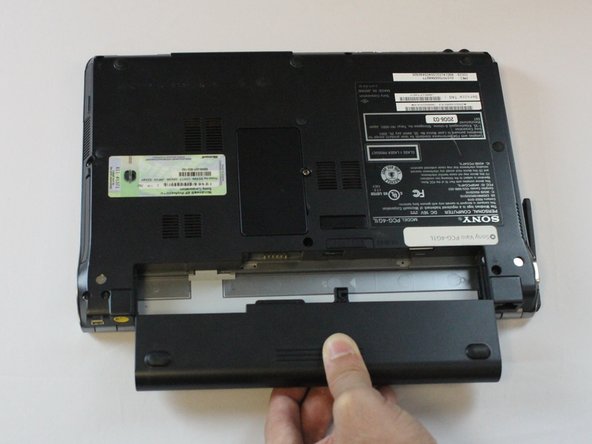
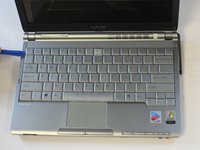
    1. Sony Vaio PCG-4G1L Keyboard Replacement, Battery: 步骤 1 中的图像 1,1
      • Turn off the computer and disconnect the charging cable.

      • Failing to unplug the cable can result in electric shock.

      询问修复机器人

      添加评论

    2. Sony Vaio PCG-4G1L Keyboard Replacement: 步骤 2 中的图像 1,2 Sony Vaio PCG-4G1L Keyboard Replacement: 步骤 2 中的图像 2,2
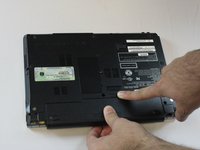
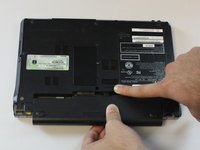
      • Slide battery release toggle switch towards the "RELEASE" print.

      询问修复机器人

      添加评论

    3. Sony Vaio PCG-4G1L Keyboard Replacement: 步骤 3 中的图像 1,3 Sony Vaio PCG-4G1L Keyboard Replacement: 步骤 3 中的图像 2,3 Sony Vaio PCG-4G1L Keyboard Replacement: 步骤 3 中的图像 3,3
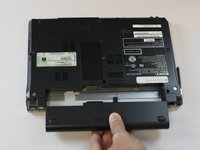
      • Apply pressure with your thumb on the grip.

      • Pull the battery out while simultaneously holding the battery release toggle switch in the release position.

      询问修复机器人

      添加评论

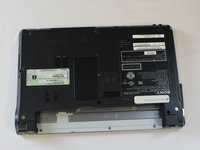
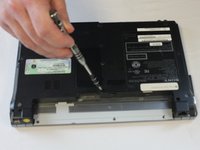
    1. Sony Vaio PCG-4G1L Keyboard Replacement, Keyboard: 步骤 4 中的图像 1,2 Sony Vaio PCG-4G1L Keyboard Replacement, Keyboard: 步骤 4 中的图像 2,2
      • Remove one 5 mm Phillips #1 pan head screw, in the middle of the laptop, using a Bit Driver with Phillips PH1 bit.

      询问修复机器人

      添加评论

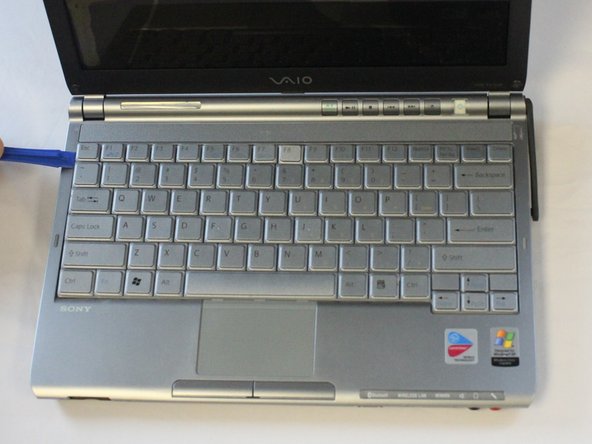
    2. Sony Vaio PCG-4G1L Keyboard Replacement: 步骤 5 中的图像 1,2 Sony Vaio PCG-4G1L Keyboard Replacement: 步骤 5 中的图像 2,2
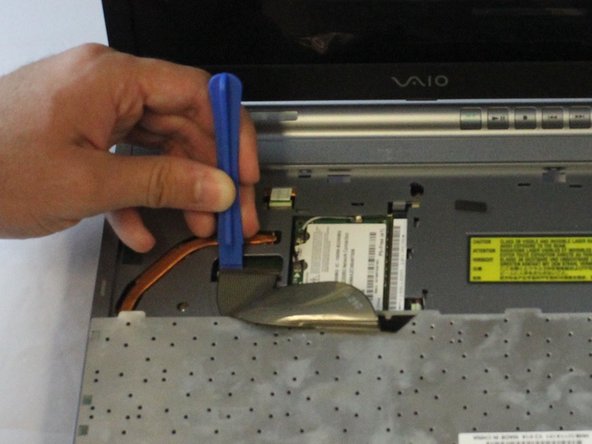
      • Be sure to pry the plastic opening tool under the keyboard, rather than under the keys. Otherwise, some keys could get harmed.

      • While using a plastic opening tool, carefully lift the keyboard by inserting the tool under the edge.

      询问修复机器人

      添加评论

    3. Sony Vaio PCG-4G1L Keyboard Replacement: 步骤 6 中的图像 1,3 Sony Vaio PCG-4G1L Keyboard Replacement: 步骤 6 中的图像 2,3 Sony Vaio PCG-4G1L Keyboard Replacement: 步骤 6 中的图像 3,3
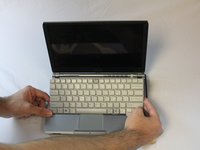
      • Do not pull the keyboard too far away, as a ribbon cable is still attached. Failing to do so can cause damage to the ribbon cable or the connector.

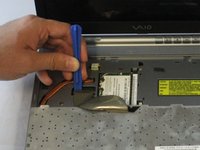
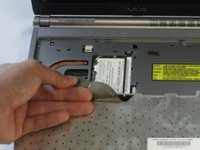
      • Use the plastic opening tool to release the clamp.

      • Using slight pressure, remove the ribbon cable with your fingers.

      询问修复机器人

      添加评论

结论

To reassemble your device, follow these instructions in reverse order.

取消:我没有完成这个指南。

2等其他人完成本指南。

Cole Collins

于10/04/16注册

211 声望

创作了4篇指南

团队

USF Tampa, Team 2-3, Cagle Fall 2016 USF Tampa, Team 2-3, Cagle Fall 2016 的会员

USFT-CAGLE-F16S2G3

5 名成员

创作了54篇指南

0指南评论

添加评论

浏览统计数据:

过去 24 小时: 3

过去 7 天: 9

过去 30 天: 50

总计 1,314