跳转到主内容
加入维修社区 - 创建账户

Sony Vaio Fit 13A Screen Replacement

你所需要的

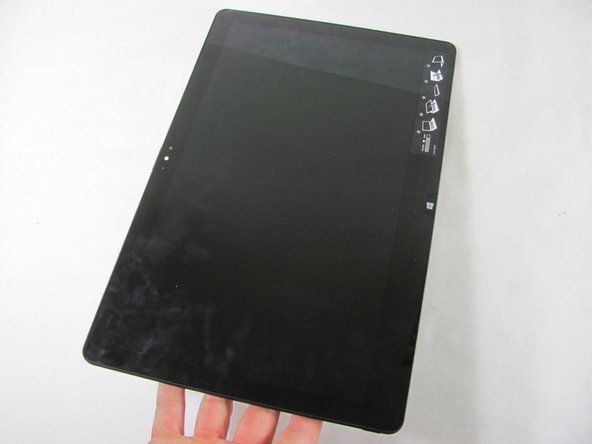
    1. Sony Vaio Fit 13A Screen Replacement, Screen: 步骤 1 中的图像 1,3 Sony Vaio Fit 13A Screen Replacement, Screen: 步骤 1 中的图像 2,3 Sony Vaio Fit 13A Screen Replacement, Screen: 步骤 1 中的图像 3,3
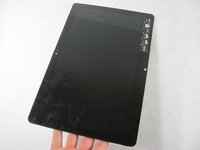
      • Unlock the screen and lift the corner. Carefully turn it over until it faces away from the keyboard. This is the same procedure as turning the screen over to use the computer in the fashion of a tablet.

      询问修复机器人

      添加评论

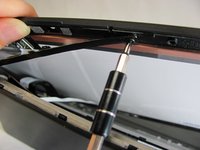
    2. Sony Vaio Fit 13A Screen Replacement, Unscrew the Screen: 步骤 2 中的图像 1,2 Sony Vaio Fit 13A Screen Replacement, Unscrew the Screen: 步骤 2 中的图像 2,2
      • Locate and remove all ten 1 mm Phillips #0 screws.

      询问修复机器人

      添加评论

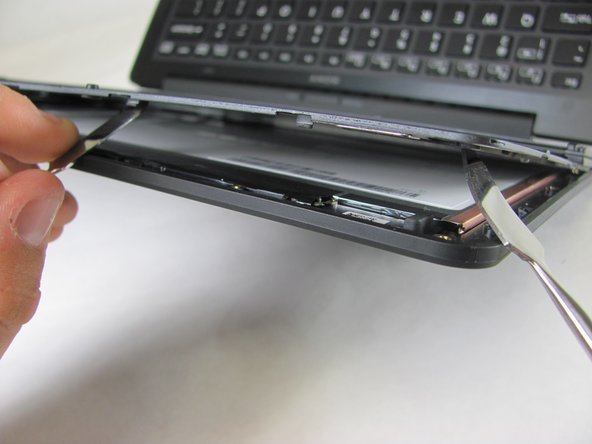
    3. Sony Vaio Fit 13A Screen Replacement, Remove the Screen: 步骤 3 中的图像 1,2 Sony Vaio Fit 13A Screen Replacement, Remove the Screen: 步骤 3 中的图像 2,2
      • Use the Metal Spudger Set to carefully separate screen from backing. Be sure to keep the grey panel flush with the screen front.

      询问修复机器人

      添加评论

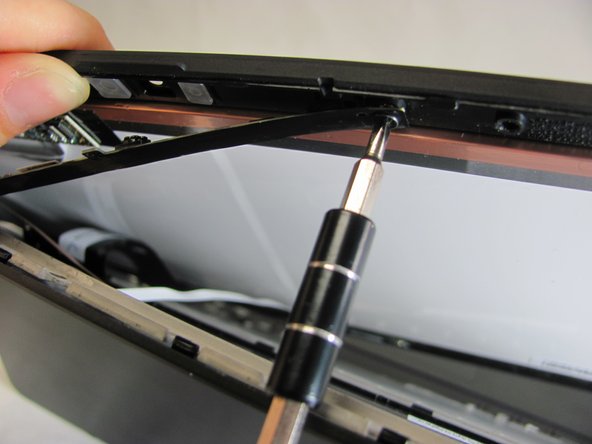
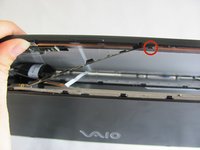
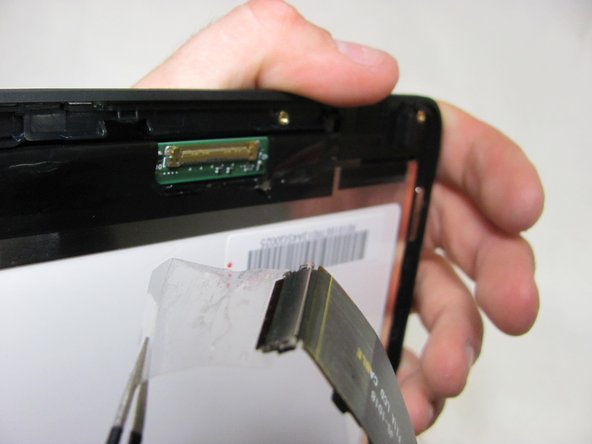
    4. Sony Vaio Fit 13A Screen Replacement, Remove this Connection: 步骤 4 中的图像 1,2 Sony Vaio Fit 13A Screen Replacement, Remove this Connection: 步骤 4 中的图像 2,2
      • Remove the single 1mm Phillips #0 screw that is connecting the screen and the device.

      询问修复机器人

      添加评论

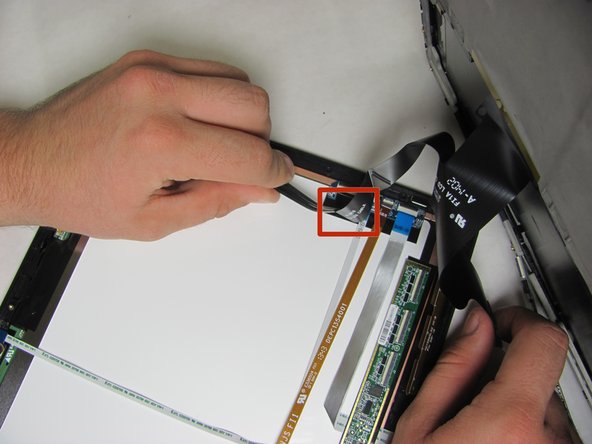
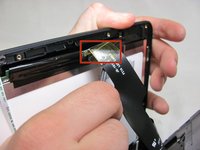
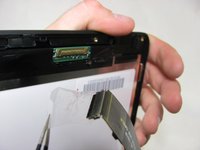
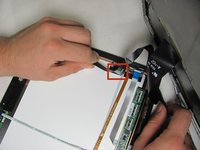
    5. Sony Vaio Fit 13A Screen Replacement, Remove Strip: 步骤 5 中的图像 1,3 Sony Vaio Fit 13A Screen Replacement, Remove Strip: 步骤 5 中的图像 2,3 Sony Vaio Fit 13A Screen Replacement, Remove Strip: 步骤 5 中的图像 3,3
      在这个步骤中使用的工具:
      Tweezers
      $4.99
      • Use tweezers to carefully separate the two connections of the strip from screen back panel.

      询问修复机器人

      添加评论

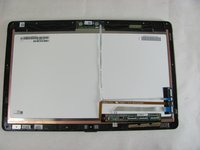
    6. Sony Vaio Fit 13A Screen Replacement, Screen is Now Removed: 步骤 6 中的图像 1,2 Sony Vaio Fit 13A Screen Replacement, Screen is Now Removed: 步骤 6 中的图像 2,2
      • Replace with the new screen.

      询问修复机器人

      添加评论

结论

To reassemble your device, follow these instructions in reverse order.

取消:我没有完成这个指南。

5等其他人完成本指南。

Marii

于01/08/15注册

673 声望

创作了3篇指南

团队

Cal Poly, Team 21-19, Maness Winter 2015 Cal Poly, Team 21-19, Maness Winter 2015 的会员

CPSU-MANESS-W15S21G19

4 名成员

创作了42篇指南

4指南评论

Bad. Do not follow this guide. The top half of the lid that has the word sony needs to be pried off the case first, it slides off. Then you remove the six or so screws from the screen, then follow the rest of these instructions, otherwise you end up with broken screw holes.

Josh - 回复 分享

I found the problem with my laptop Screen flicker but it is not the screen or GPU or driver there is a loose or broken connection in the screen cable that could the flickering. It cost me a new screen and had the same issue if you fiddle with the screen cable you will see when you touch or move the cable the screen starts to flicker.

Freddie Maré - 回复 分享

I want buy this laptop SVF13NA1UW lvds cable

Vikas Kushwah - 回复 分享

Hy, I want buy SVF13NA1UM display and Fan Assembly

Sorin Coman - 回复 分享

添加评论

浏览统计数据:

过去 24 小时: 1

过去 7 天: 17

过去 30 天: 63

总计 7,816