简介
Use this guide to remove or replace your SIM card.
你所需要的
-
-
Hold the phone with the screen facing down. Push the back cover firmly down and slide it towards you.
-
The panel will slide down about 2mm.
-
Lift the panel away from the phone.
 询问修复机器人
-
-
-
-
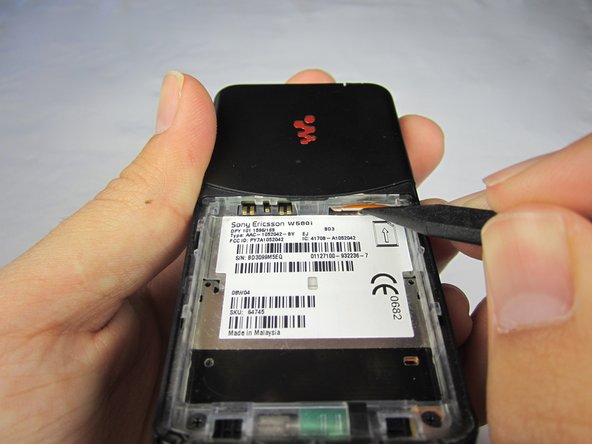
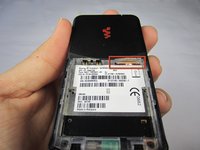
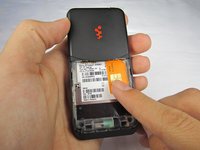
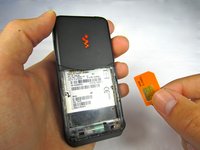
Locate the SIM card slot.
-
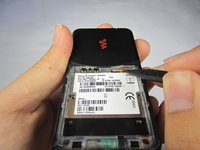
Use a spudger to release the SIM card by pushing it in slightly until you feel a "click."
-
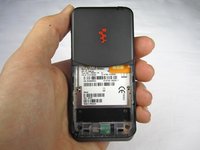
Release pressure from the SIM card. The SIM card will pop out about 5mm.
-





To reassemble your device, follow these instructions in reverse order.
2等其他人完成本指南。

团队

Cal Poly, Team 5-31, Amido Fall 2011 Cal Poly, Team 5-31, Amido Fall 2011 的会员
CPSU-AMIDO-F11S5G31
4 名成员
创作了18篇指南
2指南评论
where do you get thease parts
Joy Martin - 回复 分享
helllo i have an extremely big issue, i've been driving myself CRAZY for almost 6 years trying to figure out how to enter the sim card, i own one but i do not understand why its not fitting in, it's literally the exact same diameter as far as im concerned, hell i even tried it on another old phone AND IT DID FIT, i do not exactly have enough help online or presence to help me or guide me so could we email each other or something??? i really need this :(
