跳转到主内容
加入维修社区 - 创建账户

Sony BDP-S1 Fan Replacement

你所需要的

  1. Sony BDP-S1 Fan Replacement, Sony BDP-S1: Getting inside the device: 步骤 1 中的图像 1,2 Sony BDP-S1 Fan Replacement, Sony BDP-S1: Getting inside the device: 步骤 1 中的图像 2,2
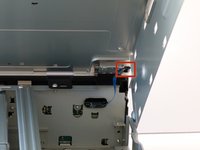
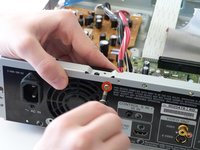
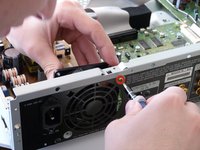
    • Remove the 12mm screws with the Philips #2 screwdriver which keep the plastic panels in place.

    • Don't forget, there are two more 12mm screws on the other side as well.

    询问修复机器人

    添加评论

  2. Sony BDP-S1 Fan Replacement: 步骤 2 中的图像 1,3 Sony BDP-S1 Fan Replacement: 步骤 2 中的图像 2,3 Sony BDP-S1 Fan Replacement: 步骤 2 中的图像 3,3
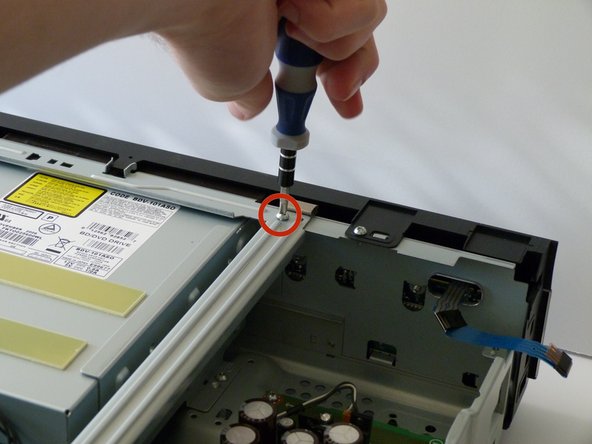
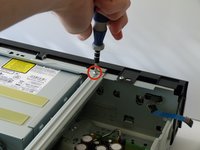
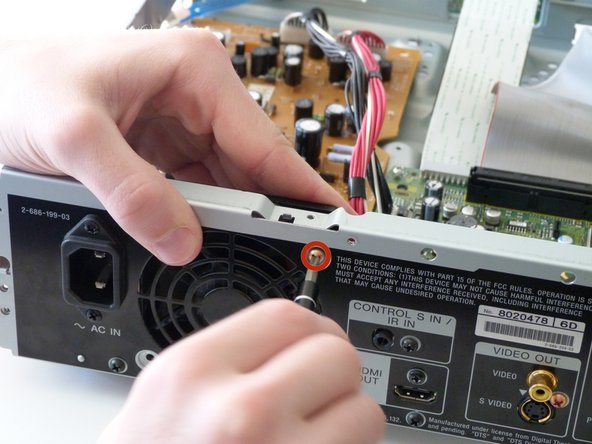
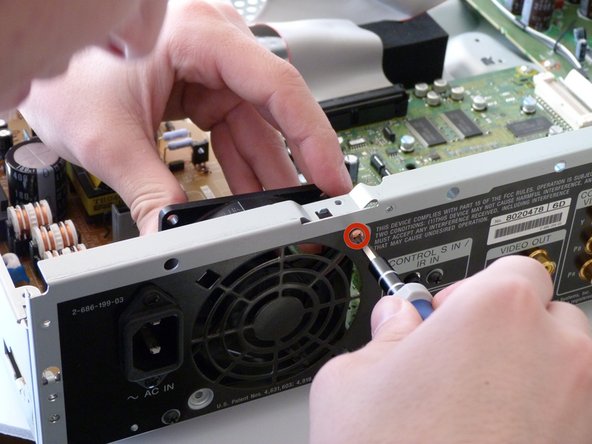
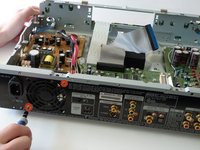
    • First, remove the three 12mm black screws holding the top panel on (Phillips #2).

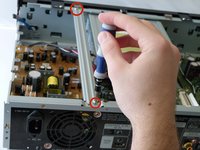
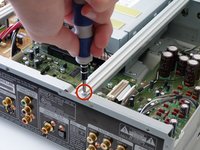
    • Then, remove the two 12mm black screws - one on each side of the back of the device - holding the top panel on.

    • Lastly, remove the three 12mm black screws on each side of device.

    询问修复机器人

    添加评论

  3. Sony BDP-S1 Fan Replacement: 步骤 3 中的图像 1,3 Sony BDP-S1 Fan Replacement: 步骤 3 中的图像 2,3 Sony BDP-S1 Fan Replacement: 步骤 3 中的图像 3,3
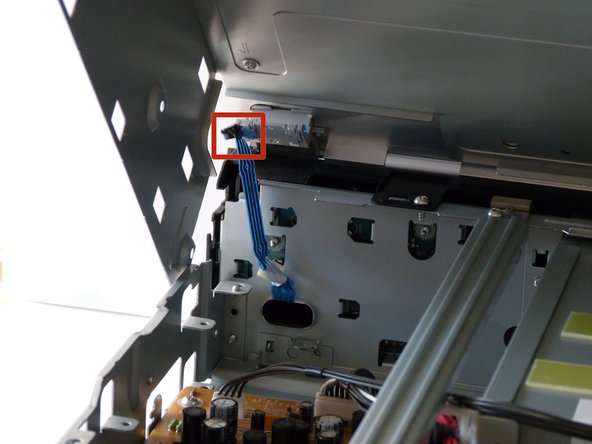
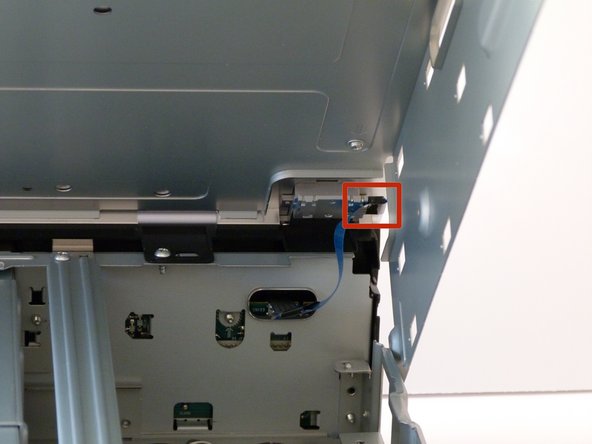
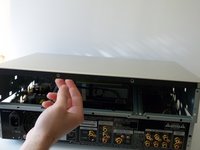
    • Potential for device damage: Carefully lift up the top panel, because there are two blue ribbon cables that must be disconnected before removing the panel, and we do NOT want them to break.

    • After gently disconnecting the two ribbon cables (you can just pull them out with your hand), take the top off and set it to the side.

    询问修复机器人

    添加评论

  4. Sony BDP-S1 Fan Replacement: 步骤 4 中的图像 1,3 Sony BDP-S1 Fan Replacement: 步骤 4 中的图像 2,3 Sony BDP-S1 Fan Replacement: 步骤 4 中的图像 3,3
    • After the top is off, you'll see that there are two metal bars that go across the top of the device.

    • Remove each bar by unscrewing the two 10mm silver screws on each end.

    询问修复机器人

    添加评论

  5. Sony BDP-S1 Fan Replacement, Fan: 步骤 5 中的图像 1,3 Sony BDP-S1 Fan Replacement, Fan: 步骤 5 中的图像 2,3 Sony BDP-S1 Fan Replacement, Fan: 步骤 5 中的图像 3,3
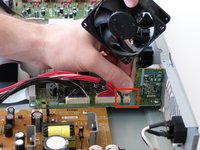
    • First we need to unscrew the fan from before we can remove it.

    • Remove both copper colored 10mm screws with a #2 phillips screwdriver.

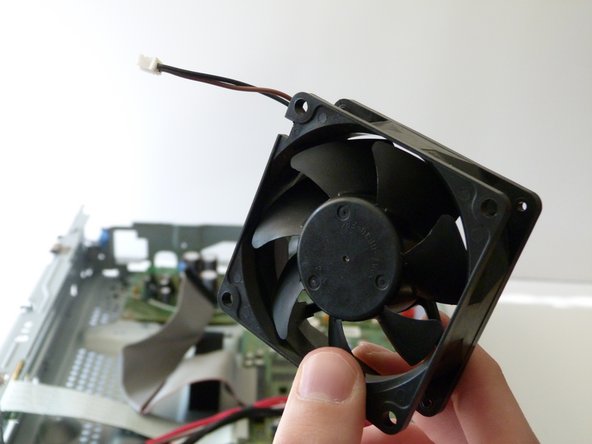
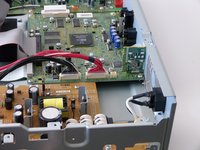
    • As you remove the second screw, pull the fan inward to remove it from the remainder of the case. It should now only be connected to the case through a cable attached to the circuit board.

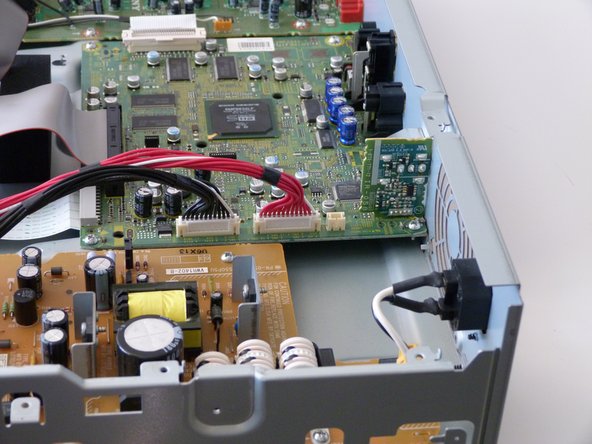
    • The disk drive is removed in the pictures, however this is not necessary to replace the fan and can be ignored.

    询问修复机器人

    添加评论

  6. Sony BDP-S1 Fan Replacement: 步骤 6 中的图像 1,3 Sony BDP-S1 Fan Replacement: 步骤 6 中的图像 2,3 Sony BDP-S1 Fan Replacement: 步骤 6 中的图像 3,3
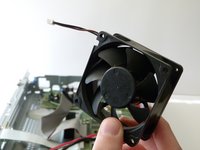
    • We will now completely remove the fan from the player.

    • Carefully detach the cable from the fan to the circuit board by pulling on the cable connecting the fan to the circuit board.

    • You are now ready to install the new fan!

    添加评论

结论

To reassemble your device, follow these instructions in reverse order.

取消:我没有完成这个指南。

Nicolas Kennedy

于01/26/14注册

111 声望

撰写一个指南

团队

Cal Poly, Team 9-30, Maness Winter 2014 Cal Poly, Team 9-30, Maness Winter 2014 的会员

CPSU-MANESS-W14S9G30

3 名成员

创作了5篇指南

2指南评论

We're can i get a replacement fan for my Blu- ray player model BDV-E4100. HEEEEELP PLEASE.

darren cottenham - 回复 分享

Where can I get a replacement fan for my blue-ray player.

Christopher Meriweather - 回复 分享

添加评论

浏览统计数据:

过去 24 小时: 2

过去 7 天: 8

过去 30 天: 50

总计 3,236