跳转到主内容
加入维修社区 - 创建账户

Snapfon ezOne Speaker Replacement

你所需要的

    1. Snapfon ezOne Speaker Replacement, Remove the battery cover: 步骤 1 中的图像 1,1
      • Turn off the phone to prevent data loss.

      • Press and slide the battery out to remove it.

      • Picture rights belong to Snapfon®. Picture is used for educational purposes only. No copyright infringement intended.

      询问修复机器人

      添加评论

    2. Snapfon ezOne Speaker Replacement, Remove the battery: 步骤 2 中的图像 1,1
      • Pry the battery out with your thumb or the iFixit opening tool.

      • Make sure to properly dispose of the old battery at a recycling center.

      • Picture rights belong to Snapfon®. Picture is used for educational purposes only. No copyright infringement intended.

      询问修复机器人

      添加评论

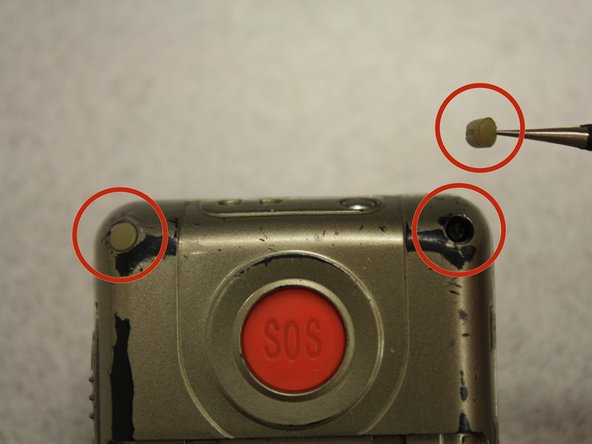
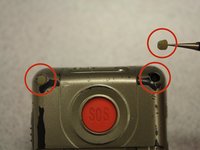
    1. Snapfon ezOne Speaker Replacement, Removing the plastic inserts: 步骤 3 中的图像 1,2 Snapfon ezOne Speaker Replacement, Removing the plastic inserts: 步骤 3 中的图像 2,2
      在这个步骤中使用的工具:
      Tweezers
      $4.99
      • Remove the four rubber inserts from the screw holes using a pair of tweezers.

      询问修复机器人

      添加评论

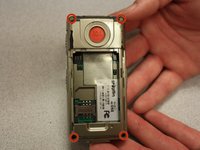
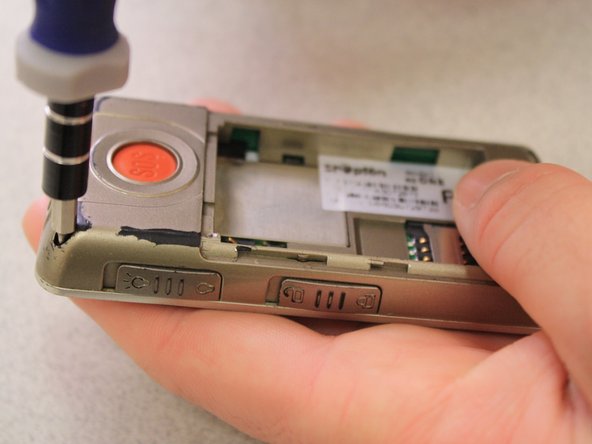
    2. Snapfon ezOne Speaker Replacement, Remove the shield screws: 步骤 4 中的图像 1,3 Snapfon ezOne Speaker Replacement, Remove the shield screws: 步骤 4 中的图像 2,3 Snapfon ezOne Speaker Replacement, Remove the shield screws: 步骤 4 中的图像 3,3
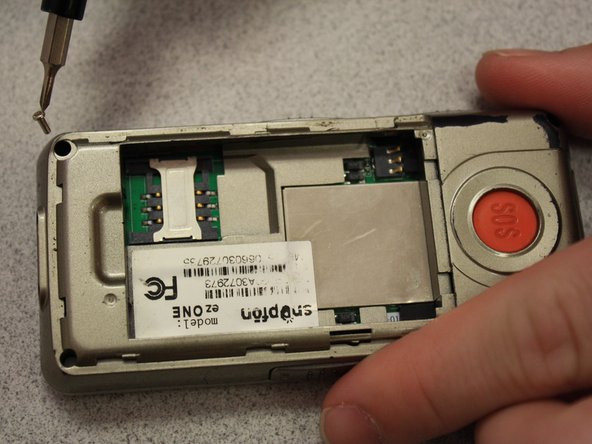
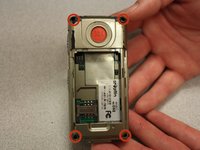
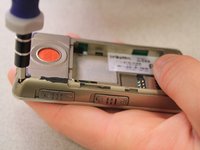
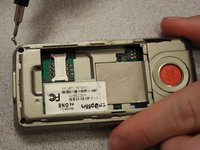
      • Remove the four 3.1mm screws in the corners with a Phillips #00 screwdriver.

      询问修复机器人

      添加评论

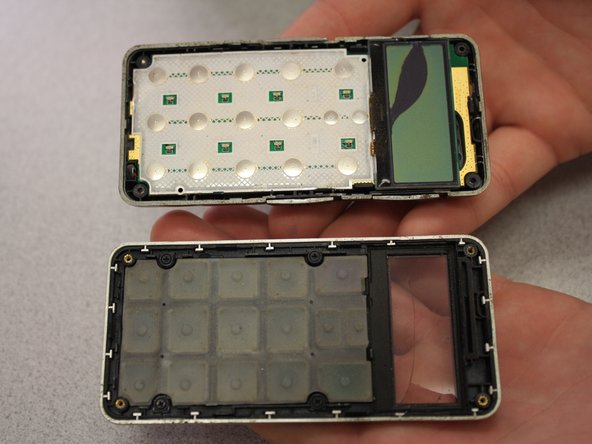
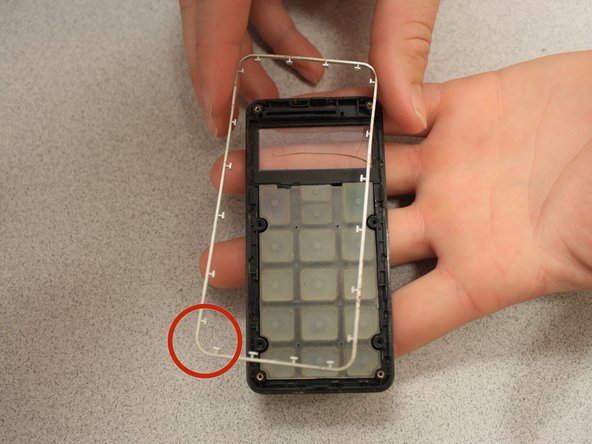
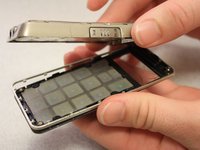
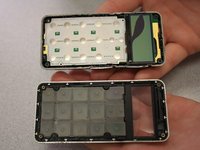
    3. Snapfon ezOne Speaker Replacement, Separate the case: 步骤 5 中的图像 1,3 Snapfon ezOne Speaker Replacement, Separate the case: 步骤 5 中的图像 2,3 Snapfon ezOne Speaker Replacement, Separate the case: 步骤 5 中的图像 3,3
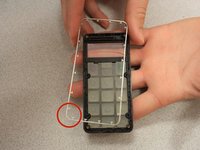
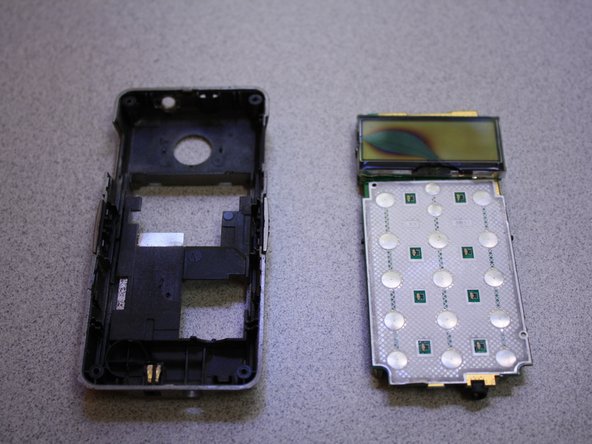
      • Separate the front case from the back case.

      • Remove the metal bumper from the front case’s perimeter.

      询问修复机器人

      添加评论

    4. Snapfon ezOne Speaker Replacement, Remove the volume slider: 步骤 6 中的图像 1,1
      • Pry the volume slider button out with tweezers.

      • The volume slider button may fall out during the separation of the front and back cases. This is OK.

      询问修复机器人

      添加评论

    5. Snapfon ezOne Speaker Replacement, Remove the motherboard: 步骤 7 中的图像 1,3 Snapfon ezOne Speaker Replacement, Remove the motherboard: 步骤 7 中的图像 2,3 Snapfon ezOne Speaker Replacement, Remove the motherboard: 步骤 7 中的图像 3,3
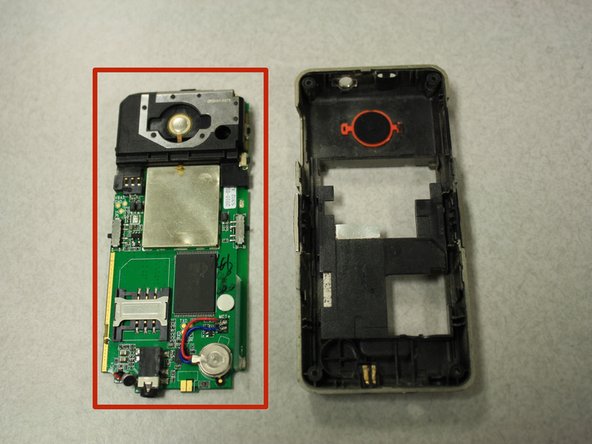
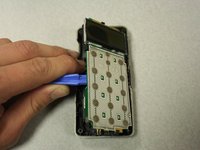
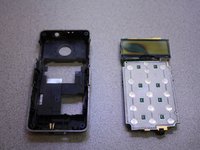
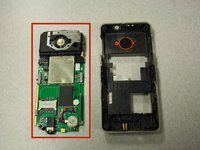
      • Separate the circuit board from the inside of the back case by prying between them with the opening tool.

      • The last picture is a view of the back of the circuit board.

      询问修复机器人

      添加评论

    1. Snapfon ezOne Speaker Replacement, Speaker: 步骤 8 中的图像 1,2 Snapfon ezOne Speaker Replacement, Speaker: 步骤 8 中的图像 2,2
      在这个步骤中使用的工具:
      Tweezers
      $4.99
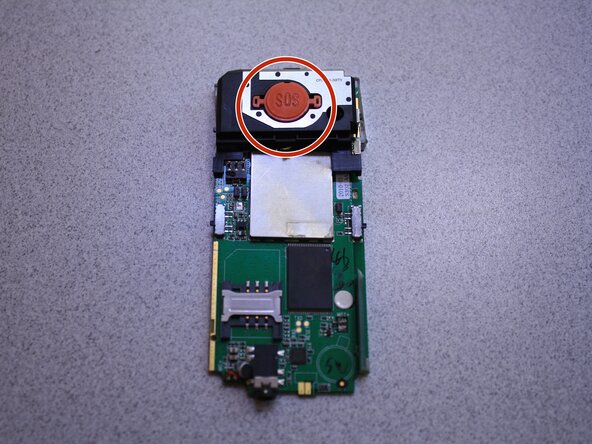
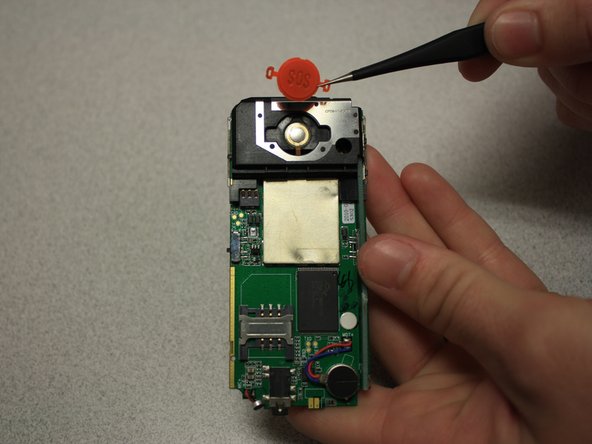
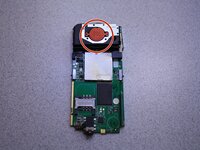
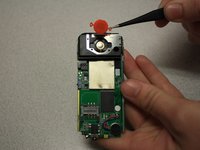
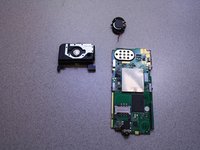
      • Remove SOS button from circuit board with tweezers.

      询问修复机器人

      添加评论

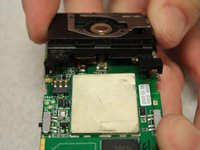
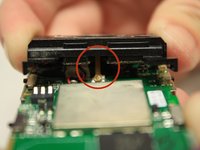
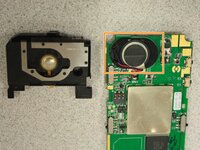
    2. Snapfon ezOne Speaker Replacement: 步骤 9 中的图像 1,3 Snapfon ezOne Speaker Replacement: 步骤 9 中的图像 2,3 Snapfon ezOne Speaker Replacement: 步骤 9 中的图像 3,3
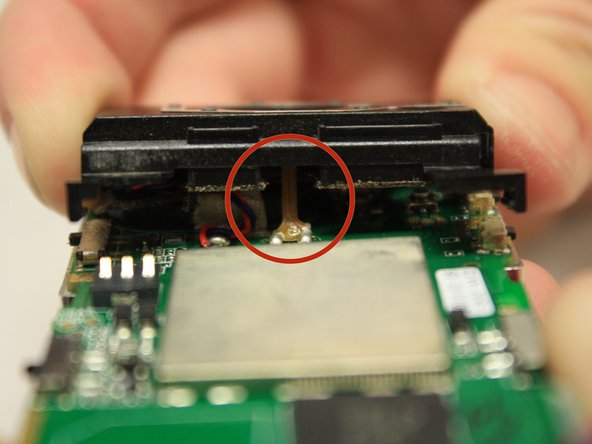
      • Pull black casing from the circuit board with fingers.

      • The black casing will not be able to be fully removed at this point

      • To fully remove the black casing, desolder the SOS button cable from the circuit board with a soldering iron.

      • The solder iron creates high temperatures that may cause bodily harm.

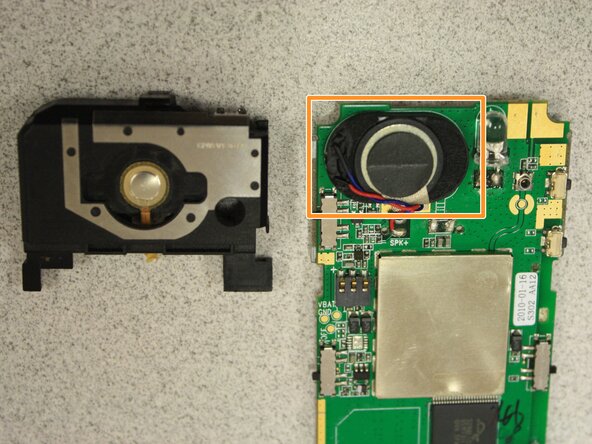
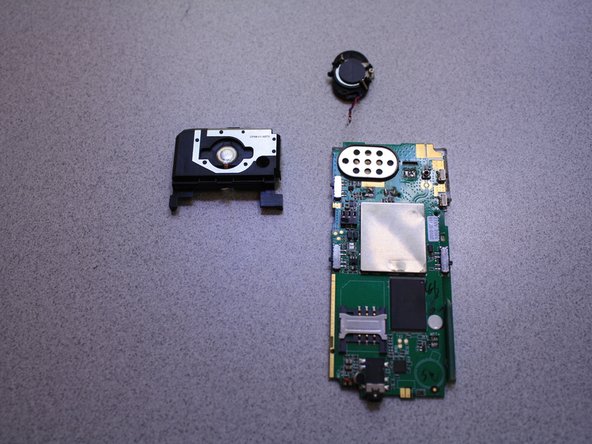
      • Once the black casing is removed, the speaker will now be exposed.

      询问修复机器人

      添加评论

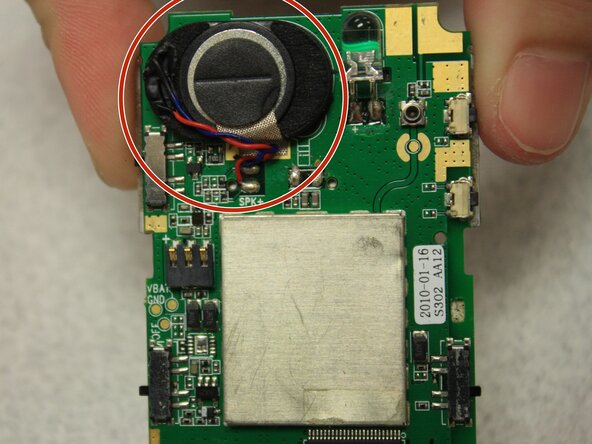
    3. Snapfon ezOne Speaker Replacement: 步骤 10 中的图像 1,3 Snapfon ezOne Speaker Replacement: 步骤 10 中的图像 2,3 Snapfon ezOne Speaker Replacement: 步骤 10 中的图像 3,3
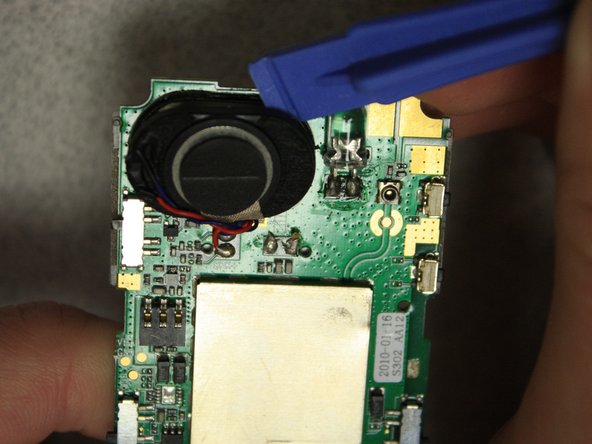
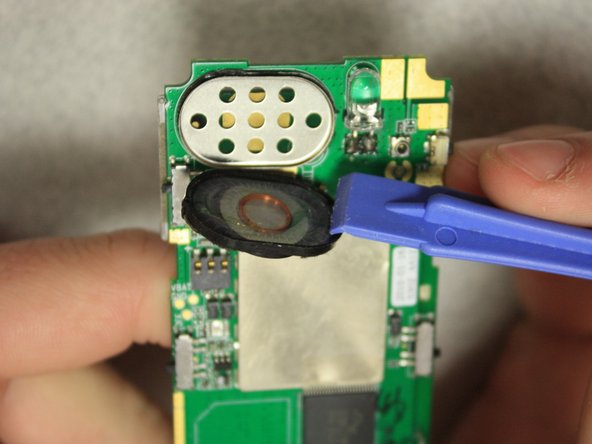
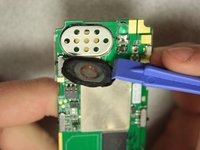
      • With the plastic opening tools, pry off the speaker from the circuit board.

      询问修复机器人

      添加评论

    4. Snapfon ezOne Speaker Replacement: 步骤 11 中的图像 1,2 Snapfon ezOne Speaker Replacement: 步骤 11 中的图像 2,2
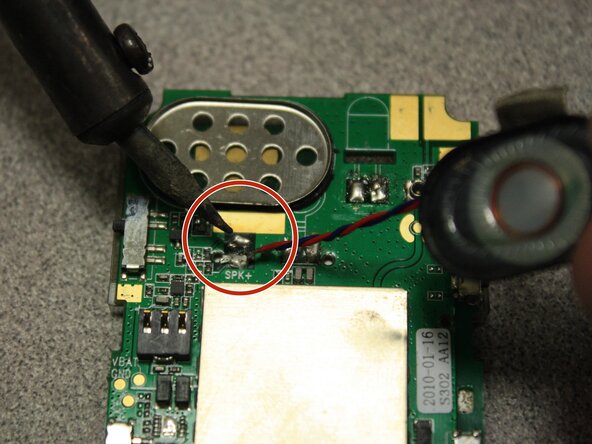
      • Desolder the speaker cables from the base of the circuit board with the soldering iron.

      • The soldering iron creates high temperatures that may cause bodily harm.

      • Melt the new speaker wires to the circuit board with the soldering iron.

      询问修复机器人

      添加评论

结论

To reassemble your device, follow these instructions in reverse order.

取消:我没有完成这个指南。

John Bender

于03/26/14注册

818 声望

创作了8篇指南

团队

Clemson, Team 6-5, Benson Spring 2014 Clemson, Team 6-5, Benson Spring 2014 的会员

CLEM-BENSON-S14S6G5

3 名成员

创作了64篇指南

0指南评论

添加评论

浏览统计数据:

过去 24 小时: 1

过去 7 天: 7

过去 30 天: 27

总计 645