跳转到主内容
加入维修社区 - 创建账户

Shark Rocket HV301 Rotary Belt Replacement

你所需要的

    1. Shark Rocket HV301 Rotary Belt Replacement, Rotary Brush: 步骤 1 中的图像 1,3 Shark Rocket HV301 Rotary Belt Replacement, Rotary Brush: 步骤 1 中的图像 2,3 Shark Rocket HV301 Rotary Belt Replacement, Rotary Brush: 步骤 1 中的图像 3,3
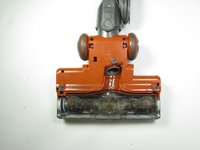
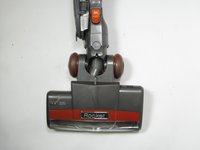
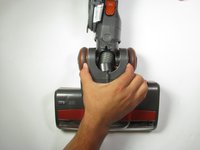
      • Flip the vacuum so the bottom base is visible.

      • Gently pry the bottom two wheels off with a plastic opening tool.

      添加评论

    2. Shark Rocket HV301 Rotary Belt Replacement: 步骤 2 中的图像 1,3 Shark Rocket HV301 Rotary Belt Replacement: 步骤 2 中的图像 2,3 Shark Rocket HV301 Rotary Belt Replacement: 步骤 2 中的图像 3,3
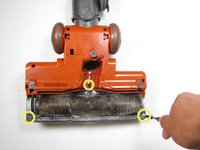
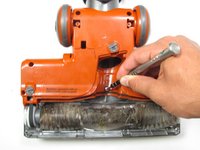
      • Remove five visible screws with a Phillips #2 screwdriver.

      • Locate and twist the three plastic screws to the unlock position with a quarter or flathead screwdriver.

      添加评论

    3. Shark Rocket HV301 Rotary Belt Replacement: 步骤 3 中的图像 1,3 Shark Rocket HV301 Rotary Belt Replacement: 步骤 3 中的图像 2,3 Shark Rocket HV301 Rotary Belt Replacement: 步骤 3 中的图像 3,3
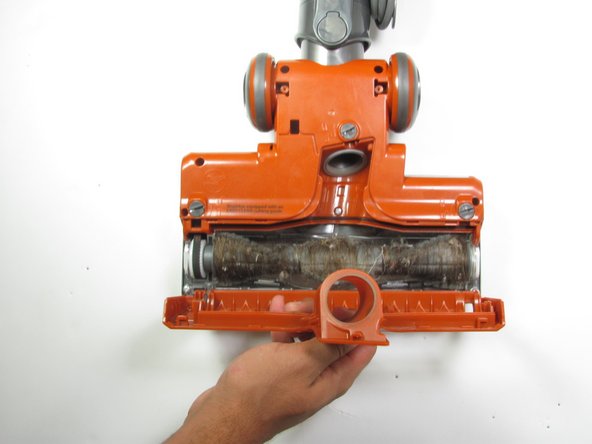
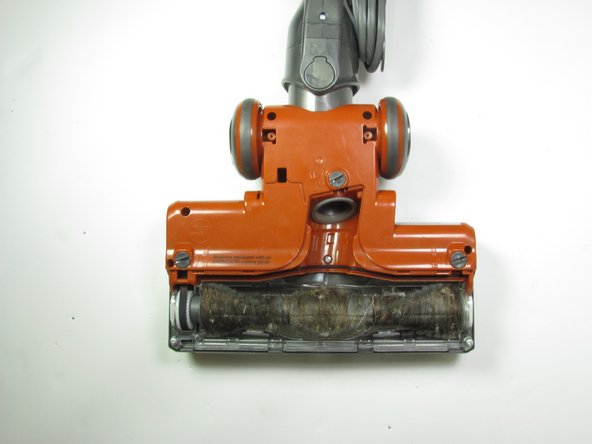
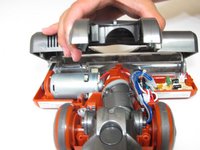
      • Remove plate covering the roller brush.

      询问修复机器人

      添加评论

    4. Shark Rocket HV301 Rotary Belt Replacement: 步骤 4 中的图像 1,2 Shark Rocket HV301 Rotary Belt Replacement: 步骤 4 中的图像 2,2
      • Use a Phillips #2 screwdriver to extract the three screws revealed from removing the plate.

      添加评论

    5. Shark Rocket HV301 Rotary Belt Replacement: 步骤 5 中的图像 1,3 Shark Rocket HV301 Rotary Belt Replacement: 步骤 5 中的图像 2,3 Shark Rocket HV301 Rotary Belt Replacement: 步骤 5 中的图像 3,3
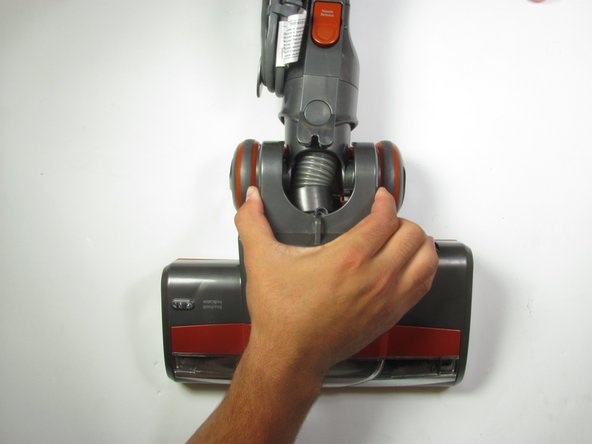
      • Turn the vacuum over so the rotary brush is on the ground.

      • Grab the vacuum on both sides of the hose and pull up to remove the top of the vacuum halfway.

      添加评论

    6. Shark Rocket HV301 Rotary Belt Replacement: 步骤 6 中的图像 1,2 Shark Rocket HV301 Rotary Belt Replacement: 步骤 6 中的图像 2,2
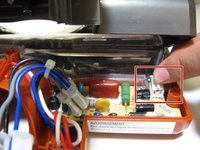
      • Gently pinch the head of the cable and pull upwards until the casing disconnects from the vacuum.

      • Proceed with removing the upper casing.

      添加评论

    7. Shark Rocket HV301 Rotary Belt Replacement: 步骤 7 中的图像 1,2 Shark Rocket HV301 Rotary Belt Replacement: 步骤 7 中的图像 2,2
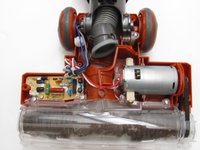
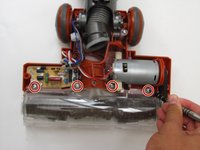
      • Use a Phillips #2 screwdriver to remove the four visible screws securing the rotary brush to the vacuum.

      添加评论

    8. Shark Rocket HV301 Rotary Belt Replacement: 步骤 8 中的图像 1,3 Shark Rocket HV301 Rotary Belt Replacement: 步骤 8 中的图像 2,3 Shark Rocket HV301 Rotary Belt Replacement: 步骤 8 中的图像 3,3
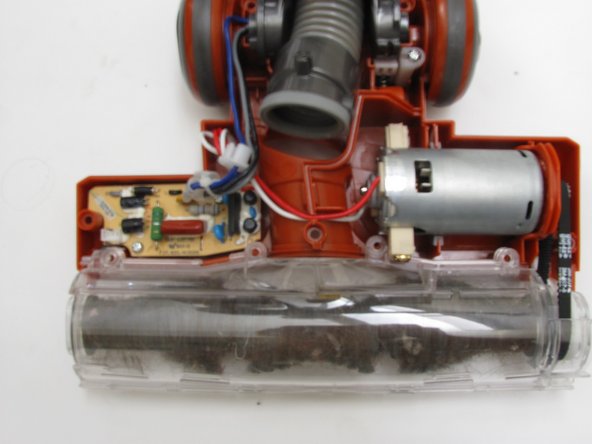
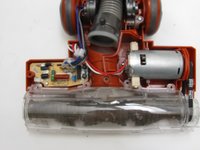
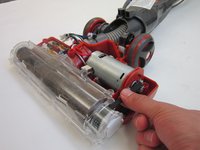
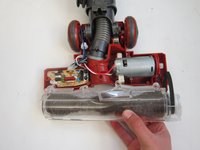
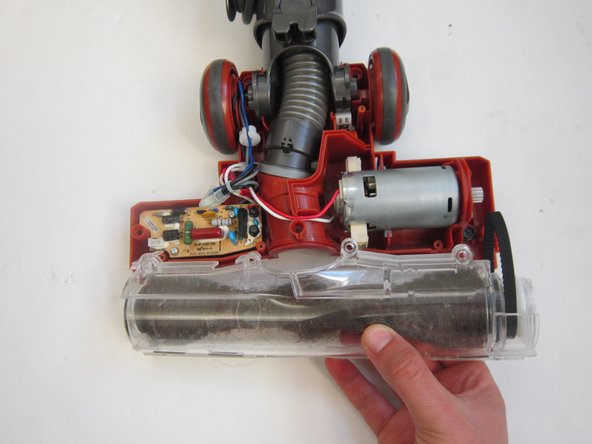
      • Remove the rotary belt on right side of vacuum from the bearing.

      • Gently lift the casing to remove the belt and brush from the vacuum.

      添加评论

    9. Shark Rocket HV301 Rotary Belt Replacement: 步骤 9 中的图像 1,3 Shark Rocket HV301 Rotary Belt Replacement: 步骤 9 中的图像 2,3 Shark Rocket HV301 Rotary Belt Replacement: 步骤 9 中的图像 3,3
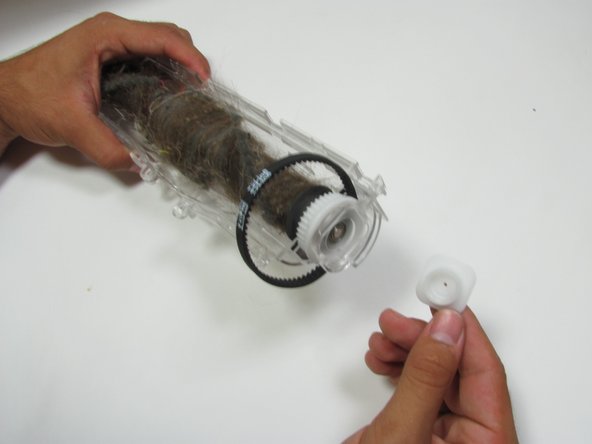
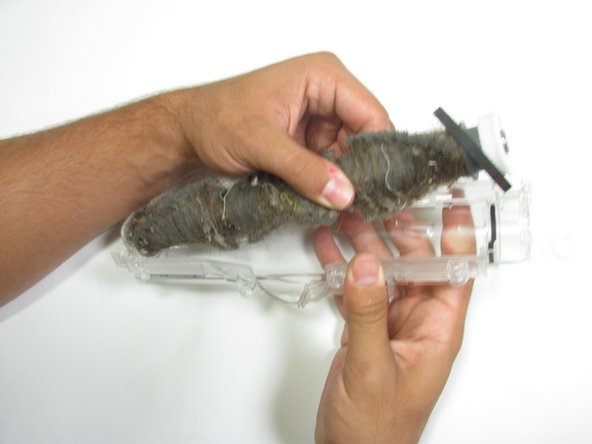
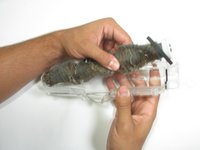
      • Gently pry off the plastic casing on both sides of rotary brush.

      • Lift the clear plastic shell from the rotary brush.

      添加评论

    10. Shark Rocket HV301 Rotary Belt Replacement: 步骤 10 中的图像 1,1
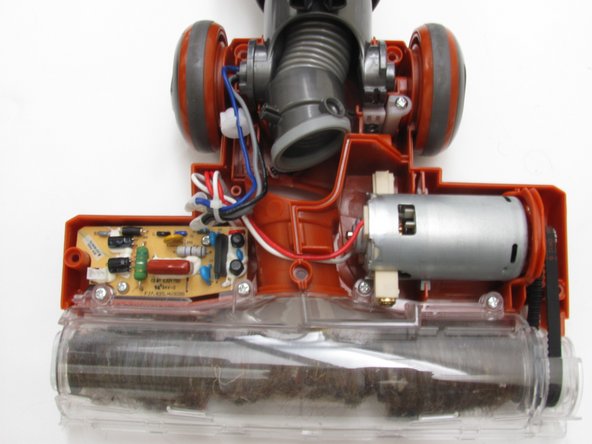
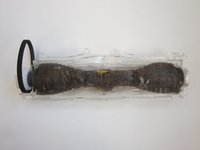
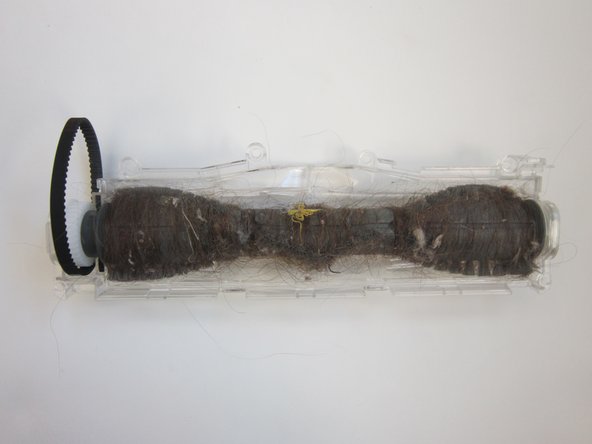
      • Remove the rotary belt attached to the brush and replace it if needed.

      添加评论

    1. Shark Rocket HV301 Rotary Belt Replacement, Rotary Belt: 步骤 11 中的图像 1,1
      • Replace belt if torn or damaged.

      添加评论

结论

To reassemble your device, follow these instructions in reverse order.

取消:我没有完成这个指南。

18等其他人完成本指南。

团队

Cal Poly, Team 10-5, Livingston Fall 2016 Cal Poly, Team 10-5, Livingston Fall 2016 的会员

CPSU-LIVINGSTON-F16S10G5

4 名成员

创作了25篇指南

4指南评论

Where can I find the rotary belt for the Shark Duo?

oneupchallenges - 回复 分享
I could not get it out without removing the brush roll motor. So I am putting it back together and I need to know if the motor has a top and bottom. What I mean is does it matter ? Thank you

Jennifer Dalton - 回复 分享
Thanks for the guide it came in super handy

SYSTEM 855 - 回复 分享

I just wish there were instructions on how to put the vacuum cleaner back together. I have memory issues and have a hard time going in reverse when I look at the dissembly process.

The Instructions were on the spot and even someone like me was able to disassemble the Shark Rocket.

Now to figure out how to reassemble it.

Thank you,

John

John Bartkowski - 回复 分享

添加评论

浏览统计数据:

过去 24 小时: 3

过去 7 天: 31

过去 30 天: 199

总计 38,181