跳转到主内容
加入维修社区 - 创建账户

Samsung SCH-R355C Keyboard Replacement

你所需要的

  1. Samsung SCH-R355C Keyboard Replacement, Keyboard: 步骤 1 中的图像 1,1
    • Pull down on the back of the phone to pull it off.

    询问修复机器人

    添加评论

  2. Samsung SCH-R355C Keyboard Replacement: 步骤 2 中的图像 1,2 Samsung SCH-R355C Keyboard Replacement: 步骤 2 中的图像 2,2
    • Remove the battery from the phone.

    询问修复机器人

    添加评论

  3. Samsung SCH-R355C Keyboard Replacement: 步骤 3 中的图像 1,2 Samsung SCH-R355C Keyboard Replacement: 步骤 3 中的图像 2,2
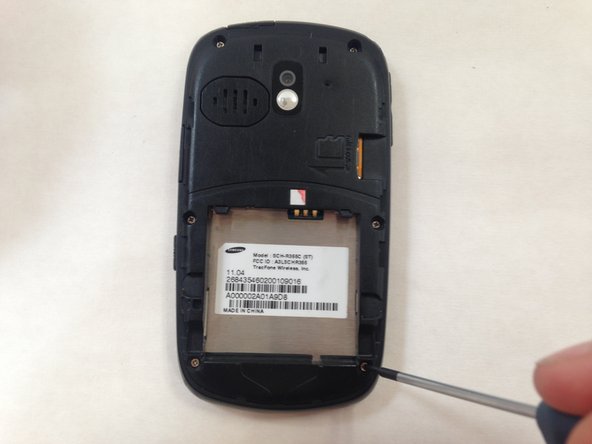
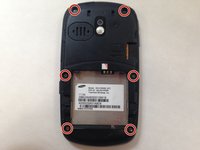
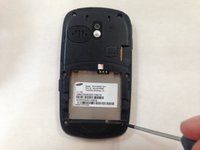
    • Use a small #00 Phillips-head screwdriver to unscrew all 6 of the 4 mm back screws.

    询问修复机器人

    添加评论

  4. Samsung SCH-R355C Keyboard Replacement: 步骤 4 中的图像 1,1
    • Push down on the silver part of the phone where the battery used to be located. Hold the back of the case to catch it as it comes off.

    询问修复机器人

    添加评论

  5. Samsung SCH-R355C Keyboard Replacement: 步骤 5 中的图像 1,2 Samsung SCH-R355C Keyboard Replacement: 步骤 5 中的图像 2,2
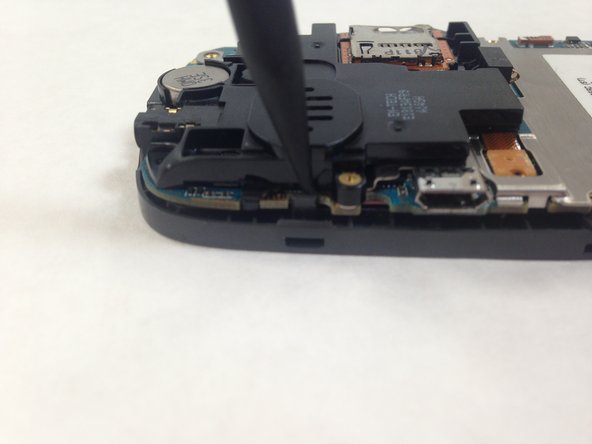
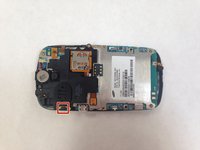
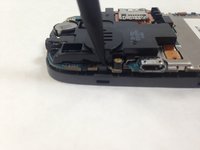
    • Pry away the friction holder on the top left-hand side of the motherboard. This will release the motherboard.

    • Don't rip the cord attaching the motherboard to the case when you lift the motherboard up. This will render the phone unusable.

    询问修复机器人

    添加评论

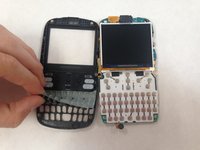
  6. Samsung SCH-R355C Keyboard Replacement: 步骤 6 中的图像 1,2 Samsung SCH-R355C Keyboard Replacement: 步骤 6 中的图像 2,2
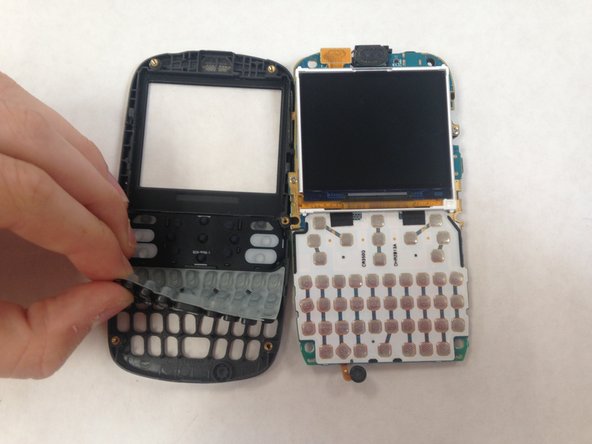
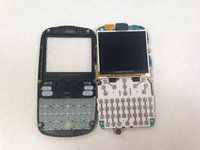
    • Lift the keyboard membrane from the bottom and replace it.

    询问修复机器人

    添加评论

结论

To reassemble your device, follow these instructions in reverse order.

取消:我没有完成这个指南。

另外一个人完成了本指南。

Lorena Valdes

于05/31/16注册

107 声望

撰写一个指南

0指南评论

添加评论

浏览统计数据:

过去 24 小时: 2

过去 7 天: 7

过去 30 天: 26

总计 400