跳转到主内容
加入维修社区 - 创建账户
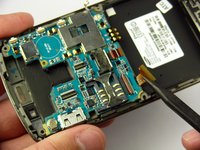
Samsung Jack Keyboard Replacement

你所需要的

  1. Samsung Jack Keyboard Replacement, Battery: 步骤 1 中的图像 1,1
    • Slide the battery cover downwards with pressure focused on the center of the cover.

    • Lift the cover off of the phone.

    询问修复机器人

    添加评论

  2. Samsung Jack Keyboard Replacement: 步骤 2 中的图像 1,1
    • Grasp the bottom left and right corners of the battery and lift it from its housing.

    询问修复机器人

    添加评论

  3. Samsung Jack Keyboard Replacement, Rear Case: 步骤 3 中的图像 1,1
    • Remove the four black 7.30 mm screws surrounding the battery housing using a Phillips #00 Screwdriver.

    询问修复机器人

    添加评论

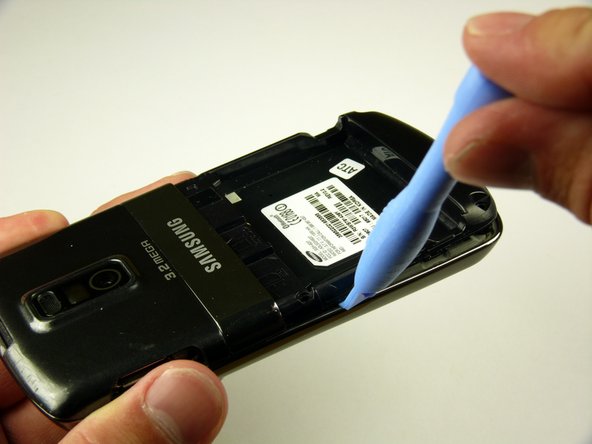
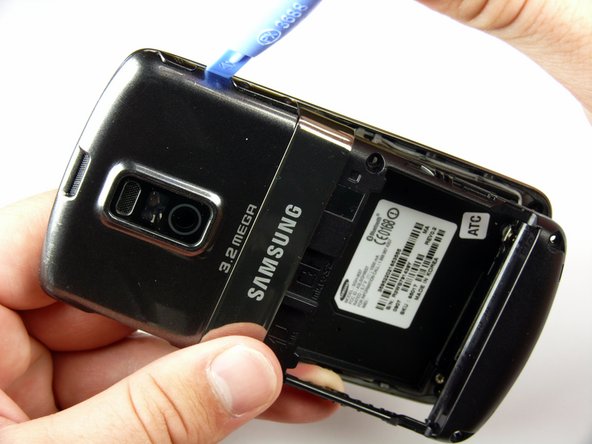
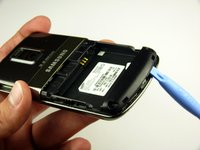
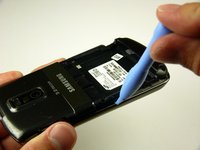
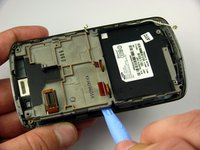
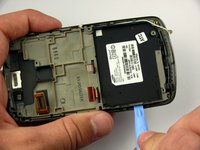
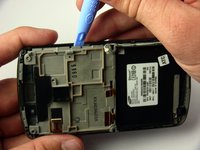
  4. Samsung Jack Keyboard Replacement: 步骤 4 中的图像 1,3 Samsung Jack Keyboard Replacement: 步骤 4 中的图像 2,3 Samsung Jack Keyboard Replacement: 步骤 4 中的图像 3,3
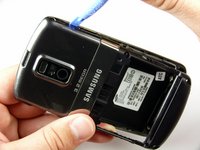
    • The rear case is firmly attached to the phone with clips. Do not be afraid to use a little extra force.

    • Insert the Plastic Opening Tool in between the front and rear cases.

    • Pry with the Plastic Opening Tool around all edges of the phone until you free all the clips.

    询问修复机器人

    添加评论

  5. Samsung Jack Keyboard Replacement: 步骤 5 中的图像 1,1
    • Lift the rear case off of the phone.

    询问修复机器人

    添加评论

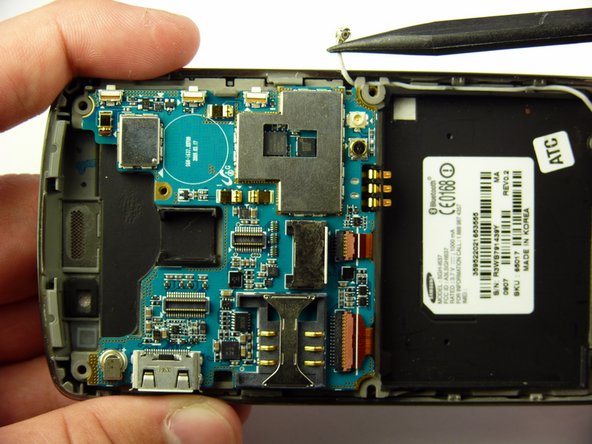
  6. Samsung Jack Keyboard Replacement, Antenna: 步骤 6 中的图像 1,1
    • Remove the two silver 4.30 mm screws on either side of the antenna using a Phillip's #00 Screwdriver.

    询问修复机器人

    添加评论

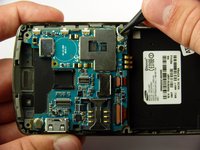
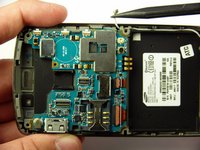
  7. Samsung Jack Keyboard Replacement: 步骤 7 中的图像 1,3 Samsung Jack Keyboard Replacement: 步骤 7 中的图像 2,3 Samsung Jack Keyboard Replacement: 步骤 7 中的图像 3,3
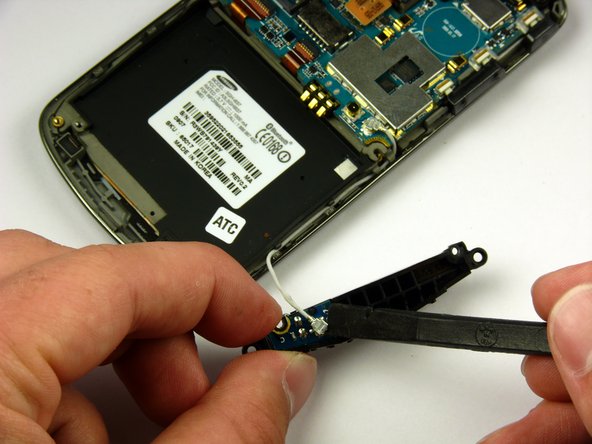
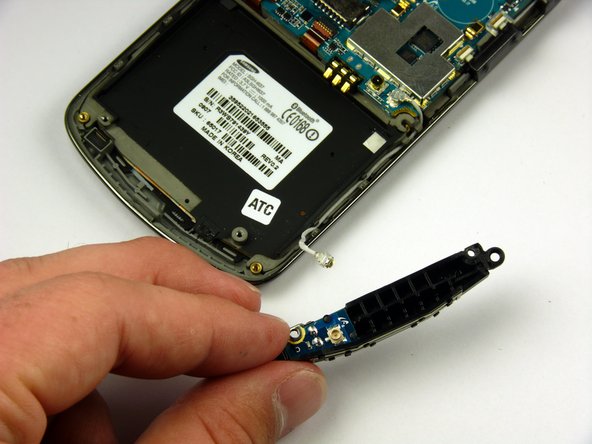
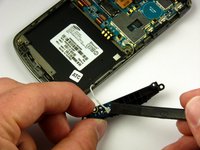
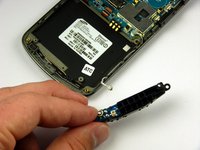
    • There is a wire under the antenna connecting it to the Motherboard. Do not pull off the antenna just yet.

    • Use a spudger to remove the wire connector under the antenna.

    询问修复机器人

    添加评论

  8. Samsung Jack Keyboard Replacement, Speaker: 步骤 8 中的图像 1,1
    • Remove the two black 7.30 mm screws on the top right and left corners of the Motherboard using a Phillips #00 Screwdriver.

    • Remove the silver 4.50 mm screw located below the speaker using a Phillips #00 Screwdriver.

    询问修复机器人

    添加评论

  9. Samsung Jack Keyboard Replacement: 步骤 9 中的图像 1,2 Samsung Jack Keyboard Replacement: 步骤 9 中的图像 2,2
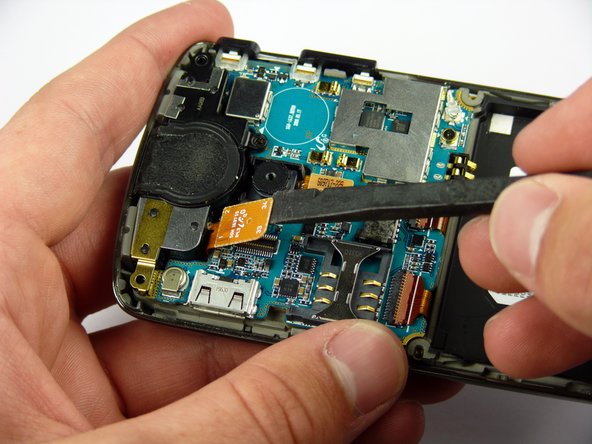
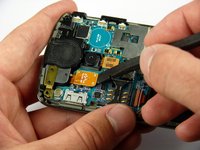
    • Use the spudger to detach the speaker ribbon cable.

    询问修复机器人

    添加评论

  10. Samsung Jack Keyboard Replacement: 步骤 10 中的图像 1,1
    • Lift the speaker out of its compartment.

    询问修复机器人

    添加评论

  11. Samsung Jack Keyboard Replacement, Motherboard: 步骤 11 中的图像 1,1
    • Remove the power and volume buttons on the right side of the Motherboard.

    询问修复机器人

    添加评论

  12. Samsung Jack Keyboard Replacement: 步骤 12 中的图像 1,2 Samsung Jack Keyboard Replacement: 步骤 12 中的图像 2,2
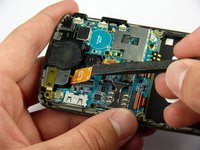
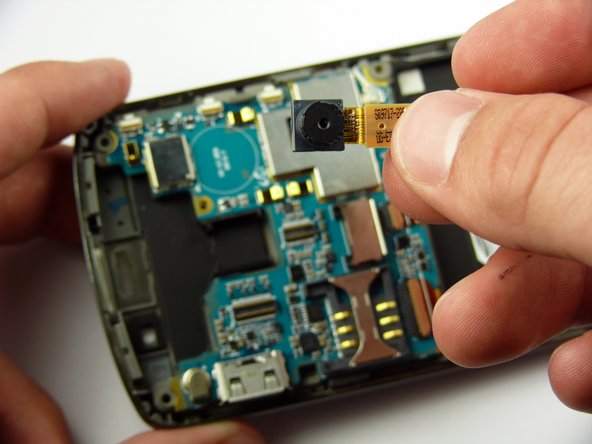
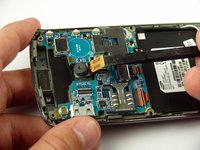
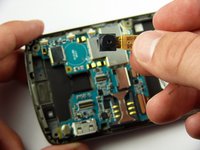
    • Use a spudger to detach the camera ribbon cable.

    • Lift the camera off of the Motherboard.

    询问修复机器人

    添加评论

  13. Samsung Jack Keyboard Replacement: 步骤 13 中的图像 1,2 Samsung Jack Keyboard Replacement: 步骤 13 中的图像 2,2
    • Use a spudger to disconnect the white antenna wire on the bottom right corner of the Motherboard.

    询问修复机器人

    添加评论

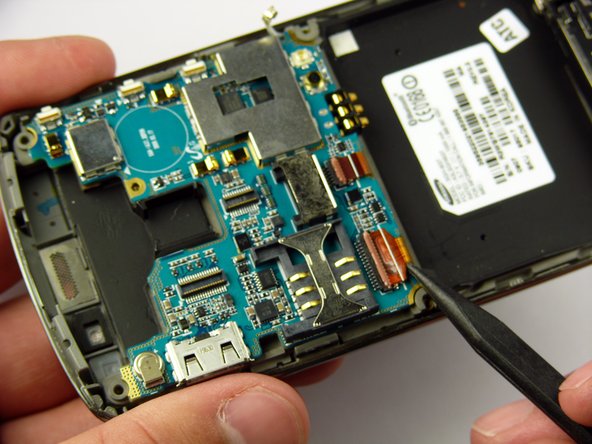
  14. Samsung Jack Keyboard Replacement: 步骤 14 中的图像 1,3 Samsung Jack Keyboard Replacement: 步骤 14 中的图像 2,3 Samsung Jack Keyboard Replacement: 步骤 14 中的图像 3,3
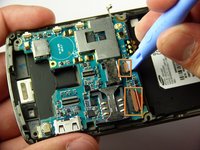
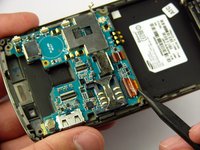
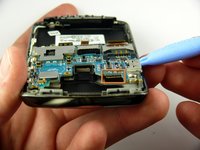
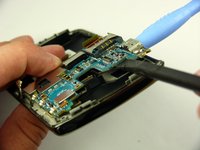
    • Use a Plastic Opening Tool to lift the flaps of the ZIF connectors to release the ribbon cables near the bottom of the Motherboard.

    • Use a spudger to carefully pull the ribbon cables away from the ZIF connectors.

    询问修复机器人

    添加评论

  15. Samsung Jack Keyboard Replacement: 步骤 15 中的图像 1,2 Samsung Jack Keyboard Replacement: 步骤 15 中的图像 2,2
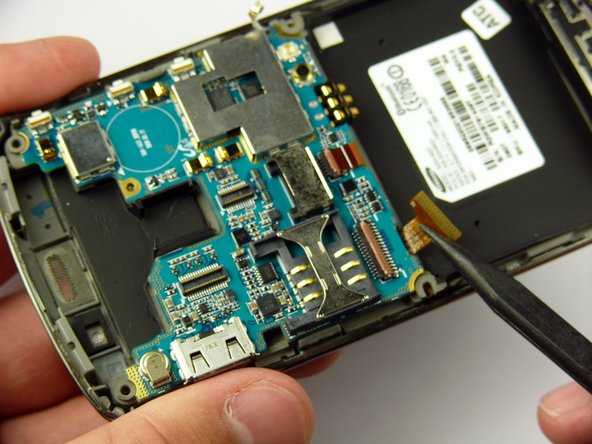
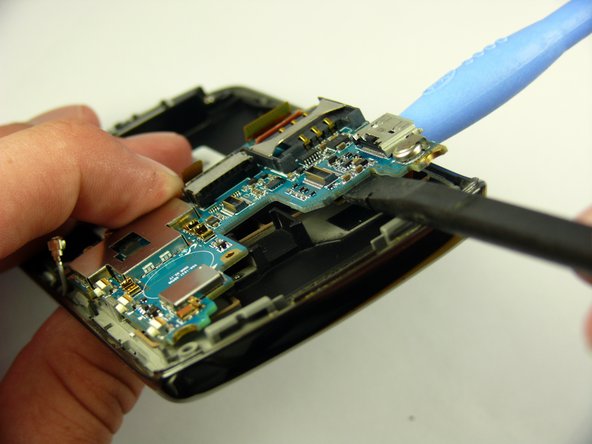
    • There is a ribbon cable under the Motherboard connecting it to the LCD. Do not pull off the Motherboard just yet.

    • Insert the Plastic Opening Tool under the upper left corner of the Motherboard to help reveal the ribbon cable.

    • Use a spudger to disconnect the Motherboard ribbon cable.

    询问修复机器人

    添加评论

  16. Samsung Jack Keyboard Replacement: 步骤 16 中的图像 1,1
    • Lift the Motherboard off of the phone.

    询问修复机器人

    添加评论

  17. Samsung Jack Keyboard Replacement, Keyboard: 步骤 17 中的图像 1,3 Samsung Jack Keyboard Replacement, Keyboard: 步骤 17 中的图像 2,3 Samsung Jack Keyboard Replacement, Keyboard: 步骤 17 中的图像 3,3
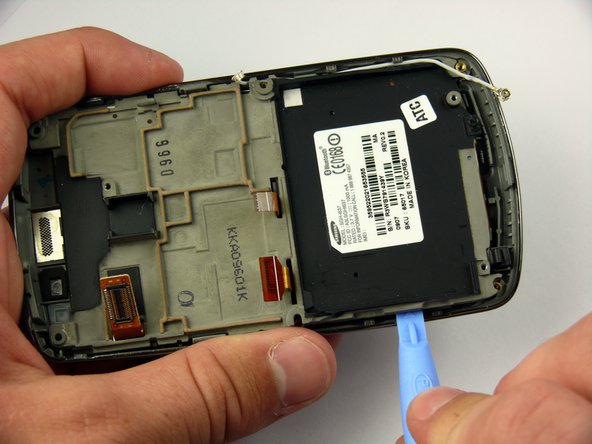
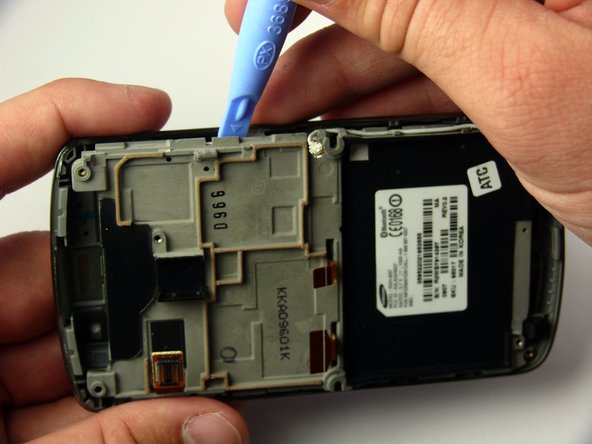
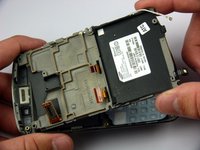
    • The LCD frame is firmly attached to the phone with clips. Do not be afraid to use a little extra force.

    • Insert the Plastic Opening Tool between the LCD frame and the front case of the phone.

    • Slide the Plastic Opening Tool around the LCD frame to detach all of the clips.

    询问修复机器人

    添加评论

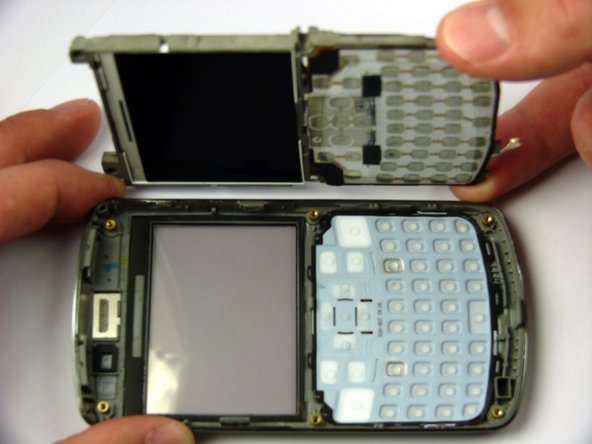
  18. Samsung Jack Keyboard Replacement: 步骤 18 中的图像 1,2 Samsung Jack Keyboard Replacement: 步骤 18 中的图像 2,2
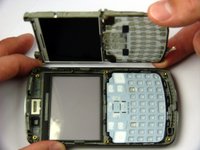
    • Lift up the LCD frame.

    询问修复机器人

    添加评论

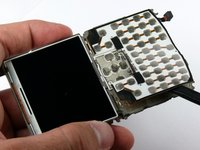
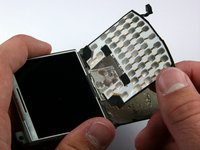
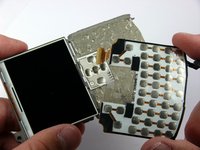
  19. Samsung Jack Keyboard Replacement: 步骤 19 中的图像 1,3 Samsung Jack Keyboard Replacement: 步骤 19 中的图像 2,3 Samsung Jack Keyboard Replacement: 步骤 19 中的图像 3,3
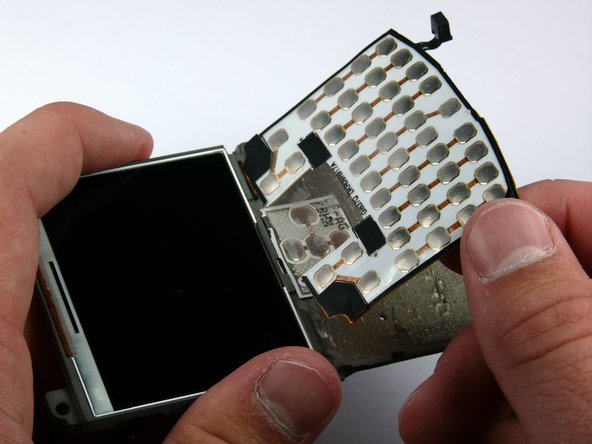
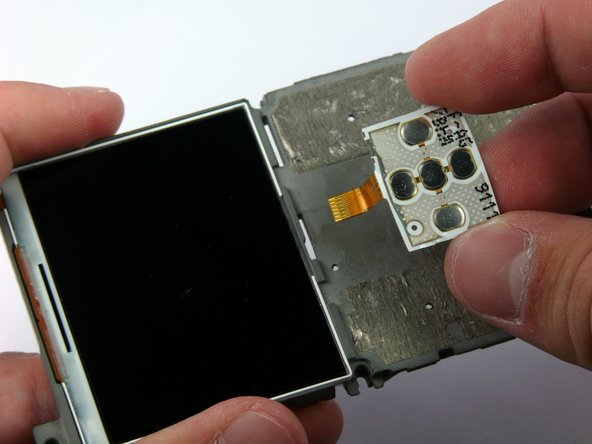
    • The keyboard ribbon cable passes through the LCD frame. Be careful not to rip the ribbon cable when removing the keyboard.

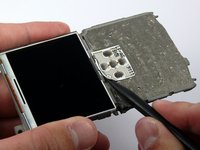
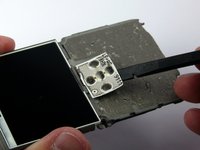
    • The keyboard and directional keys are glued separately to the LCD frame.

    • Insert the spudger between the keyboard and the frame.

    • Peel the keyboard off by sliding the spudger back and forth across the LCD frame.

    询问修复机器人

    添加评论

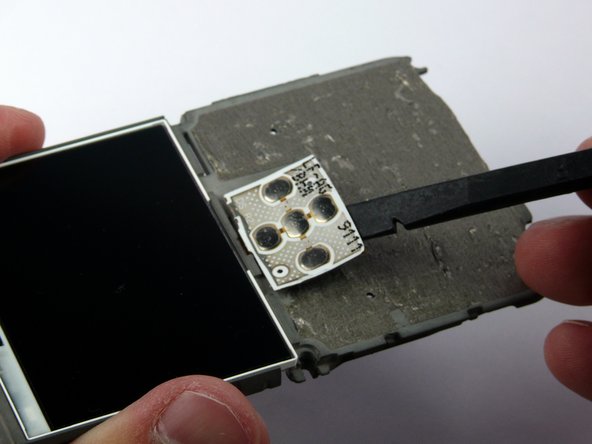
  20. Samsung Jack Keyboard Replacement: 步骤 20 中的图像 1,3 Samsung Jack Keyboard Replacement: 步骤 20 中的图像 2,3 Samsung Jack Keyboard Replacement: 步骤 20 中的图像 3,3
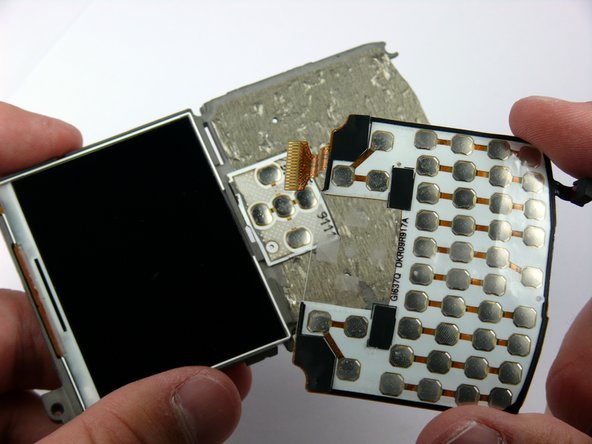
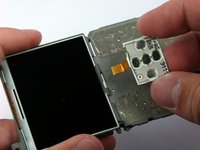
    • Insert the spudger between the directional keys and the frame.

    • Peel the directional keys off by sliding the spudger back and forth across the LCD frame.

    询问修复机器人

    添加评论

结论

To reassemble your device, follow these instructions in reverse order.

取消:我没有完成这个指南。

另外一个人完成了本指南。

团队

Cal Poly, Team 24-57, Amido Spring 2011 Cal Poly, Team 24-57, Amido Spring 2011 的会员

CPSU-AMIDO-S11S24G57

4 名成员

创作了7篇指南

0指南评论

添加评论

浏览统计数据:

过去 24 小时: 2

过去 7 天: 7

过去 30 天: 31

总计 2,360