跳转到主内容
加入维修社区 - 创建账户

Samsung Galaxy Sol Rear Camera Replacement

你所需要的

  1. Samsung Galaxy Sol Rear Camera Replacement, Battery: 步骤 1 中的图像 1,1
    • Remove the back case of the phone by using an opening tool or fingernail to lift the divot on the top left side.

    询问修复机器人
  2. Samsung Galaxy Sol Rear Camera Replacement: 步骤 2 中的图像 1,1
    • Remove the battery by lifting from the bottom up with an opening tool or a small flat tool such as a credit card.

    询问修复机器人
  3. Samsung Galaxy Sol Rear Camera Replacement, Rear Camera: 步骤 3 中的图像 1,1
    • Remove the grey back of the phone by unscrewing all ten 0.4mm screws with a Phillips #00 screw bit.

    询问修复机器人
  4. Samsung Galaxy Sol Rear Camera Replacement: 步骤 4 中的图像 1,1
    • After you have removed all the screws, take a credit card or plastic tool to lift the screen. You will go all around the border of the phone.

    询问修复机器人
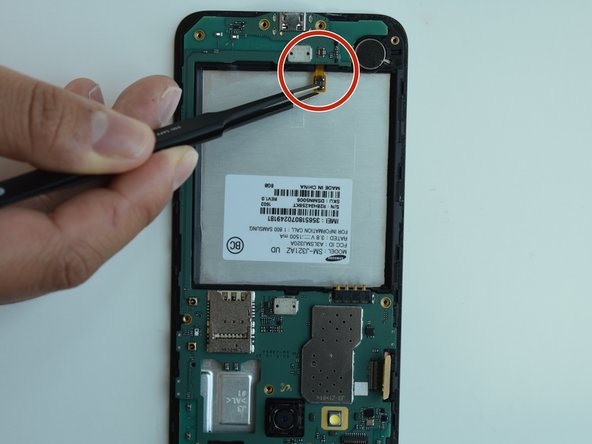
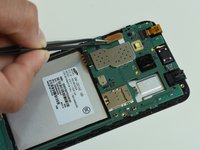
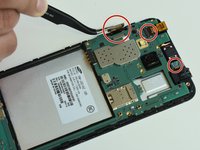
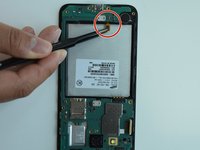
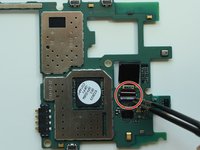
  5. Samsung Galaxy Sol Rear Camera Replacement: 步骤 5 中的图像 1,3 Samsung Galaxy Sol Rear Camera Replacement: 步骤 5 中的图像 2,3 Samsung Galaxy Sol Rear Camera Replacement: 步骤 5 中的图像 3,3
    • After removing the grey part of the phone, you will need to remove the motherboard by detaching all the chips.

    询问修复机器人
  6. Samsung Galaxy Sol Rear Camera Replacement: 步骤 6 中的图像 1,1
    • Once you detach the chips, remove the hard drive to access the rear camera.

    询问修复机器人
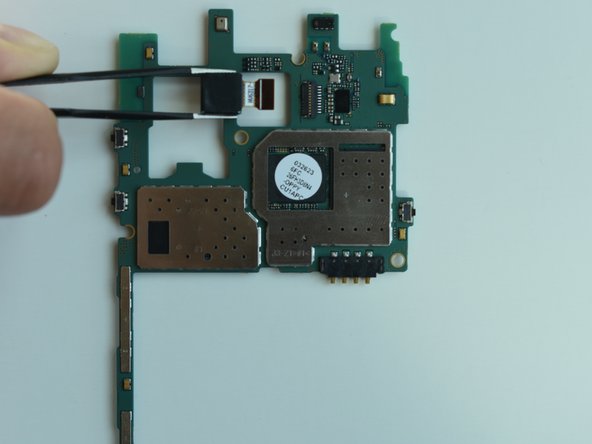
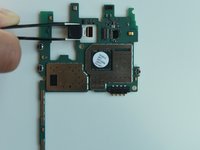
  7. Samsung Galaxy Sol Rear Camera Replacement: 步骤 7 中的图像 1,2 Samsung Galaxy Sol Rear Camera Replacement: 步骤 7 中的图像 2,2
    • To remove the rear camera, flip the tab upward and then pull the camera straight out.

    询问修复机器人
结论

To reassemble your device, follow these instructions in reverse order.

0指南评论

添加评论

浏览统计数据:

过去 24 小时: 0

过去 7 天: 4

过去 30 天: 31

总计 713