此翻译由机器生成,尚未经过人工审核。 会说这种语言吗? 查看评论。
简介
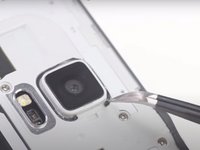
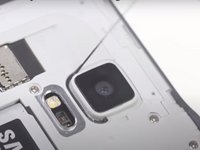
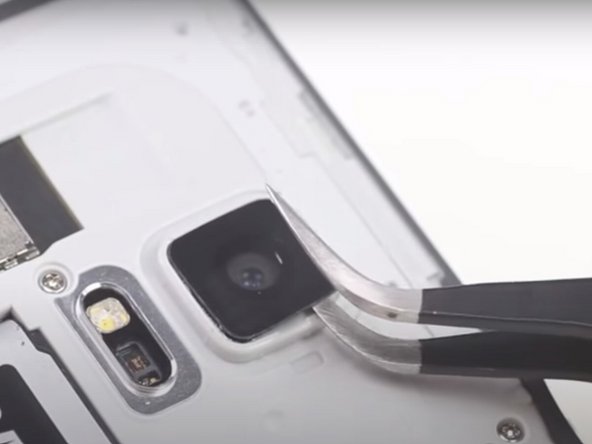
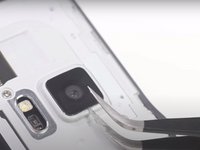
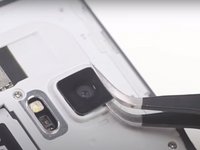
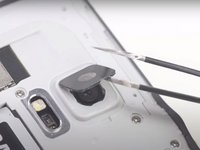
使用本指南更换 Galaxy Note 4 智能手机的后置摄像头镜头。
你所需要的
视频概述
Samsung Galaxy Note 4 后置摄像头镜头更换


 询问修复机器人




结论
要重新组装设备,请按相反顺序执行这些说明。
16等其他人完成本指南。
此翻译由机器生成,尚未经过人工审核。 会说这种语言吗? 查看评论。
使用本指南更换 Galaxy Note 4 智能手机的后置摄像头镜头。
Samsung Galaxy Note 4 后置摄像头镜头更换
要重新组装设备,请按相反顺序执行这些说明。
16等其他人完成本指南。
过去 24 小时: 1
过去 7 天: 7
过去 30 天: 37
总计 36,220

