此翻译由机器生成,尚未经过人工审核。 会说这种语言吗? 查看评论。
你所需要的
-
-
-
-
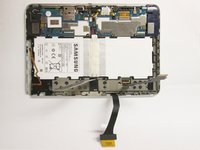
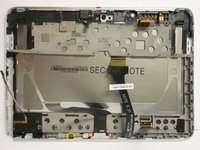
第一张照片:
-
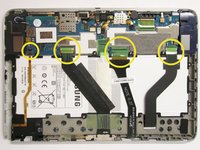
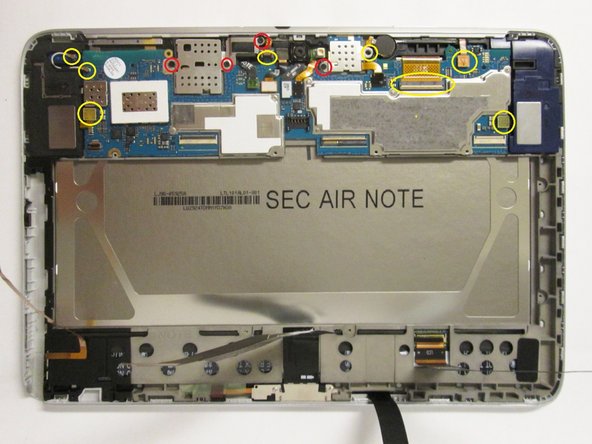
拆下黄色圆圈标记的所有组件。
-
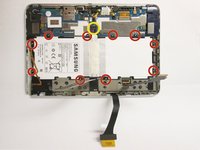
使用 #00 螺丝刀拧下红色圆圈标记的所有 3 mm 和 2 mm 螺丝。
-
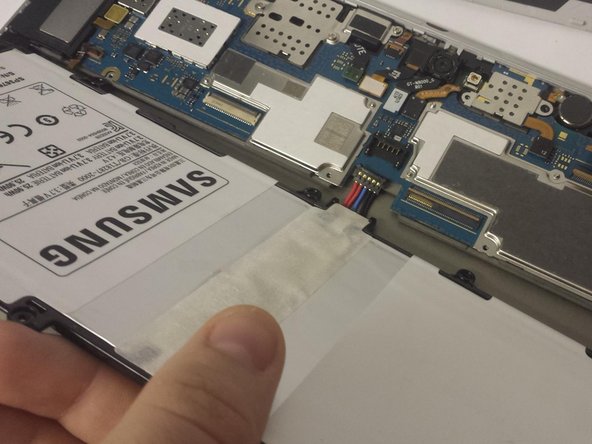
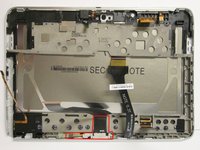
第二张照片:
-
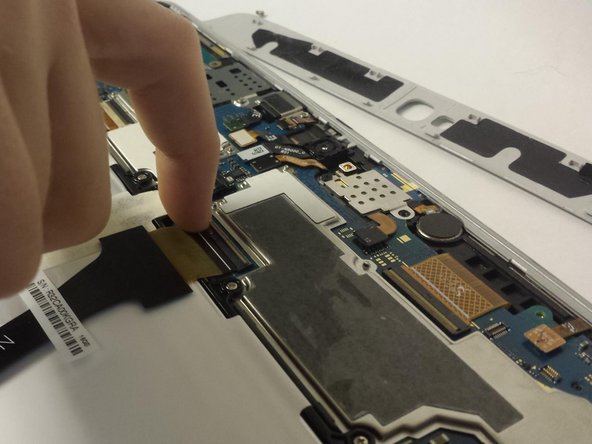
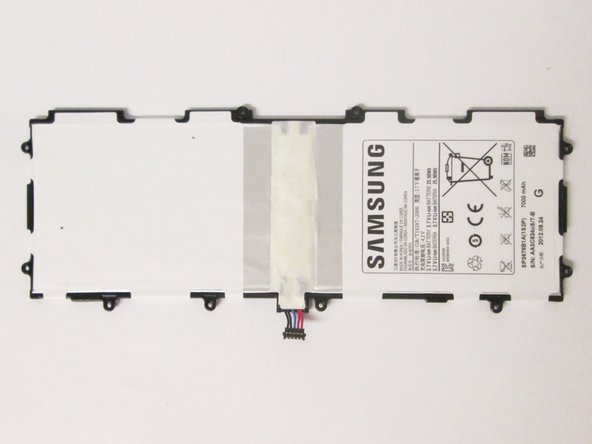
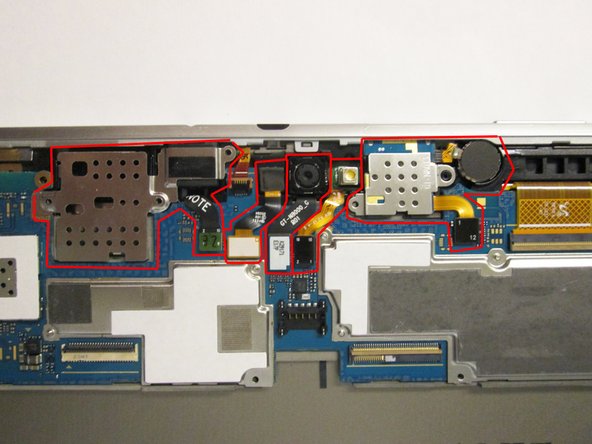
从主板连接器开始,拆下红色标记的所有组件。
-
-
-
从第一张照片看:
-
使用 #00 十字螺丝刀拧下红色圆圈标记的 2 mm 螺丝。
-
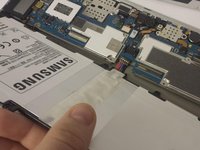
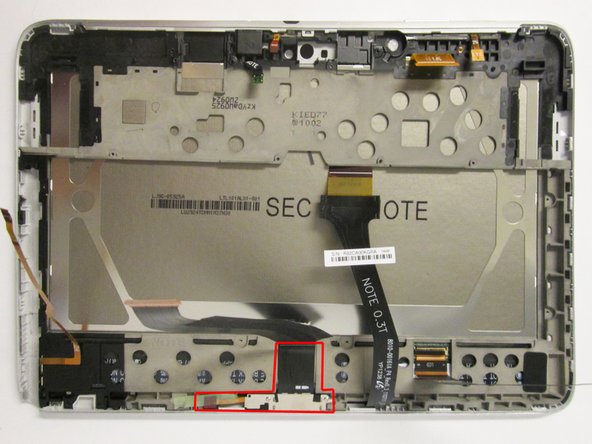
务必将黄色圆圈标记的胶带从中框上揭下。
-
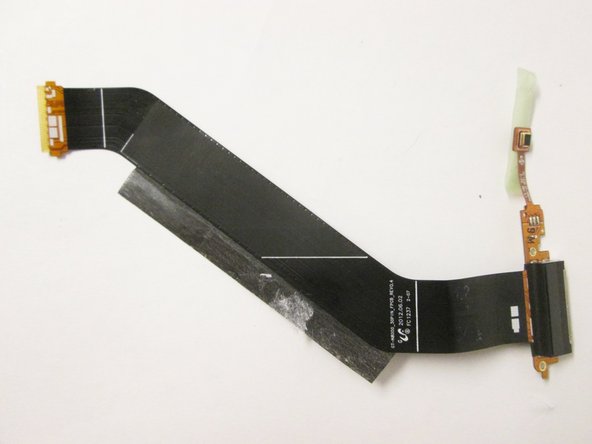
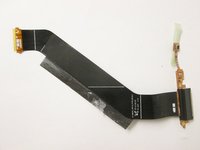
轻轻撬起中框上的排线,然后将充电口从中框中取出。
-
-
-
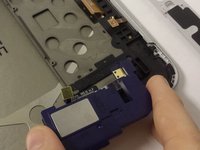
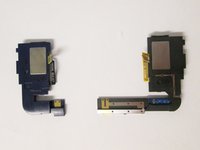
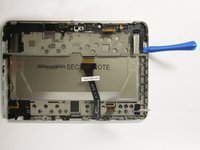
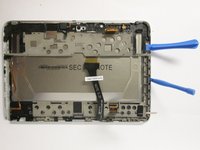
从右侧扬声器外壳下方开始,使用一个塑料撬棒工具开始向上撬起 LCD 中框。
-
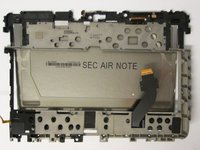
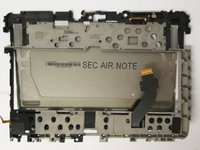
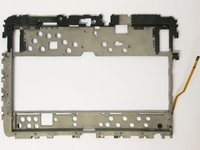
使用两个塑料撬棒工具,一个用于支撑,另一个用于撬起,将 LCD 外壳与触摸数字化层中框完全分离开来。
-


 询问修复机器人




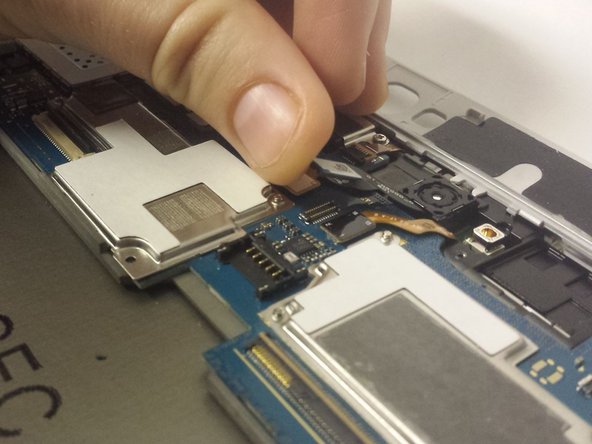
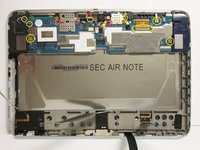
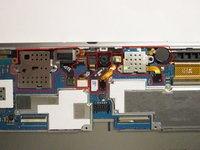


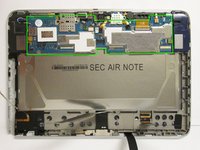
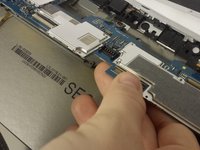
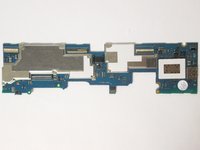


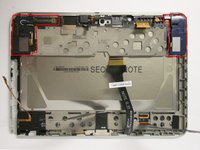





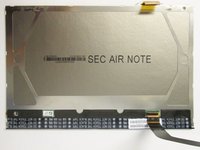


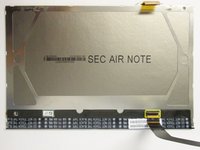
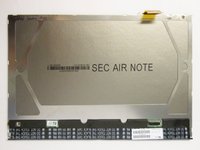
要重新组装设备,请按相反顺序执行这些说明。
29等其他人完成本指南。

团队

USF Tampa, Team 3-7, Brown Fall 2014 USF Tampa, Team 3-7, Brown Fall 2014 的会员
USFT-BROWN-F14S3G7
3 名成员
创作了60篇指南
4指南评论
In Step 7, mention that you should use the plastic tools to pop the speakers out of the device.
In the final step, I would not say that you should "tear" the screen out ("gently remove" would probably be better)
Very detailed and allowed me to successfully replace the broken LCD screen on my Galaxy Note. Thanks!
