跳转到主内容
加入维修社区 - 创建账户

Samsung Galaxy Express 3 Screen Replacement

你所需要的

  1. Samsung Galaxy Express 3 Screen Replacement, Battery: 步骤 1 中的图像 1,2 Samsung Galaxy Express 3 Screen Replacement, Battery: 步骤 1 中的图像 2,2
    • Locate the indent area highlighted in red and use either your fingernail or a Prying Tool (such as a guitar pick) to separate the back from the body of the phone.

    询问修复机器人

    添加评论

  2. Samsung Galaxy Express 3 Screen Replacement: 步骤 2 中的图像 1,3 Samsung Galaxy Express 3 Screen Replacement: 步骤 2 中的图像 2,3 Samsung Galaxy Express 3 Screen Replacement: 步骤 2 中的图像 3,3
    • Once the cover is removed, locate the battery that reads "SAMSUNG."

    • Use either your fingernail or a Plastic Prying Tool (such as a guitar pick) to lift up the bottom indent of the battery.

    • Do not use a metal tool, as it can cause injury.

    询问修复机器人

    添加评论

  3. Samsung Galaxy Express 3 Screen Replacement, Screen: 步骤 3 中的图像 1,2 Samsung Galaxy Express 3 Screen Replacement, Screen: 步骤 3 中的图像 2,2
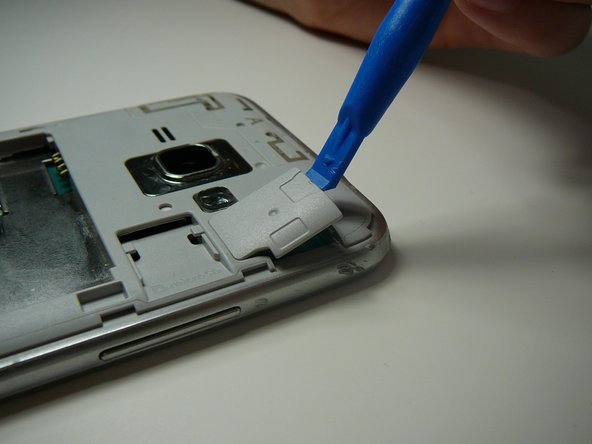
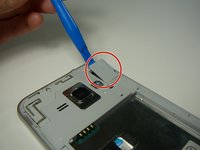
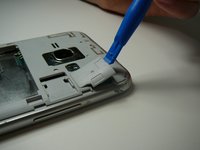
    • Use a Plastic Prying Tool (such as a spudger) to pop out piece shown.

    询问修复机器人

    添加评论

  4. Samsung Galaxy Express 3 Screen Replacement: 步骤 4 中的图像 1,1
    • Detach the screen connector.

    询问修复机器人

    添加评论

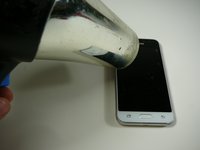
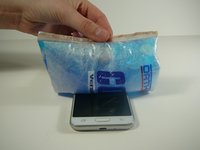
  5. Samsung Galaxy Express 3 Screen Replacement: 步骤 5 中的图像 1,2 Samsung Galaxy Express 3 Screen Replacement: 步骤 5 中的图像 2,2
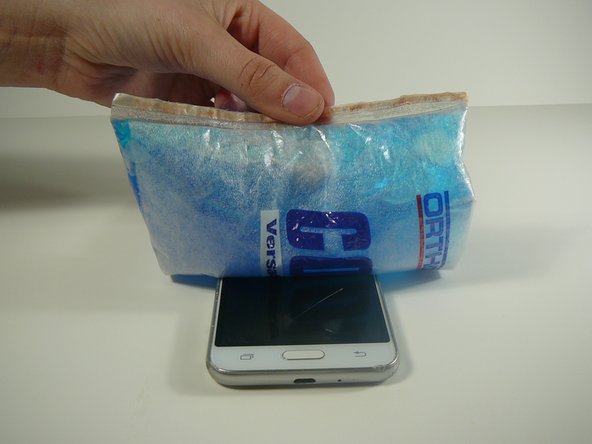
    • Use a blow dryer or heating pad to heat up the screen.

    • Do not skip this step, as it may result in a broken screen and/or LCD.

    • This step loosens the glue holding the screen in place.

    添加评论

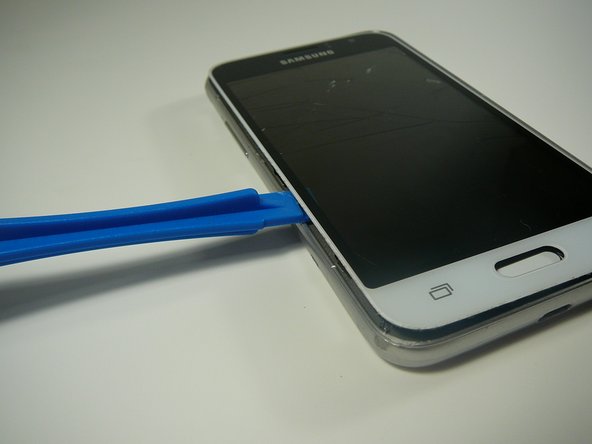
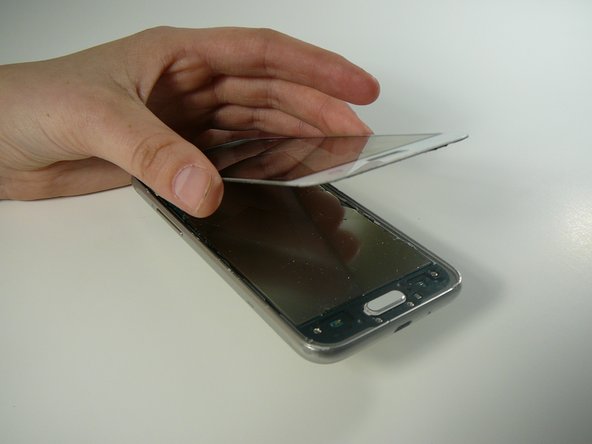
  6. Samsung Galaxy Express 3 Screen Replacement: 步骤 6 中的图像 1,3 Samsung Galaxy Express 3 Screen Replacement: 步骤 6 中的图像 2,3 Samsung Galaxy Express 3 Screen Replacement: 步骤 6 中的图像 3,3
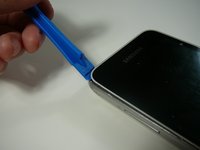
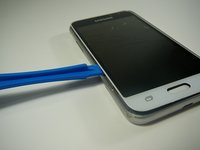
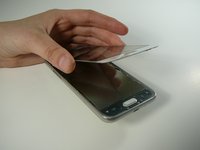
    • Use a Thin Plastic Tool (such as a guitar pick) or Plastic Prying Tool (such as a spudger) to lift out the glass digitizer and LCD screen around the edges.

    • Do this slowly and carefully, as both parts can crack very easily.

    • Ensure your tool is plastic, as a metal tool can damage the screen easily.

    询问修复机器人

    添加评论

结论

To reassemble your device, follow these instructions in reverse order.

取消:我没有完成这个指南。

7等其他人完成本指南。

2指南评论

My friend set on his phone the screen is broken. The phone will come on but the screen will not light up.

Rudolph Mc Alister - 回复 分享

Same! For TWO phones now… have you had any luck on any suggestions or figuring anything out???

Faith Dockery - 回复 分享

添加评论

浏览统计数据:

过去 24 小时: 8

过去 7 天: 19

过去 30 天: 55

总计 4,160