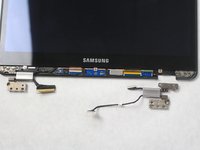
跳转到主内容
加入维修社区 - 创建账户

Samsung Chromebook Pro Hinge Replacement

你所需要的

    1. Samsung Chromebook Pro Hinge Replacement, Hinge: 步骤 1 中的图像 1,3 Samsung Chromebook Pro Hinge Replacement, Hinge: 步骤 1 中的图像 2,3 Samsung Chromebook Pro Hinge Replacement, Hinge: 步骤 1 中的图像 3,3
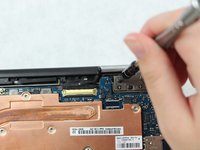
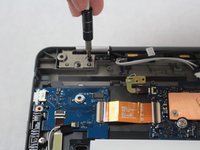
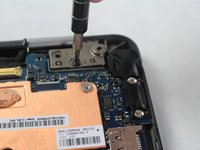
      • Remove the eight 30 mm screws from the edges of the case with the JIS J000 screw bit.

      询问修复机器人

      添加评论

    2. Samsung Chromebook Pro Hinge Replacement: 步骤 2 中的图像 1,3 Samsung Chromebook Pro Hinge Replacement: 步骤 2 中的图像 2,3 Samsung Chromebook Pro Hinge Replacement: 步骤 2 中的图像 3,3
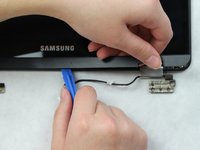
      • Slide the plastic opening tool in a corner at a steep angle, and lift up to remove the outer case.

      询问修复机器人

      添加评论

    3. Samsung Chromebook Pro Hinge Replacement: 步骤 3 中的图像 1,3 Samsung Chromebook Pro Hinge Replacement: 步骤 3 中的图像 2,3 Samsung Chromebook Pro Hinge Replacement: 步骤 3 中的图像 3,3
      在这个步骤中使用的工具:
      Tweezers
      $4.99
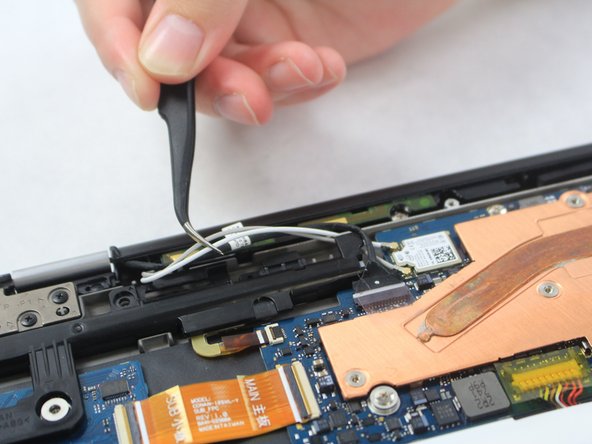
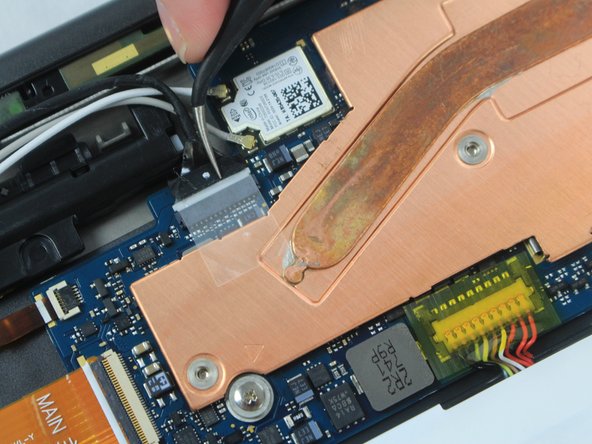
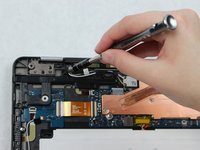
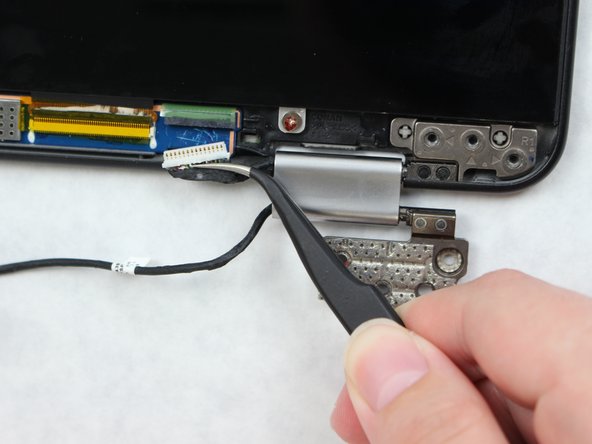
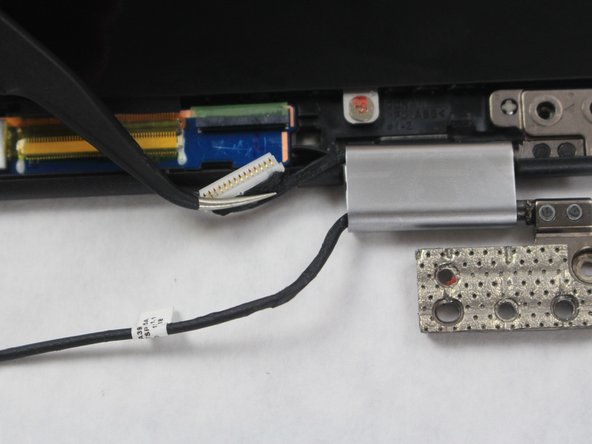
      • Locate the two white wires and one black wire. With the flat precision tweezers, untangle the white wires from the CONAN >PC+ABS< # 1-1.

      • Completely disconnect the black wire.

      询问修复机器人

      添加评论

    4. Samsung Chromebook Pro Hinge Replacement: 步骤 4 中的图像 1,3 Samsung Chromebook Pro Hinge Replacement: 步骤 4 中的图像 2,3 Samsung Chromebook Pro Hinge Replacement: 步骤 4 中的图像 3,3
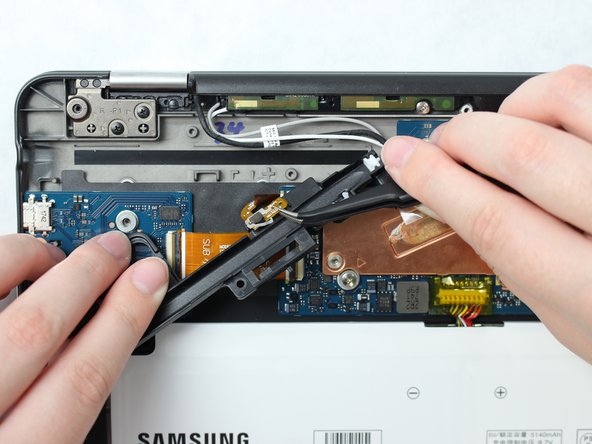
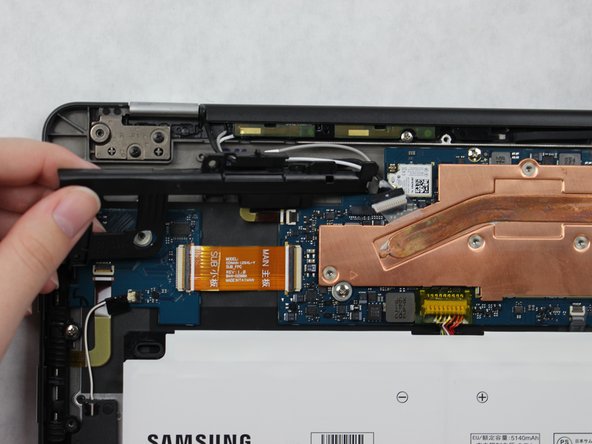
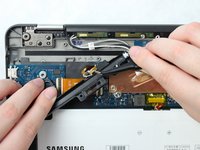
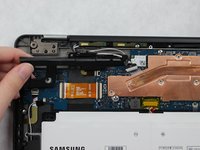
      • Remove the three 30 mm screws using the JIS J000 screw bit from the black CONAN >PC+ABS< # 1-1 plate.

      • Once all the screws are removed from the CONAN >PC+ABS< # 1-1 plate, remove the wire attached to underside and lift the plate to remove.

      询问修复机器人

      添加评论

    5. Samsung Chromebook Pro Hinge Replacement: 步骤 5 中的图像 1,3 Samsung Chromebook Pro Hinge Replacement: 步骤 5 中的图像 2,3 Samsung Chromebook Pro Hinge Replacement: 步骤 5 中的图像 3,3
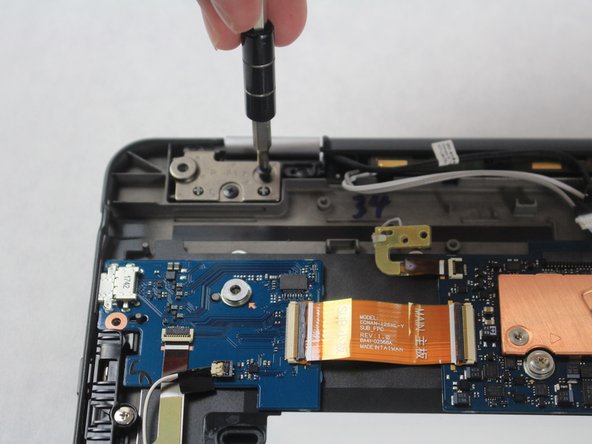
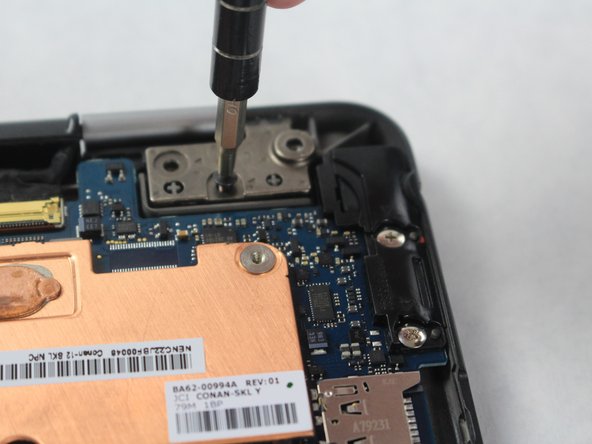
      • Locate hinge plates LP1 and RP1 on the top left and right corners of the Chromebook.

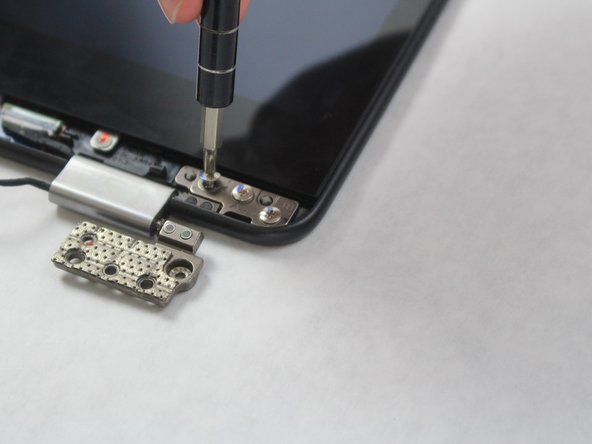
      • Remove the two 30 mm screws from hinge plates LP1 and RP1 using the JIS J000 screw bit.

      询问修复机器人

      添加评论

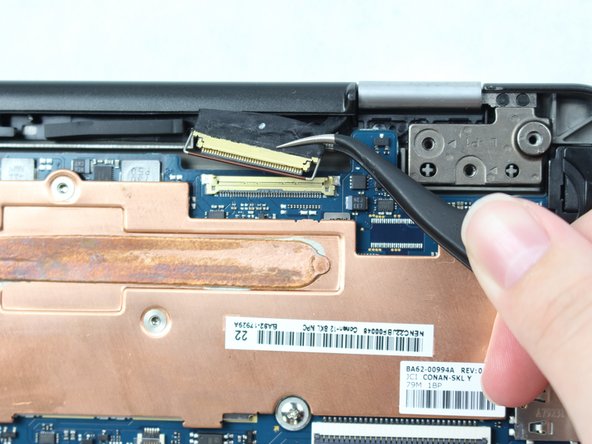
    6. Samsung Chromebook Pro Hinge Replacement: 步骤 6 中的图像 1,3 Samsung Chromebook Pro Hinge Replacement: 步骤 6 中的图像 2,3 Samsung Chromebook Pro Hinge Replacement: 步骤 6 中的图像 3,3
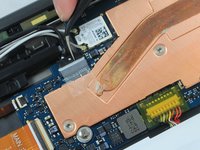
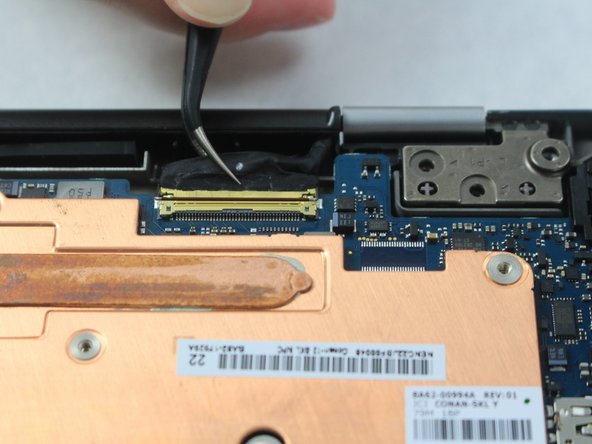
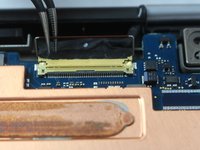
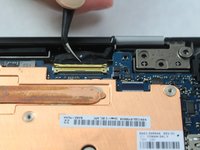
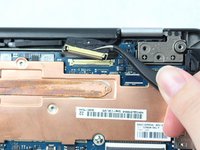
      • On the right top corner, locate the black and gold wire.

      • Lift the bar that is locking the wire in using the precision tweezers.

      • Disconnect the wire by grasping the black portion with the precision tweezers, and then pulling away from the Chromebook Pro.

      询问修复机器人

      添加评论

    7. Samsung Chromebook Pro Hinge Replacement: 步骤 7 中的图像 1,3 Samsung Chromebook Pro Hinge Replacement: 步骤 7 中的图像 2,3 Samsung Chromebook Pro Hinge Replacement: 步骤 7 中的图像 3,3
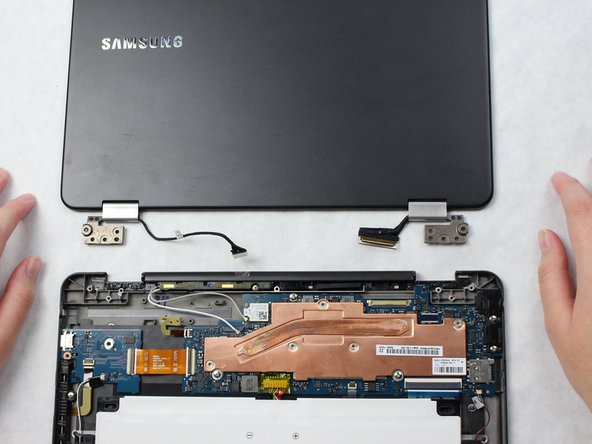
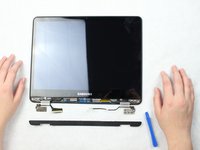
      • Completely open the Chromebook and gently separate both halves.

      • Be careful not to pull any wires.

      询问修复机器人

      添加评论

    8. Samsung Chromebook Pro Hinge Replacement: 步骤 8 中的图像 1,3 Samsung Chromebook Pro Hinge Replacement: 步骤 8 中的图像 2,3 Samsung Chromebook Pro Hinge Replacement: 步骤 8 中的图像 3,3
      • Make sure the Chromebook is facing up.

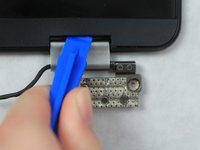
      • Place the plastic opening tool at an angle in the gap between the hinge and Chromebook screen and lift up.

      • Completely remove the plastic screen lining using the plastic opening tool.

      询问修复机器人

      添加评论

    9. Samsung Chromebook Pro Hinge Replacement: 步骤 9 中的图像 1,3 Samsung Chromebook Pro Hinge Replacement: 步骤 9 中的图像 2,3 Samsung Chromebook Pro Hinge Replacement: 步骤 9 中的图像 3,3
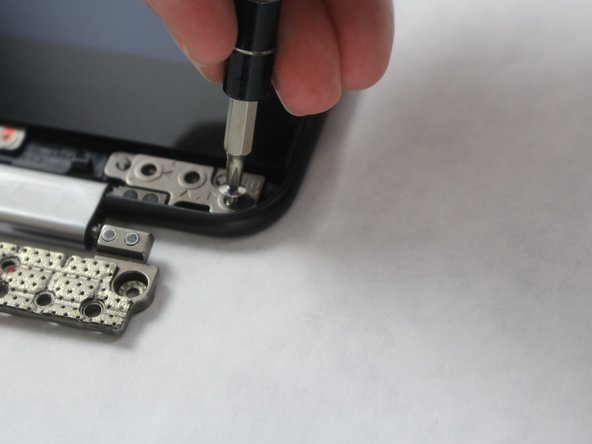
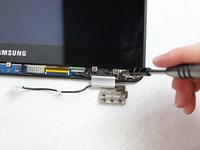
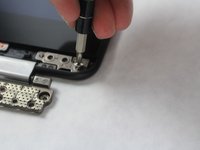
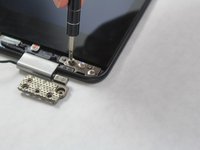
      • Remove the three 30 mm screws from hinge plate R1 and L1 using the JIS J000 screw bit.

      询问修复机器人

      添加评论

    10. Samsung Chromebook Pro Hinge Replacement: 步骤 10 中的图像 1,3 Samsung Chromebook Pro Hinge Replacement: 步骤 10 中的图像 2,3 Samsung Chromebook Pro Hinge Replacement: 步骤 10 中的图像 3,3
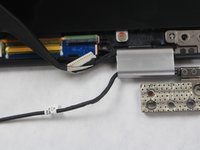
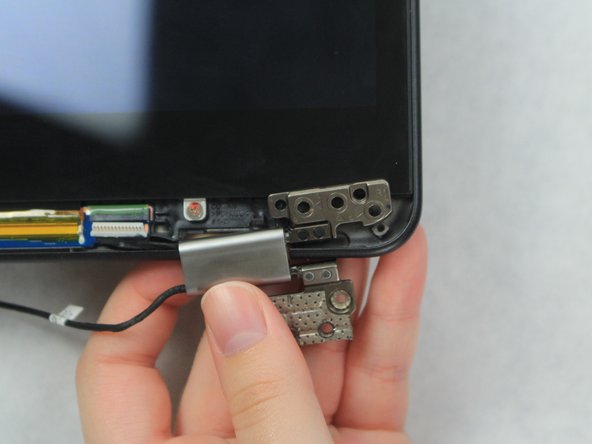
      • Disconnect the black wire on the R1 plate connected to the screen using the precision tweezers.

      询问修复机器人

      添加评论

    11. Samsung Chromebook Pro Hinge Replacement: 步骤 11 中的图像 1,3 Samsung Chromebook Pro Hinge Replacement: 步骤 11 中的图像 2,3 Samsung Chromebook Pro Hinge Replacement: 步骤 11 中的图像 3,3
      • Lift the hinge to remove from the Samsung Chromebook Pro.

      添加评论

结论

To reassemble your device, follow these instructions in reverse order.

取消:我没有完成这个指南。

5等其他人完成本指南。

6指南评论

Great guide! One question: where can I buy the actual replacement hinge? Any tips?

Guy - 回复 分享

I was able to find the hinges for mine on the Global Direct Parts web site. The item name is: OEM Samsung Chromebook Plus XE513C24, Pro XE510C24 Metal Hinge Set

Rob Riggle - 回复 分享
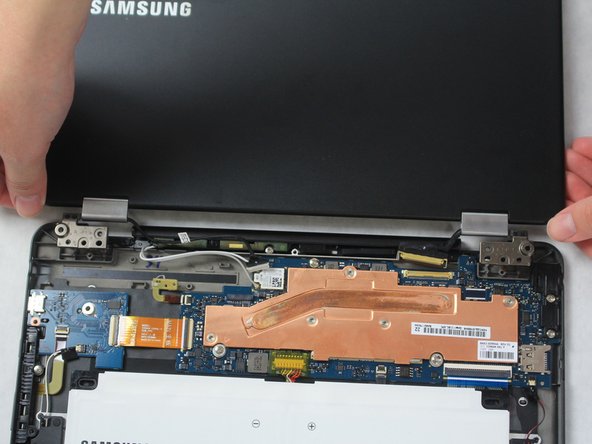
How did you remove/unloop the cables in the hinges? do they just come right off?

Darby - 回复 分享

The cables are just pushed into the side of the hinge. One side had a stopper holding the cable in place that I had to pull out, but the other had nothing holding the cable (that was the broken hinge on my chromebook, so maybe it had a stopper that had fallen out at one point). Once the stopper was removed from the one hinge, I could pull the cables out, and push them into new hinges.

Andrew Cullum - 回复 分享

Just replaced these hinges on my computer … was only a bit confused with the stopper in the hinge but otherwise this guide was extremely helpful. Took about 30 min to do …

christophermdiaz - 回复 分享

添加评论

浏览统计数据:

过去 24 小时: 1

过去 7 天: 8

过去 30 天: 41

总计 9,565